Keeping students engaged in a virtual classroom can be challenging, but with the right strategies, you can create an interactive and productive learning environment. Here are five proven tips from successful educators on Teamlilit.
1. Start Every Session with an Icebreaker
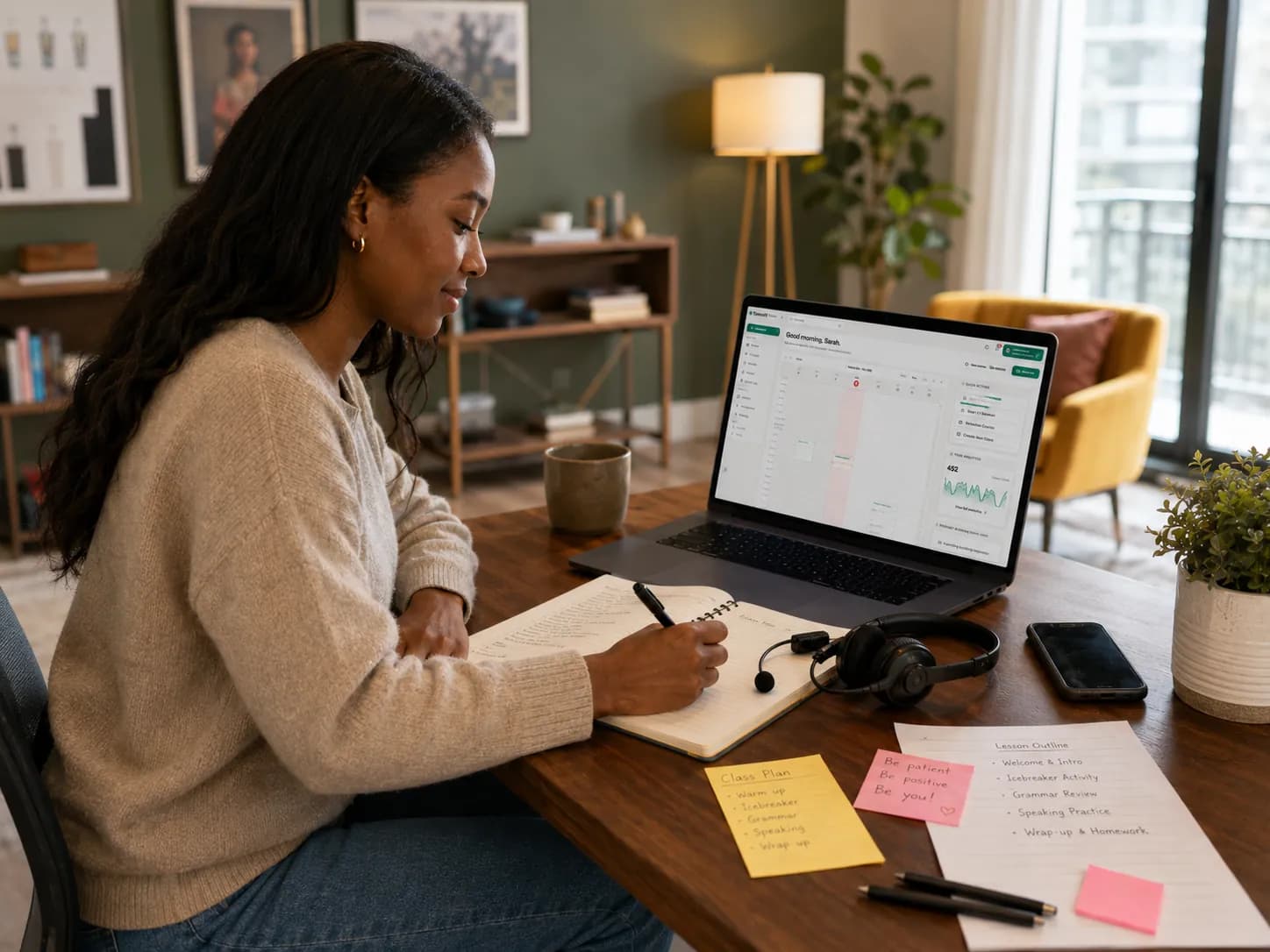
The first five minutes of your class set the tone for the entire session. Instead of jumping straight into the lesson, start with a brief icebreaker activity.
Ideas for Quick Icebreakers
- Two Truths and a Lie adapted for the subject matter
- Quick question in the chat about a trending topic related to the lesson
- Show and tell where students share something from their desk
- Word association game with vocabulary from the previous lesson
2. Use the Whiteboard as Your Central Hub
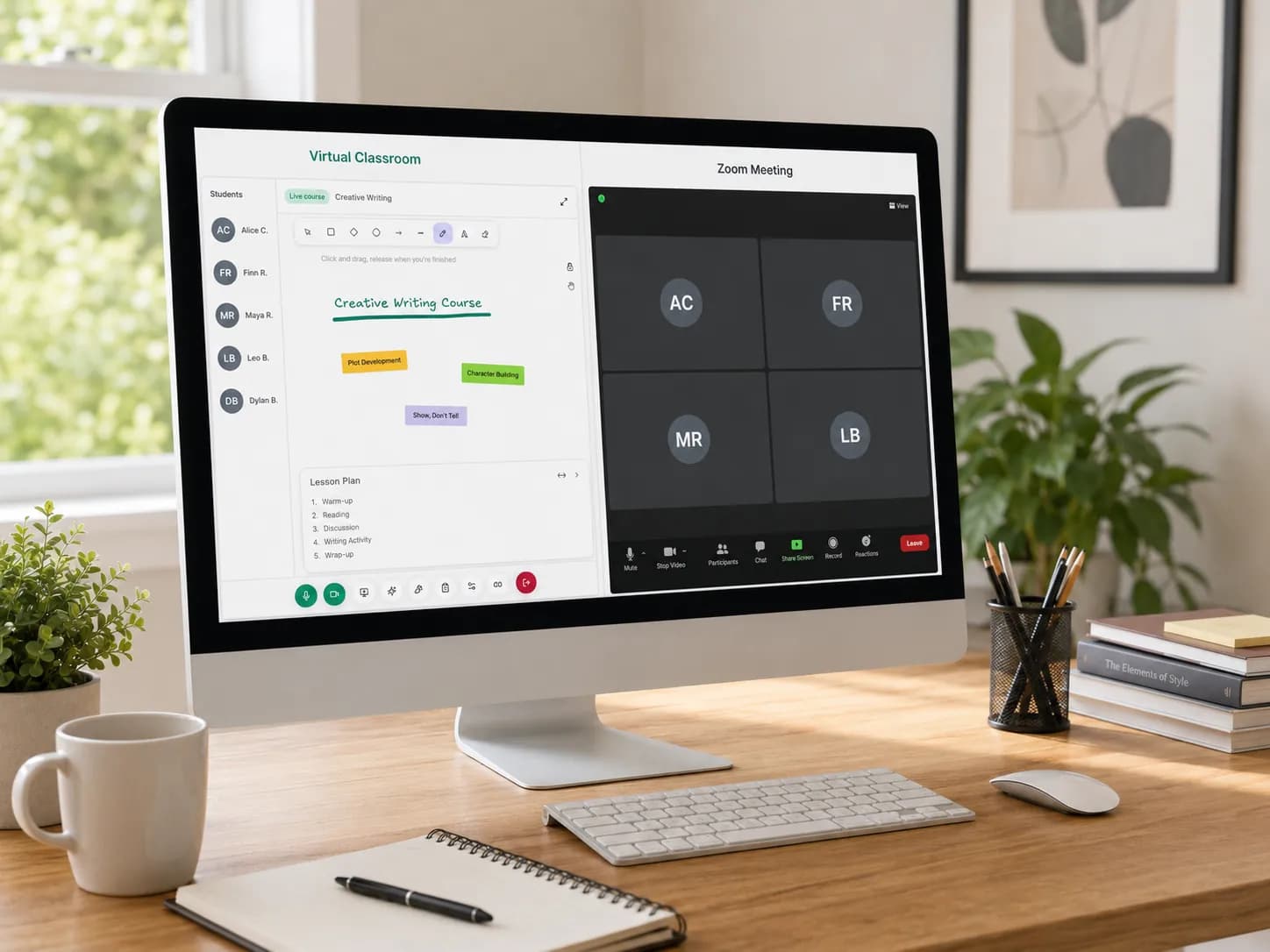
The collaborative whiteboard is one of the most powerful tools for online teaching. Instead of relying solely on slides, use the whiteboard to:
- Draw diagrams in real-time while explaining concepts
- Let students annotate directly on shared visuals
- Create mind maps collaboratively with the class
- Solve problems step-by-step with student input
Making Whiteboard Sessions Interactive
Invite students to take turns drawing or writing on the whiteboard. This simple act of giving them control transforms passive watchers into active participants. Our online maths lesson plan shows the handover in a real lesson, minute by minute.
3. Break Your Session into Micro-Segments
Research shows that attention spans in online environments are shorter than in physical classrooms. Structure your sessions in 10-15 minute micro-segments:
| Segment | Duration | Activity Type |
|---|---|---|
| Introduction | 5 min | Icebreaker + agenda |
| Teaching Block 1 | 12 min | Content delivery |
| Activity 1 | 5 min | Interactive exercise |
| Teaching Block 2 | 12 min | Content delivery |
| Activity 2 | 5 min | Group discussion |
| Wrap-up | 5 min | Summary + Q&A |
4. Put Students on the Stage
In a group session, shy students can feel invisible behind their small video tiles. In Teamlilit, the main stage is the focus of the classroom, and you decide who is on it. Use that deliberately.
Effective Stage Strategies
- Have students present a solved exercise from the stage
- Rotate the spotlight so everyone gets stage time across the month
- Pair it with the whiteboard so the presenting student draws while explaining
- Keep stage turns short, two or three minutes is enough to switch a student from passive to active
Students who rarely speak up often transform when the structure, not their courage, decides that it is their turn.
5. End with a Reflection Activity
Do not let your session end abruptly. The last few minutes are crucial for knowledge retention.
Reflection Techniques
- Exit ticket: One thing learned, one question remaining
- Summary challenge: Students summarize the lesson in three sentences
- Peer teaching: One student explains the key concept to another
- Preview teaser: Share an exciting glimpse of what is coming next
Frequently Asked Questions
How do I keep students engaged in online lessons?
Change the rhythm every 10 to 15 minutes: alternate explanation, questions, whiteboard work and student-led moments. Engagement drops when any single mode runs too long, regardless of how good the content is.
How long should an online tutoring lesson be?
45 to 60 minutes works best for most one-to-one lessons. Younger students often do better with 30 to 45 minutes, and anything beyond 90 minutes needs a proper break in the middle.
What tools make virtual classes more engaging?
A shared whiteboard, quick polls or quizzes, and a stage or spotlight feature for students carry most of the engagement load. Our guide to the best tools for online tutors compares the current options.
Putting It All Together
The most engaging virtual classrooms are not about flashy technology. They are about thoughtful design that puts student interaction at the center. Start with one or two of these tips and gradually incorporate more as you become comfortable.
Engagement also depends on consistency: students show up ready when sessions run at the same time every week. Dedicated tutoring scheduling software keeps that rhythm with recurring lessons and reminders, so every class starts on a predictable footing. And the room itself matters: a virtual classroom for tutors that connects the lesson to your students and schedule removes the friction that quietly drains engagement. If you are still teaching on a plain meeting link, our guide on virtual classroom vs Zoom for online tutoring explains what changes.
Quick Checklist
- Plan an icebreaker for your next session
- Prepare at least one whiteboard activity
- Structure your content in micro-segments
- Plan who gets stage time this week
- Design a reflection activity for the end
Ready to create more engaging virtual classrooms? Start your free trial and explore all the tools Teamlilit offers for interactive online teaching.