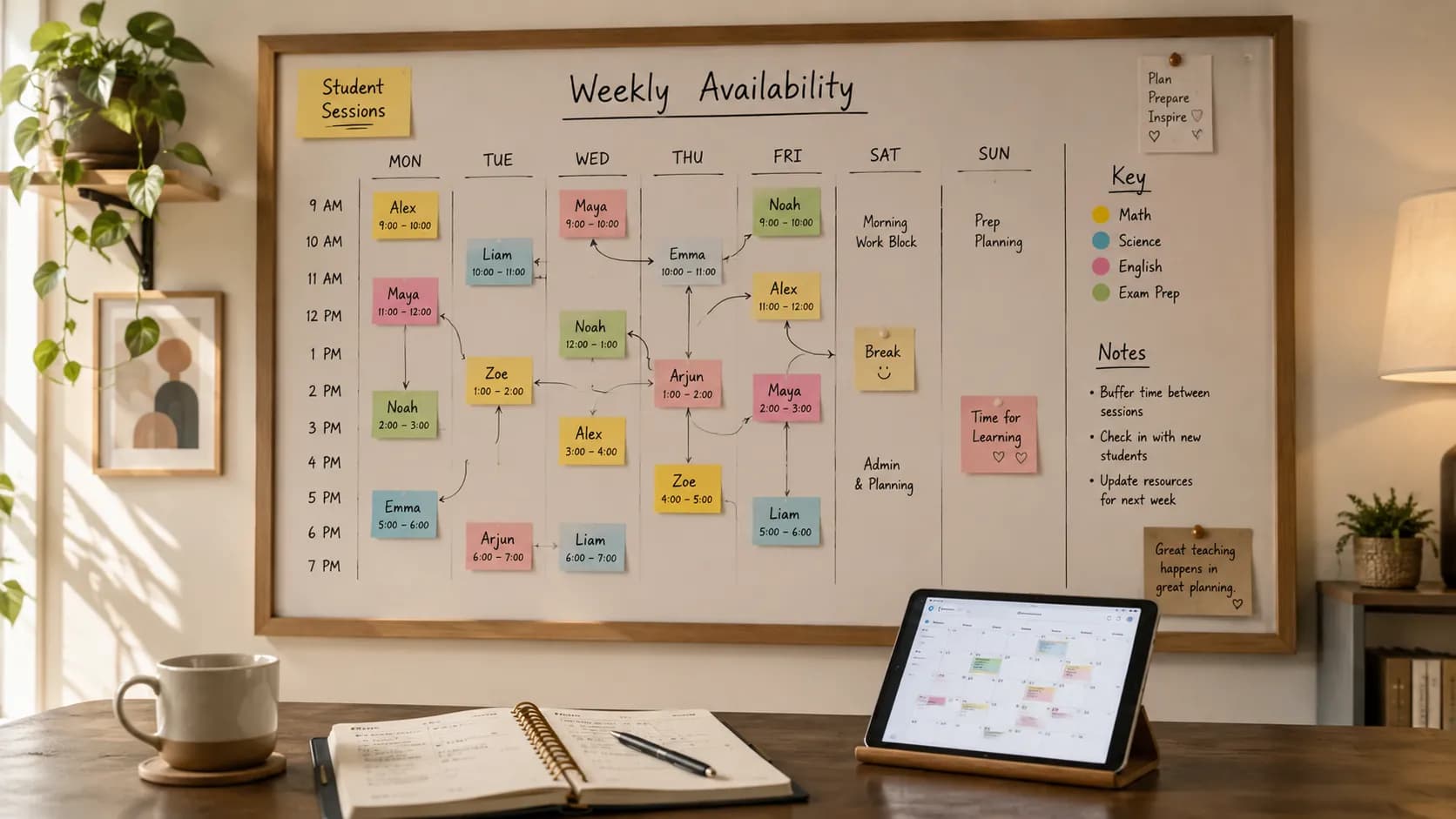
Most tutors do not lose lessons because they are disorganised. They lose them because class scheduling for tutors is made of tiny moving parts: a cancellation here, a make-up session there, a trial lesson squeezed in on Thursday. Manage all of that across Google Calendar, a spreadsheet, and a few WhatsApp threads, and sooner or later two lessons land on the same slot, or a rescheduled one quietly disappears.
That exact frustration surfaced again this week when a Reddit thread asked how tutors currently manage scheduling. The replies were a catalogue of near-misses: double bookings, forgotten catch-ups, and late cancellations that left a paid slot empty. It is a useful signal, because it shows the real problem is not "which app is best" in the abstract. It is which method actually stops a clash before it happens.
So this is a comparison, not a sales pitch. Below are five ways tutors handle scheduling, ranked by how well each one prevents double-booking, with an honest note on where each breaks down. Pick the one that fits your current stage; you do not have to change your whole setup overnight.
Quick answer: The best tutor scheduling tool depends on your stage. Google Calendar and spreadsheets can work for a small, stable timetable, but tutor-specific scheduling software becomes more useful once bookings, cancellations, attendance, lesson notes, and invoices need to stay connected.
First, match the tool to your stage
Before the list, a quick way to place yourself. The right method depends on two things: how many students you teach and how many changes hit your week.
- A handful of students, stable times. A colour-coded calendar or a spreadsheet is genuinely enough. Do not over-tool a simple week.
- Growing list, frequent changes. Once cancellations, make-ups, and trials are a weekly event, a shared source of availability starts to matter more than a prettier calendar.
- Booking, records, and billing all tangled together. When you find yourself copying the same lesson into three places, that copy-paste is the signal to move to something connected, whether that is a booking app or dedicated tutor scheduling software.
Keep that self-check in mind as you read. The clash-prevention score is what separates these five.
Tool 1: Google Calendar with colour codes
The default, and for good reason. It is free, installed on everything, and shared with almost everyone already.
Set it up to prevent clashes: create a recurring event per student, give each student a distinct colour so overlaps are visible at a glance, add the guardian's email to the invite so the lesson lands in their calendar too, and set two reminder alerts (say 24 hours and 1 hour before). Colour coding is the quiet superpower here: a clash shows up as two blocks fighting for the same row.
Where it breaks down: the calendar shows the appointment, not the story behind it. It does not know that this student has three prepaid lessons left, that last week was a late cancellation, or what you covered. And nothing stops you from manually dropping two lessons on the same time; it will show the overlap, but it will not refuse it. For the mechanics of turning a calendar into a proper recurring plan, see how to build a tutoring timetable.
Clash prevention: good visibility, no enforcement.
Tool 2: A spreadsheet timetable
A spreadsheet is the workhorse for tutors who like to see the whole week as a grid. It shines when your sessions are irregular or you want a printable overview.
Set it up to prevent clashes: lay out days as columns and time slots as rows, one student per cell, and add conditional formatting that highlights any cell where two names collide. That turns a silent double-booking into a red flag you cannot miss. If you would rather not build the grid from scratch, our free tutor timetable template gives you a ready weekly layout you can fill in and export.
Where it breaks down: a spreadsheet is a snapshot, not a system. It does not send reminders, it will not stop a parent messaging you for a slot that is already taken, and it needs manual upkeep every time something changes. For the full case on when a grid is enough and when it is not, read our deeper comparison of tutor software versus a spreadsheet.
Clash prevention: good if you maintain it, but entirely manual.
Tool 3: Messaging app booking boards (WhatsApp and similar)
Almost every tutor ends up here by default, because parents and students already message them. It is fast and personal, which is exactly why it is so hard to keep straight.
Set it up to prevent clashes: pin a message listing your available times so people can see what is open before they ask, and after each lesson send a short poll or message to lock the next slot rather than leaving it to memory. That single habit, confirming the next session before the current one ends, prevents most catch-up chaos.
Where it breaks down: messages are a terrible calendar. There is no single view of your week, no reminders, and no way to see a clash until two people have both "confirmed" the same Thursday. The convenience that makes it easy is the same thing that buries a rescheduled lesson three chats deep.
Clash prevention: weak. Fine as a communication layer, unreliable as a schedule.
Tool 4: Generic booking apps (Calendly, Setmore, and similar)
A booking app replaces the back-and-forth with a single link. You publish your availability once, and people pick an open slot themselves, which removes the "what times do you have?" thread entirely.
Set it up to prevent clashes: create distinct event types (trial, regular lesson, emergency catch-up) with the right length and buffer for each, and connect the app to your calendar so booked time is blocked automatically. Because everyone books from one live source of availability, two people cannot grab the same slot.
Where it breaks down: the app handles the appointment and stops there. Student records, attendance, lesson notes, and invoicing all live somewhere else, so you end up copying details across tools. If you are weighing this route specifically, we go deep on using Calendly for tutoring and where it fits.
Clash prevention: strong for the booking itself, but disconnected from the rest of your admin.
Tool 5: Tutor-specific tools (including Teamlilit)
The step up from a booking app is software built for tutoring, where the booking, the student, and the billing are the same record instead of three. This is where scheduling stops being a standalone task and starts feeding the rest of your week. Teamlilit is one option here, so the honest, verified specifics are worth being precise about.
How it prevents double-booking, exactly: every tutor gets an opt-in public booking page (at /t/your-username) where anyone can see the exact time slots you have made available, with no login needed just to look. Bookings from existing students inside your published availability can be confirmed automatically and land straight on your calendar, while new-student or outside-availability requests wait in your requests queue for your approval. Either way the slot is tied to a student record, and because everything is drawn from one source of availability, two people cannot silently end up on the same slot. You keep the control where it matters, without hand-scheduling every regular lesson.
Cancellations that cannot re-clash a slot: set a cancellation window (in hours) in your policy settings and Teamlilit enforces it on the server. A student who tries to cancel a one-to-one session inside that window is blocked, so a late cancel cannot quietly free the slot for a last-minute clash. It is enforced, not just displayed as a policy note.
Keep your Google Calendar too: connect Google Calendar and your Teamlilit sessions are pushed across automatically, created, updated, and removed as sessions change. This is a one-way sync (Teamlilit to Google), so Teamlilit stays the single place you manage lessons and Google simply mirrors them, without you re-entering anything. Changes made directly in Google Calendar do not flow back, which is the honest limit worth knowing.
Scheduling that feeds billing: because attendance is recorded against each session, Teamlilit can turn attended lessons into editable invoice lines for a chosen billing period that you review and save, and it will not bill the same session twice. It is a short guided flow rather than a single click, but it means the schedule you already kept does most of the invoice for you.
If you want the full picture of letting students book without the message ping-pong, see let students book lessons online, and the attendance sheet template shows how attendance feeds the rest.
Clash prevention: strongest, because availability, approval, and enforcement live in one place.
A quick way to choose
Line the five up against the one question that matters, "can two lessons land on the same slot?", and the ranking is clear:
- Messaging apps: easiest to start, weakest at preventing clashes. Keep them for talking to people, not for holding your schedule.
- Google Calendar and spreadsheets: good visibility of clashes, but they rely on you to catch and fix them by hand.
- Booking apps: strong at preventing the booking clash, but they leave your records and billing scattered.
- Tutor-specific software: strongest, because the slot, the approval, and the cancellation rule all draw from one source, and the booking connects to the student and the invoice.
Most tutors do not need the most powerful option on day one. They need the one that matches this term's student count and rate of change, with a clear idea of what to move to next.
Is there an affordable option, and what does affordable mean here?
Cost usually decides this, and it is the one place tutors compare the wrong number. The sticker price of a scheduling tool is not what it costs you. The real figure is that price plus the admin hours it leaves on your plate.
- Free tools are free at the booking, not after it. Google Calendar, a spreadsheet, and the free tier of a generic booking app all get someone into a slot at no cost. What they hand back is every step that follows: chasing a reschedule by message, remembering who actually attended, and rebuilding the invoice from memory at the end of the month.
- Paid tutor tools charge once and absorb the follow-through. The same cancellation is handled by the policy you set rather than a conversation, and the lesson that did run becomes a line on an invoice without being retyped.
- The crossover is a student count, not a budget. Below roughly ten regular students the free stack genuinely holds. Above it the admin grows faster than the teaching, and the monthly fee starts costing less than the hours it removes.
A useful test before paying for anything: for one week, note every message you send purely to arrange, move or confirm a lesson. If that list is short, stay where you are. If it fills a page, the cheapest tool on the list has stopped being the affordable one.
On cancellations specifically, what you are paying for is the rule instead of the conversation: a cancellation policy that applies at your cut-off, students rescheduling themselves inside the limits you set, and Google Calendar sync so a freed slot shows up everywhere at once. Our cancellation policy template gives you the wording to start from, whichever tool you land on.
Move your next 7 days into a cleaner system
You can test a better setup in a single afternoon without abandoning what you use now.
- Export your current commitments. Pull every lesson from wherever it lives right now into one view so you can actually see the week.
- Run it through the stage check above. If clashes are already slipping through, you have your answer about which method to trial.
- Send one announcement. Tell students and parents the single place bookings and changes now happen, so requests stop scattering across channels.
- Review after a week. Count the near-misses and the number of back-and-forth messages. Fewer of both means the change is working.
When you have outgrown your current method
Three red flags say it is time to move up a tool, whatever you use today:
- More than a couple of no-shows a week, because reminders and a real cancellation cut-off would have caught them.
- Unpaid lessons piling up, because your schedule and your invoicing are not talking to each other.
- Weekend copy-paste marathons, rebuilding next week by hand from three different places.
If you are rebuilding the same week and copying lesson details between tools, see how Teamlilit can run your tutoring timetable from recurring lessons. Students, attendance, taught hours and reschedule history stay attached to each lesson, student bookings use the same availability, and the lesson record feeds invoicing.
UK tutors still comparing the paid options can use our guide to the best tutor timetable software in the UK to check which fits their week.
Frequently asked questions
What is the best scheduling tool for private tutors?
The best scheduling tool depends on how many students you teach and how often your timetable changes. A calendar or spreadsheet can work for a small, stable week, but tutor-specific scheduling software is better once bookings, cancellations, attendance, notes, and invoices need to stay connected.
Is Google Calendar enough for tutoring?
Google Calendar can be enough if you teach a small number of students at fixed times. It becomes harder when you manage trial lessons, cancellations, make-up sessions, parent reminders, student records, and billing in different places, because the calendar shows the appointment but not the history, attendance, or billing behind it.
What is the difference between a booking app and tutor scheduling software?
A booking app helps people choose an available slot. Tutor scheduling software goes further by connecting the booking to student records, lesson notes, attendance, cancellation rules, and invoicing, so you are not copying the same lesson into three separate tools.
How can tutors avoid double-booking lessons?
Use one source of availability, avoid confirming lessons across separate WhatsApp threads, add buffer time between sessions, and move recurring lessons, cancellations, and make-up sessions into a system that shows conflicts clearly. A shared availability calendar that everyone books from is the single biggest fix.
Are there affordable tools for managing class calendars and cancellations?
Yes, at every price point, and the choice is less about the fee than about where the work lands. Free options such as Google Calendar or the free tier of a generic booking app handle the calendar itself but leave you to manage cancellations, attendance and billing by hand. Tutor-specific tools charge a monthly fee and take on the follow-through: a cancellation policy applied at your cut-off, students rescheduling themselves within the rules you set, and lessons that become invoices from the attendance record. Below roughly ten regular students the free route usually holds; past that, the admin hours tend to cost more than the subscription.
What should I look for in a tutoring scheduling tool?
Look past the booking step, because that is the part every tool does well. The questions that separate them are what happens when a lesson is cancelled, whether a student can move a booking themselves without messaging you, whether it syncs with the calendar you already live in, and whether an attended lesson becomes an invoice without retyping. A tool that stops at the booking leaves you running attendance, notes and billing somewhere else.
Try it with your real students
Here is a simple challenge worth taking before your next lesson: set up a public booking page, share the link with one parent or student, and watch a booking arrive without a single scheduling message. Measure it two ways after a week, by how many fewer messages you send and by how much of your invoicing was already done for you. If both numbers move, you have found the method that stops the double-booking for good.
Ready to stop chasing slots across five apps? Explore dedicated tutor scheduling software and put your next week on one calendar that manages itself.