Running an online language school starts manageably. A few tutors, a handful of classes, a spreadsheet for who is enrolled, a chat group for reminders, and a separate app for invoices. It works, just about.
Then you add a third tutor and a fourth class, and the seams show. One tutor double-books a slot because they only see their own calendar. A student stops paying and nobody notices for a month because the register and the invoices live in different files. A parent asks which class their child is in and it takes three tabs to answer. The teaching is fine. The coordination is quietly falling apart.
This guide is about fixing that: replacing the patchwork of spreadsheets and scattered tools with one connected system, so enrolment, scheduling, attendance, billing, and safeguarding stop being separate jobs you stitch together by hand.
Why the patchwork breaks at scale
A solo tutor can run on a calendar and a notebook. A school cannot, and the reason is oversight. The moment teaching is shared across several people, the owner needs a single place to see what is happening: which classes run when, who is enrolled, who attended, and who has paid. When that information is spread across each tutor's own tools, no one holds the whole picture, and things fall through the gaps precisely where two systems meet.
The fix is not more spreadsheets, it is fewer systems. Purpose-built online language school software, part of a connected tutoring management platform, keeps students, tutors, classes, scheduling, and billing in one place, so the school runs as one thing rather than several loosely coordinated parts.
Step 1: Define your course structure
Before any software, get the shape of the school clear:
- Levels or streams. Map your courses to a recognised framework, for example CEFR levels from A1 upward, so students always know where they are and where they are going.
- Class format and size. Decide which courses are small groups and which are one-to-one, and cap group sizes so classes stay effective.
- Session rhythm. Fixed weekly slots per class, aligned to terms, give families predictability and make scheduling far simpler.
This structure is what everything else hangs off: enrolment, the timetable, and billing all reference the same set of classes.
Step 2: Put every class and tutor on one timetable
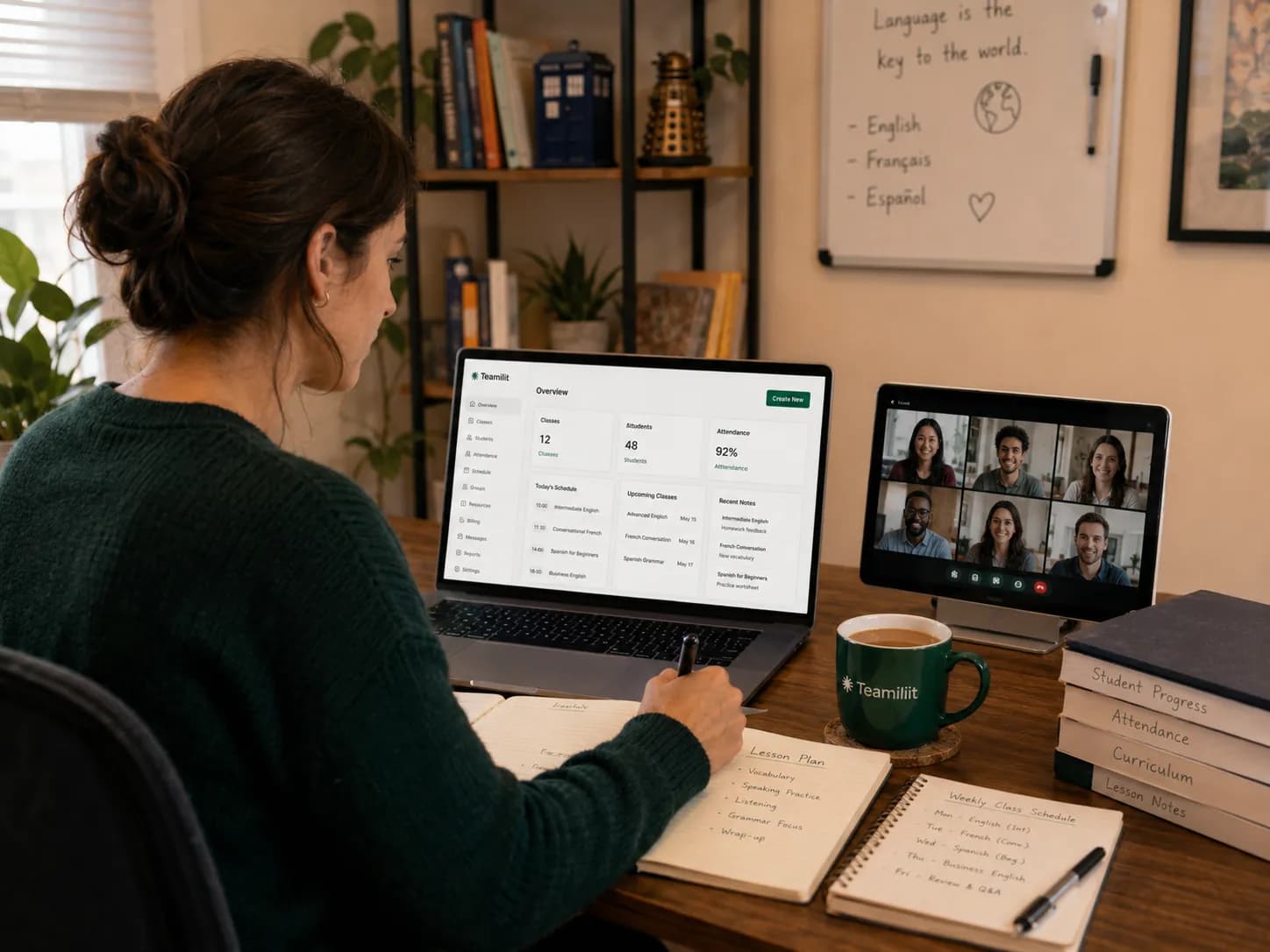
The single biggest win is a shared calendar for the whole school. Each tutor sets their own availability and sees their own timetable, but admins see every class across every tutor in one view. Double-bookings become visible instead of discovered after the fact, and a parent's "which class is my child in?" is a one-glance answer. That admin-side view of every tutor at once is what separates tutoring centre software from a tool built for a single teacher.
This is where group tutoring software and central scheduling earn their place: recurring classes for each course, each with its assigned tutor and enrolled students, all writing to the same calendar. For the mechanics of running the group classes themselves, our guide on managing group tutoring sessions covers attendance, notes, and per-student billing in detail.
Step 3: Enrol students into classes, not spreadsheets
Enrolment is where the patchwork usually starts, so it is worth getting right. Rather than a spreadsheet row and a manual calendar invite, let students or parents register once: they provide their details and level, consent to your terms, and enrol into the specific class. From that point their profile, their class, and their billing are all linked, so nothing has to be re-entered or cross-referenced later.
Step 4: Track attendance automatically across every class
Paper registers do not scale across a school, and manually reconciling who attended which class each week is exactly the kind of admin that eats an owner's evenings. When students join their online class through the system, attendance is captured for each student as they join and leave, per class, without anyone ticking a box.
That automatic record is what makes everything downstream honest: billing that matches what students actually attended, follow-up for the ones who missed a session, and a real answer when a parent asks how their child is doing. If you are still building the habit by hand, our free attendance sheet template is a good starting point before the software takes it over.
Step 5: Bill from enrolment and attendance, not by hand
Financial oversight is where scattered tools cost real money. Instead of raising invoices one at a time across families, generate them from the classes each student is enrolled in and has attended. That is the job billing software for tutoring centres does: one invoice run across every tutor, with payment status visible per family.
Pick a consistent model, per class per term, or a monthly subscription, and let the system produce each family's invoice and flag who has paid and who is late. Because the invoices are built from enrolment and tracked attendance, a student's bill always matches their real place in the school. This is what attendance-based invoicing is designed to do at scale: turn the register into the bill, so nobody is taught for free and no revenue quietly leaks.
For paying your tutors, the same tracked sessions give you their teaching hours per class, so tutor time tracking feeds payroll without a separate timesheet to chase.
Step 6: Safeguarding for a small online setting
An online language school teaching under-18s is not an informal arrangement in the eyes of UK guidance, it is an out-of-school setting, and the Department for Education's guidance for out-of-school settings applies. In practice that means:
- A designated safeguarding lead for the school, even a small one, with clear reporting lines.
- Appropriate DBS checks for every tutor. Since January 2026 self-employed tutors can apply for their own Enhanced DBS via a registered umbrella body; where you engage tutors, make the right level of check part of onboarding.
- A written child-protection policy shared with families, plus basic online-safety practices for your virtual classrooms.
- Reliable records. Attendance and safeguarding records that you can actually produce if asked.
Handling this well is not just compliance, it is a selling point: parents choosing between providers notice the one that takes safeguarding seriously.
Step 7: Keep data and communication under control
Under UK GDPR you are responsible for the student and family data your school holds: collect only what you need, store it securely, and get parental consent for children's data. Centralising records in one GDPR-minded system is easier to govern than data scattered across personal drives and chat histories.
For communication, separate the school-wide from the personal: class-wide announcements and schedule changes go to everyone in a class at once, while anything about an individual student goes to that family directly.
Bringing it together
A language school lives or dies on coordination. Define your course structure, put every class and tutor on one timetable, enrol students into classes rather than spreadsheets, track attendance automatically, and bill from that record. Wrap it in the safeguarding and data practices a small setting needs.
Do that across five disconnected tools and you spend your week being an administrator. Do it in one system where enrolment, scheduling, attendance, and billing already talk to each other, and you get to run a school instead of reconciling one.
FAQ
What is the hardest part of running an online language school?
The teaching is rarely the problem; the coordination is. Once you have several tutors and classes, the hard part is keeping enrolment, scheduling, attendance, and billing in sync. When each tutor works from their own calendar and spreadsheet, the school owner loses oversight, which is why most schools eventually move to a single connected system.
How do I manage multiple tutors and classes without conflicts?
Run everything off one shared timetable. Each tutor has their own availability and classes, but the whole school lives in one view, so double-bookings are visible and admins keep oversight. A central calendar is what replaces the patchwork of separate tutor calendars.
How should an online language school handle billing?
Charge per class per term or as a monthly subscription, and generate invoices per student from the classes they are enrolled in and attend. Tying billing to attendance and enrolment, rather than raising invoices by hand, is what stops revenue slipping through the cracks as the school grows.
What safeguarding do I need for an online language school?
An online school teaching under-18s falls under the DfE's out-of-school settings guidance. Appoint a designated safeguarding lead, ensure tutors have appropriate DBS checks, keep a written child-protection policy, and hold clear attendance records. Treat it as a small setting with real policies, not an informal arrangement.
Do I need to charge VAT for an online language school?
It depends on your turnover and structure. In the UK you must register for VAT once taxable turnover goes over the £90,000 threshold. Tuition also has specific VAT rules that can change once teaching is delivered by others rather than by you personally, so check the current rules or an accountant if you are near the threshold or growing your tutor team.
Sources
- Out-of-school settings: safeguarding guidance for providers - GOV.UK (Department for Education). Applies to online tuition providers: safeguarding lead, safer recruitment, and records.
- Register for VAT - GOV.UK. You must register once taxable turnover goes over the £90,000 threshold.
- DBS checks for self-employed people - GOV.UK. Since Jan 2026, tutors can apply for their own Enhanced DBS via an umbrella body.
- Guide to the UK GDPR - Information Commissioner's Office.