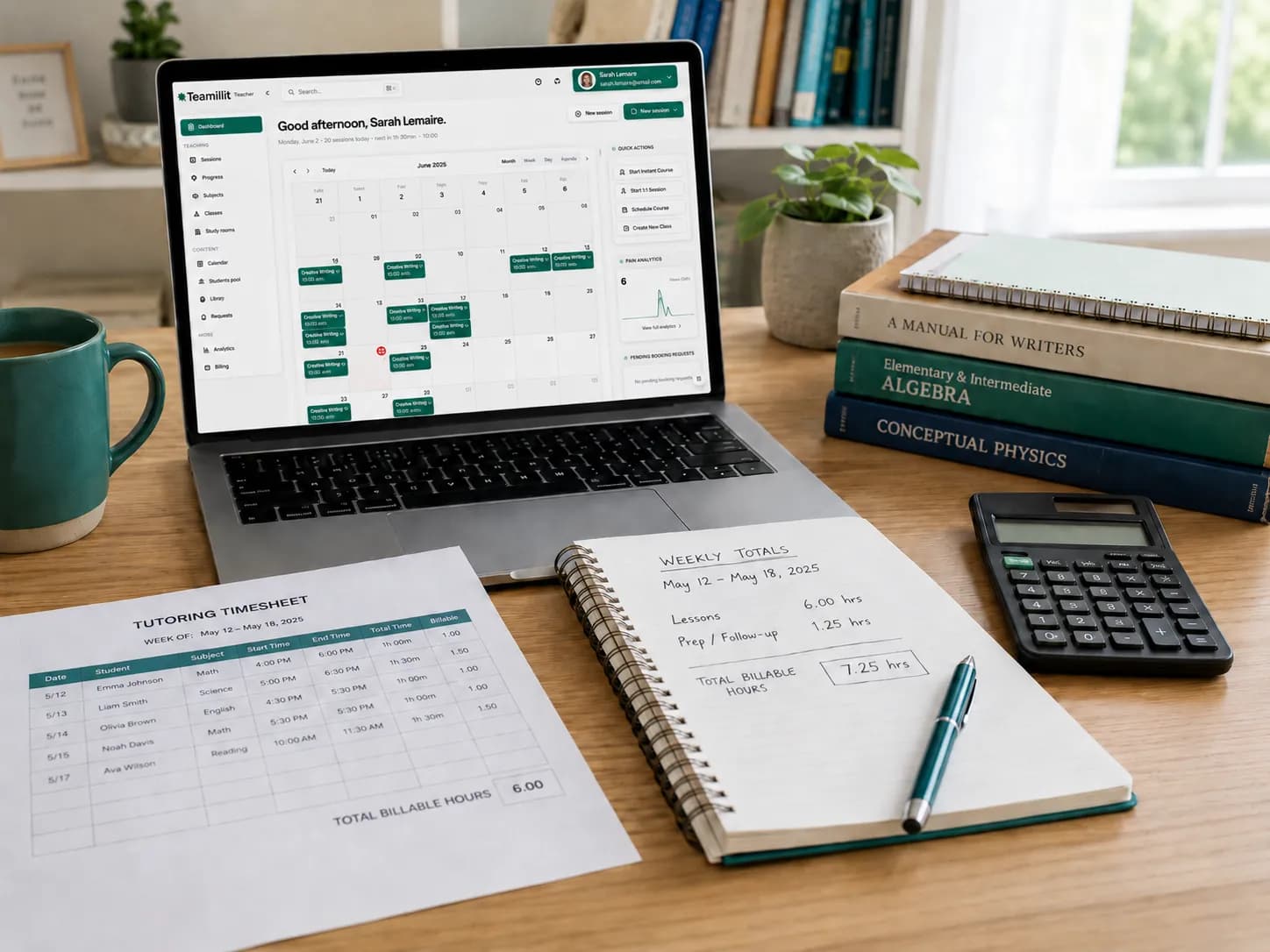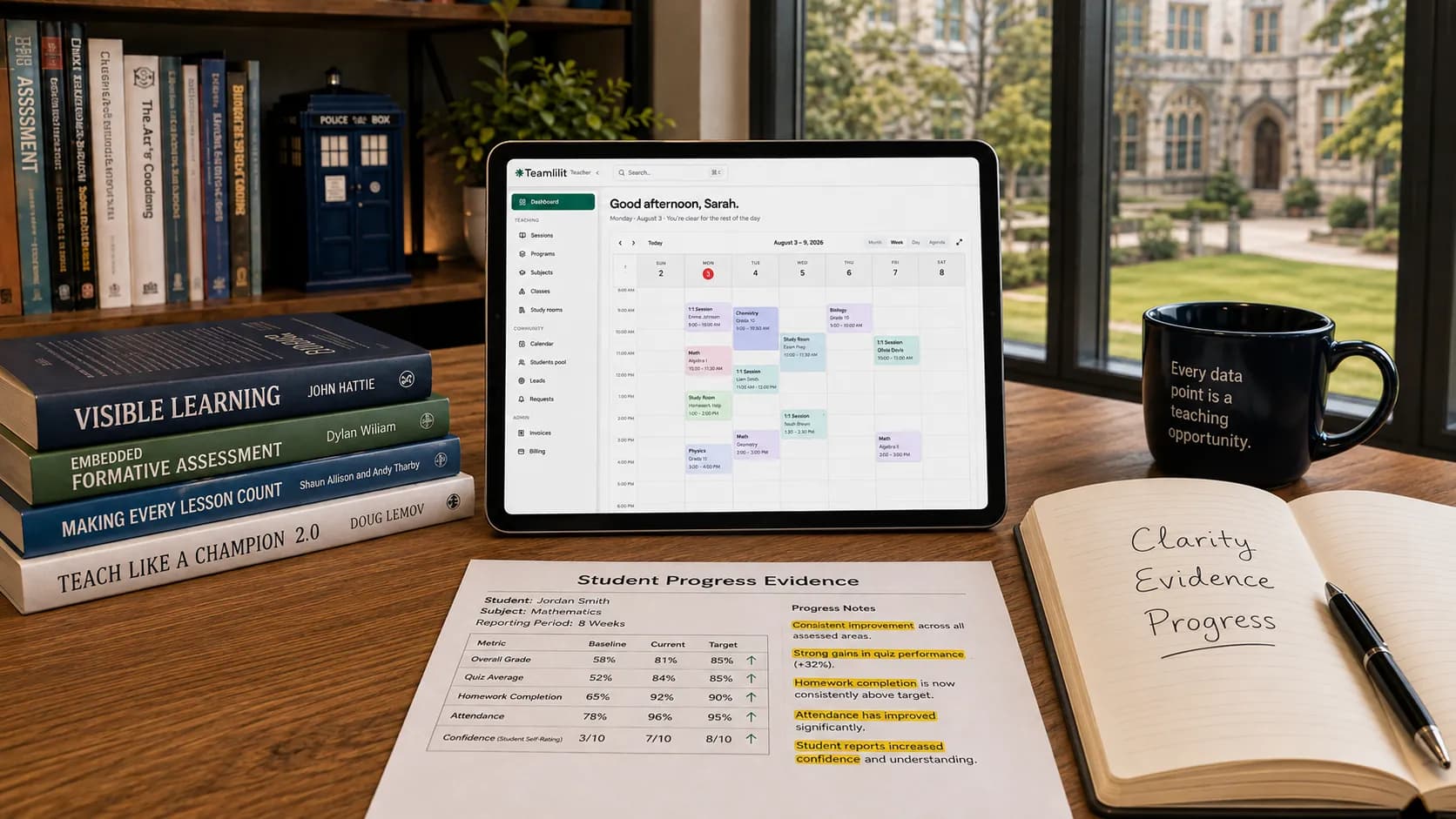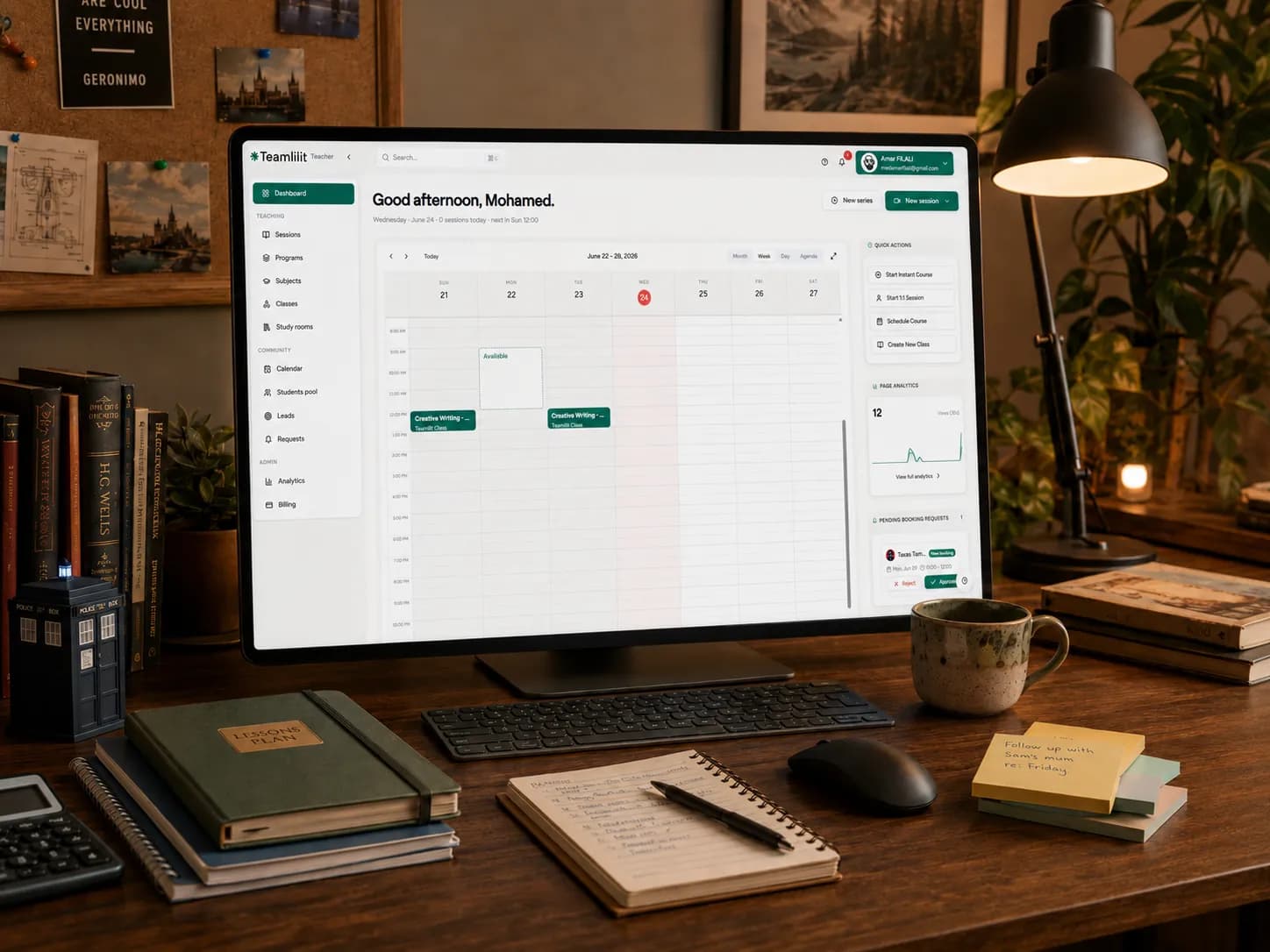
When you first start tutoring, a spreadsheet feels like the obvious choice. It is free, it is flexible, and you can add student names, lesson dates, hourly rates, payment status, and a few notes. For a small tutoring setup, that might be enough.
But then the business grows. You go from three students to ten, then fifteen. A parent asks what their child covered last month. Another student misses a lesson. Someone changes their regular slot. Someone has paid for four lessons but only used three. You know the information is somewhere, but it is split between your spreadsheet, Google Calendar, WhatsApp, email, notebooks, invoices, and memory.
That is usually when tutors ask the real question: should I keep using a spreadsheet, or is it time to move to a tutor CRM?
This guide compares both options clearly, so you can decide when a spreadsheet is enough, when it starts costing you time, and when student management software becomes the better system for your tutoring business.
What is a tutor CRM?
A tutor CRM is a student management system designed for tutoring businesses. CRM usually means "customer relationship management", but for private tutors it is better to think of it as a central place to manage students, parents, lessons, notes, attendance, payments, and follow-ups.
A normal business CRM tracks leads and customers. A tutor CRM needs to do something more specific: it needs to understand the tutoring workflow. That workflow usually looks like this:
student profile → scheduled lesson → lesson note → attendance → billable hours → invoice → parent update
That is why a normal spreadsheet often becomes difficult. Tutoring information is connected. A lesson is not just a date in a calendar. It can affect attendance, homework, progress, payments, and parent communication.
What tutors usually track in a spreadsheet
Most private tutor spreadsheets start simple. You may have columns like student name, parent name, phone number, subject, year group, hourly rate, lesson date, payment status, invoice status, and notes.
This is perfectly reasonable at the beginning. A spreadsheet is especially useful when you are testing your tutoring business, working with a small number of students, or still figuring out your process.
The problem is not that spreadsheets are bad. The problem is that spreadsheets are passive. They store information, but they do not run your tutoring workflow.
When a spreadsheet works well for private tutors
A spreadsheet can work well if:
- you have only a few students
- your timetable rarely changes
- most lessons are simple one-to-one sessions
- you do not need detailed lesson notes
- parents do not ask for many updates
- payments are easy to remember
- invoices are handled manually without much effort
- you enjoy maintaining your own system
For example, if you tutor five students every week and they all pay at the end of the month, a spreadsheet may be enough. You can keep a student list, mark lessons as paid or unpaid, and add basic notes. At this stage, the spreadsheet is not a problem. It is a cheap, practical tool.
Where spreadsheets start to break
Spreadsheets usually break slowly. Not because they stop working, but because they require more and more manual effort.
At first, you update one row. Then you add more tabs. Then you add colour coding. Then you create formulas. Then you duplicate the sheet for another month. Then you realise student notes are too long for cells, so you move them to Google Docs. Then attendance needs its own sheet. Then invoice tracking needs another sheet. Then parent communication stays in WhatsApp.
Now your "simple spreadsheet" has become a patchwork system. The information exists, but it is not connected.
The biggest spreadsheet problem: you become the system
This is the real issue. With a spreadsheet, the tutor has to remember the workflow. You have to remember to update the lesson status, write the lesson note, check if the lesson is billable, update the payment column, create the invoice, message the parent, prepare the next lesson, follow up on homework, check who has not paid, and check who needs rescheduling.
The spreadsheet does not remind you. It does not know that a completed lesson should become billable, that a no-show should follow your cancellation policy, or that a parent needs an update. You become the connection between everything. And once you teach enough students, that mental load becomes expensive.
Tutor CRM vs spreadsheet: the practical comparison
Here is the clean difference.
| Task | Spreadsheet | Tutor CRM |
|---|---|---|
| Student list | Easy to start | Built around student profiles |
| Parent details | Manual columns | Linked to each student |
| Lesson notes | Awkward in cells or separate docs | Attached to each lesson |
| Attendance | Manual tracking | Connected to scheduled sessions |
| Rescheduling | Manual calendar update | Managed in the lesson workflow |
| Payments | Manual formulas | Connected to billable lessons |
| Invoices | Separate document or tool | Generated from completed lessons |
| Parent updates | WhatsApp or email outside the system | Linked to student history |
| Homework | Separate message or document | Connected to the lesson |
| Progress tracking | Hard to see over time | Easier to review by student |
| Follow-ups | Memory or manual reminders | Tasks and reminders in the workflow |
| Scaling | Gets messy with more students | Designed for more students |
A spreadsheet stores rows. A tutor CRM connects the work. That is the main difference.
Signs you have outgrown your tutor spreadsheet
You may not need a tutor CRM today. But there are clear signs that the spreadsheet is no longer enough.
1. You spend too much time updating admin after lessons
If you finish teaching and then spend your evening updating sheets, invoices, notes, and messages, your system is too manual. Tutoring admin should not grow faster than your tutoring income.
2. You cannot quickly answer parent questions
A parent asks: "What did we cover last week?" "How is she progressing?" "Did he complete the homework?" "Which lessons are included in this invoice?" If answering requires searching multiple apps, your records are too scattered. A tutor CRM should let you open the student profile and see the story.
3. You forget small but important details
Maybe you forget that a student struggles with fractions, that the parent prefers email instead of WhatsApp, or that a missed lesson was rescheduled, not cancelled. These are small mistakes, but they make the tutoring business feel less professional. A good system protects you from relying only on memory.
4. Attendance and billing no longer match cleanly
This is one of the biggest problems. A lesson can be attended, cancelled in time, cancelled late, missed without notice, rescheduled, a free trial, paid in advance, or part of a package. If your spreadsheet does not clearly connect attendance to billing, invoice mistakes become more likely. And invoice mistakes create awkward conversations. Our guide on how tutors can track billable hours covers this in depth.
5. Your student notes are spread everywhere
If student notes live in cells, notebooks, Google Docs, WhatsApp messages, and your head, you do not have a real student history. You have fragments. A tutor CRM gives each student one home.
6. You are avoiding growth because admin already feels heavy
This is the biggest warning sign. If you are scared to take more students because the admin already feels messy, the spreadsheet is limiting the business. The system should support growth, not punish it. At that point the question stops being which spreadsheet and starts being which system runs the whole practice: schedule, student records, attendance and invoices in one place.
What a tutor CRM should include
A good tutor CRM for private tutors should not be complicated. It should help you manage the important parts of tutoring without creating more work. Look for these features.
Student profiles
Each student should have a profile with name, subject, year group or level, exam board if relevant, goals, strengths, weak areas, parent or guardian details, lesson history, and payment or package information. The student profile should be the centre of the system. If you want to see what a complete profile looks like, build one with the free student profile template for tutors.
Parent and guardian details
For younger students, the parent relationship matters. You need to know who to contact, how they prefer to be contacted, and what has already been discussed. This is especially useful when parents ask for progress updates or clarification about payments.
Lesson notes
A tutor CRM should make it easy to write quick notes after each lesson: what was covered, what went well, what needs more practice, homework set, next lesson focus, and parent follow-up needed. The best lesson notes are short, consistent, and easy to review.
Attendance tracking
Attendance should be connected to the lesson schedule. You should be able to mark a lesson as attended, cancelled, late cancellation, no-show, or rescheduled. This helps with both professionalism and billing, and it is the same record you would keep on a simple tutoring attendance sheet template before you automate it.
Billing and invoices
A good tutor CRM should help connect completed lessons to billable hours, so you are not manually counting lessons at the end of the month. The system should help answer: which lessons have been taught, which are billable, which have been paid, and which invoices are outstanding. When it is time to bill, an invoice maker for tutors turns that list into a clean PDF.
Reminders and follow-ups
Tutoring businesses run on follow-up. You may need to remember to send a parent update, chase a payment, prepare exam practice, check homework, book the next lesson, review student progress, or renew a package. A spreadsheet can store this information, but a CRM can make it actionable.
Spreadsheet vs tutor CRM: which one should you choose?
The honest answer is this. Use a spreadsheet when your tutoring business is simple. Use a tutor CRM when your tutoring business has become connected.
If you only need a list of students and payment status, a spreadsheet is fine. But if you need to manage student profiles, lesson notes, parent communication, attendance, billable hours, invoices, and progress, a spreadsheet starts becoming the wrong tool. Not because it cannot hold the data, but because it cannot manage the workflow.
A simple decision rule
Ask yourself this: can I open one place and understand the full situation for this student? Can I see who the student is, what they are studying, what we covered last time, what homework was set, whether they attended, whether the lesson was paid, whether the parent needs an update, and what we should do next?
If the answer is yes, your current system is working. If the answer is no, you probably need a better student management system. This is the same conclusion many tutors reach when they compare tutor timetable software vs spreadsheet for the scheduling side of the business.
The UK record-keeping angle tutors should not ignore
Private tutors should also think carefully about the information they keep. If you tutor children or young people, you may be storing student names, parent contact details, learning notes, lesson history, attendance records, invoices, and sometimes sensitive information.
That does not mean you need to panic. It means you should be professional. A few UK reference points are worth knowing:
- Data protection. If you keep personal data about students and parents, you may need to register with the Information Commissioner's Office (ICO) and pay the data protection fee, unless your processing is exempt. It is worth checking your status rather than assuming.
- Tax records. If you are a self-employed tutor, HMRC requires you to keep records of your business income and expenses, including invoices, to complete your Self Assessment.
- Safeguarding. The NSPCC publishes safeguarding guidance aimed at tutors and private tuition, and the Department for Education's out-of-school settings guidance covers tuition providers.
A sensible tutor record system should help you keep only the information you need, avoid storing unnecessary personal details, protect student and parent information, separate learning notes from payment records, keep business records for tax purposes, delete old information when it is no longer needed, and handle safeguarding notes carefully. This is another reason a random spreadsheet can become risky: not because spreadsheets are illegal, but because scattered information is harder to control. We cover this fully in what student records private tutors should keep.
How to move from spreadsheet to tutor CRM
You do not need to migrate everything at once. Start simple.
Step 1: Clean your spreadsheet
Before moving, remove old or unnecessary information. Keep only what you actually need.
Step 2: Create student profiles
Start with active students only. For each student, add basic details, parent contact, subject, level, goals, rate, regular lesson time, and important notes.
Step 3: Move recent lesson notes
Do not waste time copying years of old notes. Move the recent notes that still help you teach better.
Step 4: Connect attendance to lessons
Make sure each upcoming lesson has a clear status: scheduled, attended, cancelled, rescheduled, or no-show.
Step 5: Connect lessons to billing
Once attendance is clean, billing becomes easier. A completed billable lesson should naturally lead to an invoice.
Step 6: Use the system after every lesson
The system only works if it becomes a habit. After each lesson, update attendance, a short lesson note, homework, next lesson focus, parent follow-up, and payment status if needed. This should take a few minutes, not half an hour.
Final verdict: spreadsheet or tutor CRM?
A spreadsheet is a good starting point. It is flexible, free, and familiar. But it becomes weaker as your tutoring business grows, because tutoring is not just a list of rows. It is a chain of connected actions.
A student books a lesson. The lesson creates notes. The notes shape the next lesson. Attendance affects billing. Billing creates invoices. Parents need updates. Progress needs tracking. That is the real tutoring workflow.
If you only have a few students, a spreadsheet may be enough. But if your spreadsheet has become a place where student information goes to disappear, it is time to move to a tutor CRM. Because memory is not a system, WhatsApp is not a filing cabinet, and a growing tutoring business needs more than a spreadsheet.
Frequently asked questions
What is a tutor CRM?
A tutor CRM is a student management system designed for tutoring businesses. Instead of tracking leads and deals like a generic CRM, it gives you one central place to manage students, parents, lessons, notes, attendance, payments, and follow-ups, all connected to the tutoring workflow of student profile, lesson, attendance, billable hours, and invoice.
Can private tutors use spreadsheets to manage students?
Yes. A spreadsheet works well when your tutoring business is small: a student list, lesson dates, rates, payment status, and a few notes. It becomes harder as you grow because a spreadsheet stores information but does not run the workflow, so the tutor has to remember every step that connects lessons, attendance, billing, and parent updates.
When should a tutor stop using spreadsheets?
Switch when admin starts growing faster than your income: when you cannot quickly answer a parent's question, when attendance and billing no longer match cleanly, when student notes are spread across cells, docs, and messages, or when you avoid taking on more students because the admin already feels heavy. That usually happens somewhere between ten and fifteen regular students.
What should a tutor CRM include?
A good tutor CRM includes student profiles with goals and weak areas, parent and guardian details, quick lesson notes attached to each lesson, attendance tracking connected to the schedule, billing that links completed lessons to invoices, and reminders or follow-ups. The student profile should be the centre of the system.
Is a tutor CRM useful for one-to-one tutors?
Yes, once a one-to-one tutor has enough students that admin becomes a burden. Even without group classes, a single tutor benefits from connected lesson notes, attendance, billable hours, and parent updates, because the time saved on admin after each lesson adds up across a full week of students.
How do tutors track lesson notes?
The most reliable method is a short note straight after each lesson, covering what was covered, what went well, what needs practice, the homework set, and the focus for next time. In a tutor CRM the note is attached to the lesson and the student profile, so it is easy to review before the next session instead of scattered across docs and messages.
How do tutors connect attendance and invoices?
Attendance and invoices connect through billable status. Each lesson is marked attended, cancelled in time, late cancellation, no-show, or rescheduled, and your cancellation policy decides whether it is billable. A tutor CRM carries that status through to billing, so a completed billable lesson leads to an invoice without manually counting lessons at month end.
Is a spreadsheet enough for a small tutoring business?
For a small, simple tutoring business a spreadsheet is often enough: a handful of students, a stable timetable, simple one-to-one lessons, and easy payments. It stays a good tool until your information becomes connected, at which point keeping the spreadsheet up to date by hand costs more time than a dedicated student management system would.
Sources
- Guide to the UK GDPR - Information Commissioner's Office. Supports the data protection duties for tutors holding student and parent personal data.
- Business records if you're self-employed - GOV.UK. Confirms self-employed tutors must keep records of business income and expenses.
- Self Assessment tax returns: who must send a tax return - GOV.UK. Supports the Self Assessment requirement for self-employed tutors.