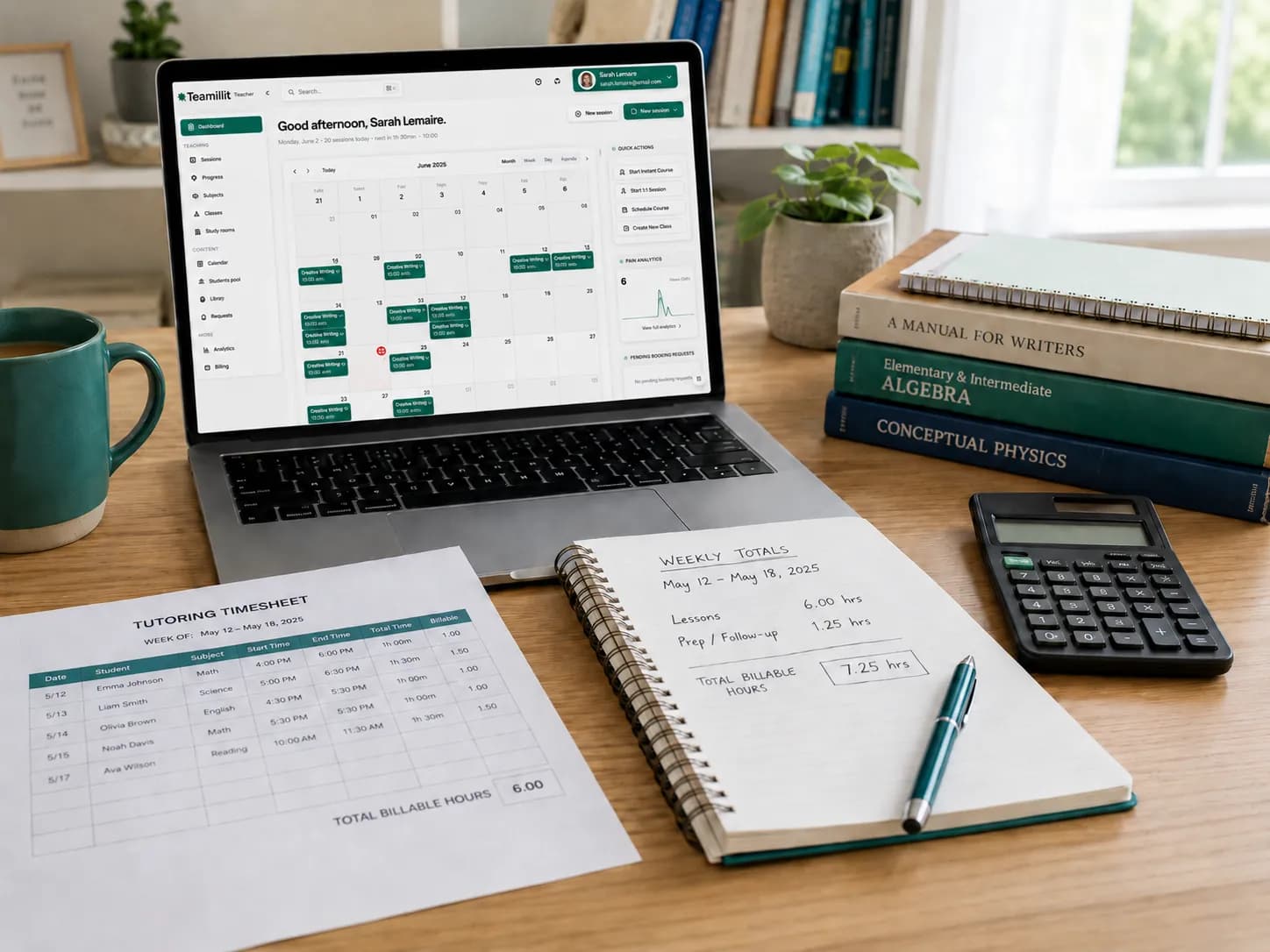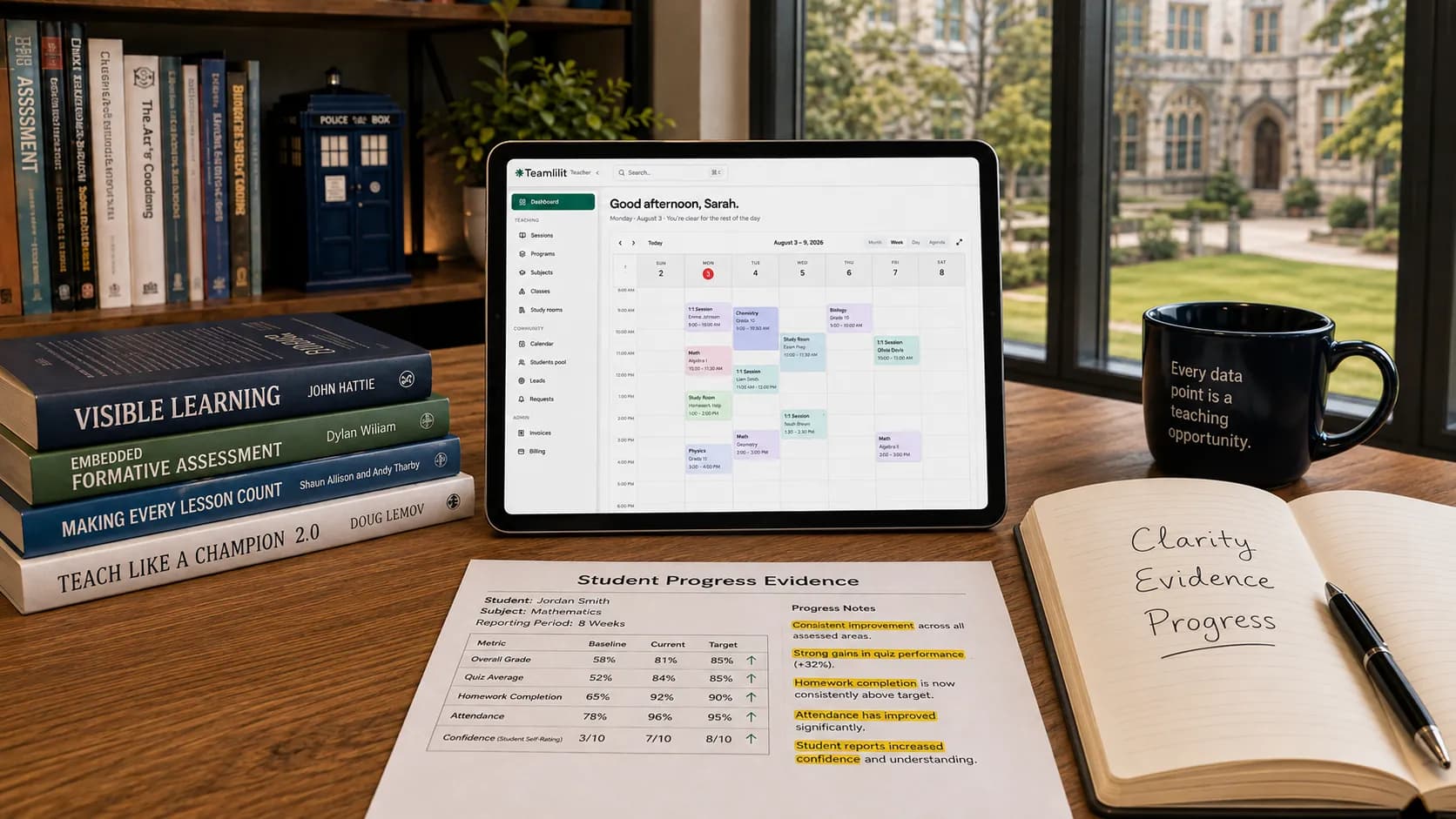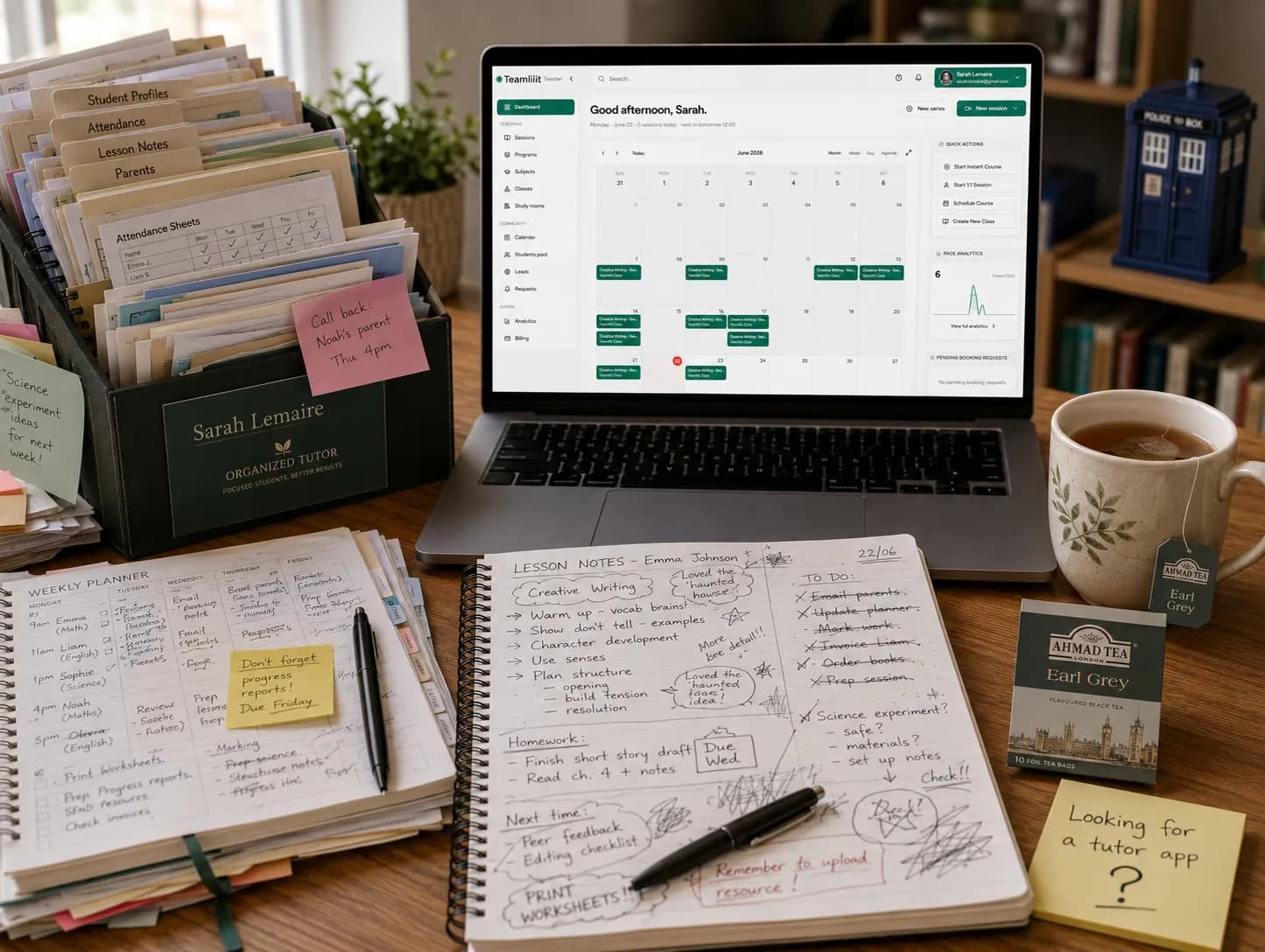
At 3 students, memory works. At 15 students, memory becomes a liability.
When you start tutoring, student organisation feels easy. You have a few names in your calendar, a parent who messages you on WhatsApp, and a clear memory of what you covered last week. Maybe you keep a small spreadsheet, a notebook, or a Google Doc for each student. It is enough.
Then the number of students grows. One student reschedules. Another parent asks what their child should revise before next week. Someone misses a lesson. Someone pays late. A new student joins for GCSE maths while another needs A level chemistry support. You know the information exists somewhere, but it is spread across your calendar, your messages, your files, your lesson notes, your payment records, and your memory.
That is usually the moment private tutors realise they do not just need a timetable. They need a way to organise students.
This guide explains how to organise private tutoring students properly: what information to keep, what not to over-collect, and how to connect student profiles, lesson notes, attendance, parent communication, payments, and invoices into one clean workflow.
The simple rule: every student needs one home
The biggest mistake tutors make is not "being disorganised". It is giving every type of information a different home.
A common setup looks like this:
- lesson times in Google Calendar
- student names in a spreadsheet
- parent messages in WhatsApp
- homework links in email
- lesson notes in a notebook
- payment tracking in another spreadsheet
- invoices in PDF folders
- attendance in memory
This works when you have three students. It starts to break when you have ten.
The better rule is simple. Every student should have one central profile where you can quickly see who they are, what they study, who to contact, what happened in recent lessons, what is planned next, and what admin is still open. That profile does not need to be complicated. It just needs to be consistent.
What should be in a private tutoring student profile?
A good student profile helps you teach better and run your tutoring business better. For most private tutors, a useful profile includes the following.
1. Basic student details
Keep the basics clear:
- student name
- year group or education level
- subject
- exam board, if relevant
- school year or target exam date
- regular lesson day and time
- online or in-person lesson location
- agreed hourly rate or package
This helps you avoid the small mistakes that make a tutor look unprofessional, such as forgetting whether a student is preparing for AQA or Edexcel, or confusing two students with similar goals. If you want a ready-made structure to fill in, our student profile template for tutors lays these fields out for you.
2. Parent or guardian contact details
If you teach children or teenagers, the parent or guardian relationship matters. You may need to keep:
- parent or guardian name
- email address
- phone number
- preferred contact method
- emergency contact details, where appropriate
- billing contact, if different from the lesson contact
The important thing is to avoid mixing casual messages and important records. A parent asking "what should he revise this week?" is not the same as a parent confirming a payment, a cancellation, a concern, or a change of availability. Your system should help you separate useful tutoring information from chat noise.
3. Learning goals
Every student should have a clear reason for being there. For example:
- improve GCSE maths confidence
- prepare for the 11+
- catch up after missed school
- improve essay structure
- prepare for A level biology exams
- build speaking confidence in French
- support homework and revision routines
This goal should be visible whenever you open the student profile. It stops lessons becoming random and helps you explain progress to parents.
4. Current level and weak areas
A strong tutor does not only record what was taught. They record what the student struggled with. Useful fields include:
- current level
- strengths
- weak topics
- recurring mistakes
- confidence level
- learning style notes
- support needs, if relevant
- exam technique issues
- homework habits
This is where student management becomes more than admin. It improves the teaching.
5. Lesson history
For each lesson, write a short note. Not an essay, not a full report, just enough to continue smoothly next time. A useful lesson note can include:
- date of lesson
- topic covered
- what went well
- what the student struggled with
- homework set
- next lesson focus
- attendance status
- any parent follow-up needed
6. Attendance and cancellations
Attendance should not live separately from the student profile. You should be able to see:
- attended lessons
- cancelled lessons
- no-shows
- late cancellations
- rescheduled sessions
- whether the lesson is billable or not
- cancellation reason, where useful
This protects your income and your relationship with parents. If a parent asks why a lesson was charged, you should not need to dig through messages. You should be able to see the lesson date, the attendance status, and the cancellation rule that applied. A simple tutoring attendance sheet template is a good starting point before you automate this.
7. Payment and invoice status
Tutoring is teaching, but it is also a business. For each student or family, you should know:
- lesson rate
- package or pay-as-you-go arrangement
- unpaid lessons
- paid lessons
- invoice history
- payment method
- outstanding balance
This does not mean your teaching notes and financial records need to be the same thing. But they should connect. A completed billable lesson should naturally lead to billable hours, and then to an invoice you can create with a free invoice maker for tutors. If you teach online, automatic lesson time recording captures per-student time as the session runs, so those billable hours are ready without counting. That is the workflow:
schedule → attendance → billable hours → invoice
What private tutors should avoid keeping
Good organisation is not about collecting everything. In fact, collecting too much student information can create extra risk. Avoid keeping information that has no clear tutoring purpose. For example, be careful with:
- medical details that are not needed for the lesson
- family information that does not affect tutoring
- informal comments about a child or parent
- emotional judgments
- screenshots of conversations kept forever
- unnecessary copies of school reports
- recordings you do not really need
- old student data kept long after tuition has ended
A useful test is this: would I be comfortable explaining why I keep this information? If the answer is no, do not keep it. We cover this in more depth in our guide to what student records private tutors should keep.
A simple student management workflow for private tutors
Here is a practical system you can use.
Step 1: Create one student profile
Before the first lesson, create a profile with the student details, parent contact, subject, level, goals, rate, regular schedule, and any key notes. This becomes the student's home.
Step 2: Add the first lesson note
After the first lesson, record the starting level, the main strengths, the weak areas, what you will work on next, any agreed homework, and parent follow-up if needed. This gives you a baseline.
Step 3: Update after every session
After each lesson, write a short note: covered today, understood well, needs more practice, homework, next lesson. Keep it short enough that you will actually do it. The best student management system is the one you can maintain consistently.
Step 4: Link attendance to billing
Every lesson should have an attendance status: attended, cancelled in time, late cancellation, no-show, or rescheduled. Then decide whether it is billable based on your cancellation policy. This avoids awkward payment conversations later.
Step 5: Send useful parent updates
Parents do not always need long reports. Often, they need short, clear updates. For example:
Today we worked on simultaneous equations. Sarah understood the method well but needs more practice with signs when rearranging. I have set 8 questions for homework, and next lesson we will review mistakes before moving on to word problems.
That kind of note builds trust. It shows the parent that lessons are planned, not improvised.
Step 6: Review each student weekly
Once a week, check who needs a parent update, who has unpaid lessons, who missed homework, who needs a new plan, who is approaching an exam, and who has not booked the next lesson. This turns student management into a growth habit. You stop reacting, and you start running the tutoring business properly.
Spreadsheet, notebook, or tutor CRM?
You can organise students in different ways, and the right one depends on how many students you teach.
A notebook is good when you have very few students
A notebook is simple and fast. But it is hard to search, hard to back up, hard to share, and easy to lose. It also does not connect to attendance, invoices, reminders, or parent communication.
A spreadsheet is good when you are starting
A spreadsheet can work well for a student list, lesson dates, rates, payment tracking, and simple notes. But spreadsheets become fragile when your tutoring business grows. You end up with too many tabs, too many manual updates, and too many chances to forget something.
The problem is not the spreadsheet. The problem is that the spreadsheet does not know what happened in the lesson, whether the student attended, whether the lesson is billable, whether the parent was updated, or whether an invoice should be created. You become the connection between everything.
A tutor CRM is better when your students, notes, parents, and payments need to connect
A tutor CRM or student management system is useful when you want one place for student profiles, parent details, lesson notes, attendance, scheduling, homework, payments, invoices, reminders, and progress tracking. This is especially helpful once you teach several students every week and want to reduce admin without losing the personal touch.
| Task | Notebook | Spreadsheet | Tutor CRM |
|---|---|---|---|
| Add a new student | New page | Manual row | Student profile |
| Lesson note | Handwritten | Separate tab or doc | Linked to the lesson |
| Attendance | From memory | Manual status | Connected to the session |
| Parent update | Loose, often forgotten | WhatsApp or email | Linked to the student |
| Billing | Manual sums | Manual calculation | From completed lessons |
| Invoice | Separate tool | Separate tool | From billable hours |
| Follow-up | Memory | Memory | Reminder or task |
If you want a deeper comparison of where each one breaks down, read tutor CRM vs spreadsheet and our related guide on tutor timetable software vs spreadsheet.
A simple student profile template for tutors
Here is a practical structure you can copy. You can also use the interactive student profile template for tutors to fill it in and export it.
Student information
- Student name
- Year group or level
- Subject
- Exam board
- School or course
- Target exam date
- Regular lesson time
- Lesson format
- Rate
Parent or guardian details
- Parent or guardian name
- Phone
- Preferred contact method
- Emergency contact
- Billing contact
Learning profile
- Main goal
- Current level
- Strengths
- Weak areas
- Confidence level
- Learning preferences
- Support needs
- Homework habits
Lesson notes (for each lesson)
- Date
- Attendance
- Topic covered
- What went well
- What needs practice
- Homework set
- Next lesson plan
- Parent update needed
Admin
- Payment status
- Invoice status
- Package balance
- Cancellation notes
- Important parent messages
How long should private tutors keep student records?
Private tutors should not keep student records forever. A sensible approach is to separate educational records from business records.
Financial records, such as invoices, income, and expenses, may need to be kept for tax reasons. Student learning notes, parent contact details, homework notes, and old lesson comments should only be kept while they are useful for tutoring, safeguarding, resolving disputes, or meeting legal obligations.
The safest approach is to have a simple retention rule. For example:
- active student records: keep while tuition is ongoing
- recent former student records: keep for a defined period after tuition ends
- financial records: keep according to tax requirements
- safeguarding concerns: keep separately and handle carefully
- unnecessary notes: delete when no longer needed
This is not about making tutors scared of admin. It is about being professional.
Student management is not just admin. It is part of better tutoring
Good student organisation helps you prepare faster, remember each student's needs, give better parent updates, avoid missed invoices, handle cancellations clearly, track attendance, spot progress over time, look more professional, and reduce mental load.
Parents notice this. Students feel it too. A tutor who remembers the previous lesson, follows up properly, and has a plan for the next step feels more reliable than a tutor who improvises from scattered notes.
The connected tutoring workflow
The cleanest tutoring workflow looks like this:
student profile → lesson notes → attendance → billable hours → invoice → parent update
One structured profile per student is a useful start. When a reschedule means updating the profile, register and invoice sheet separately, tutoring management software keeps the student's timetable, notes, attendance and history connected. In Teamlilit, you can use that lesson history to plan the next session, prepare a parent update and review what should be billed.
If you want a head start on the planning side, our free tutor timetable template pairs naturally with the student profile.
Final checklist: how to organise private tutoring students
- Create one profile per student
- Keep parent contact details in one place
- Record each student's goal and current level
- Write a short note after every lesson
- Track attendance and cancellations
- Connect billable lessons to invoices
- Keep parent updates clear and factual
- Avoid collecting unnecessary personal data
- Review student records regularly
- Delete old information when you no longer need it
- Move to a tutor CRM when spreadsheets become too manual
A private tutor does not need a complicated system. But you do need a reliable one. Once your tutoring business grows, memory is not a system, WhatsApp is not a filing cabinet, and a spreadsheet is not always enough.
The goal is simple: know every student, every lesson, every parent update, and every payment, without losing your evenings to admin.
Frequently asked questions
What is the best way to organise private tutoring students?
The best way is to give every student one central profile instead of spreading their information across a calendar, messages, a notebook, and your memory. A good profile holds the student's details, parent contact, learning goal, recent lesson notes, attendance, and payment status, so you can prepare in seconds and answer any parent question without searching five apps.
What should be included in a tutor student profile?
A useful tutor student profile includes basic details (name, year group, subject, exam board, lesson time, rate), parent or guardian contact, the learning goal, current level and weak areas, short lesson notes, attendance and cancellation history, and payment or invoice status. Keep it consistent rather than complicated. Our student profile template for tutors lays out all of these fields.
Can private tutors use spreadsheets to manage students?
Yes. A spreadsheet works well when you have a handful of students, for a student list, lesson dates, rates, and simple notes. It becomes fragile as you grow because it does not know what happened in the lesson, whether the student attended, whether the lesson is billable, or whether an invoice is due. You end up being the connection between everything.
When should a tutor switch from a spreadsheet to a tutor CRM?
Switch when your spreadsheet has too many tabs to maintain, when you forget parent updates or unpaid lessons, or when you find yourself searching messages to answer simple questions. That usually happens somewhere between ten and fifteen regular students. Our guide on tutor CRM vs spreadsheet covers the decision in detail.
What student records should private tutors keep?
Private tutors should keep student and parent contact details, learning goals, short lesson notes, attendance and cancellation records, and payment and invoice records. Financial records may need to be kept for tax reasons. Learning notes and contact details should be kept only while they are useful, and deleted when they are no longer needed. See what student records private tutors should keep.
Do private tutors need to keep lesson notes?
Lesson notes are not legally required, but they make you a better tutor. A short note after each lesson, covering the topic, what went well, what needs practice, and the homework set, lets you start the next lesson smoothly and give parents clear, specific updates instead of vague ones.
How long should tutors keep student records?
There is no single fixed period for every record. A sensible approach is to keep active student records while tuition is ongoing, keep recent former-student records for a defined period after lessons end, keep financial records according to tax requirements, handle safeguarding notes separately, and delete unnecessary notes once they are no longer useful.
Do UK tutors need to think about GDPR?
Yes, in a practical way rather than a legalistic one. If you keep student names, parent contact details, lesson notes, or invoices, you should know why you keep each piece of information, where it is stored, who can access it, and when you will delete it. Collecting only what you genuinely need is the simplest way to stay on the right side of data minimisation.
How should tutors organise parent communication?
Separate useful tutoring information from chat noise. A parent confirming a payment, a cancellation, or a concern is a record; a casual message is not. Keep important parent details and decisions linked to the student, and send short, factual updates after lessons so parents can see that lessons are planned, not improvised.
What is the difference between student management software and a tutor CRM?
In tutoring, the two overlap heavily. A tutor CRM focuses on the relationship: student profiles, parent contacts, notes, and follow-ups. Student management software adds the operational side: scheduling, attendance, lesson history, billable hours, and invoices. The most useful version for tutors is one connected system where the record and the teaching are the same product.
Sources
- Business records if you're self-employed - GOV.UK. Supports keeping financial records such as invoices, income, and expenses for tax reasons.
- Guide to the UK GDPR - Information Commissioner's Office. Supports the data minimisation duty when keeping student and parent personal data.