Online tutoring should feel simple. A tutor opens a lesson, meets the student, shares resources, explains the topic, gives homework, tracks progress, and moves on to the next session. At least, that is how it should work.
In reality, many online tutors end up managing their teaching business across several disconnected tools. One app for video calls. Another app for messages. A spreadsheet for the timetable. A calendar for scheduling. A folder for resources. A document for lesson notes. A separate system for attendance. Another place for invoices.
For one or two students, this may feel manageable. But as soon as a tutor starts teaching several students each week, the workflow becomes messy very quickly.
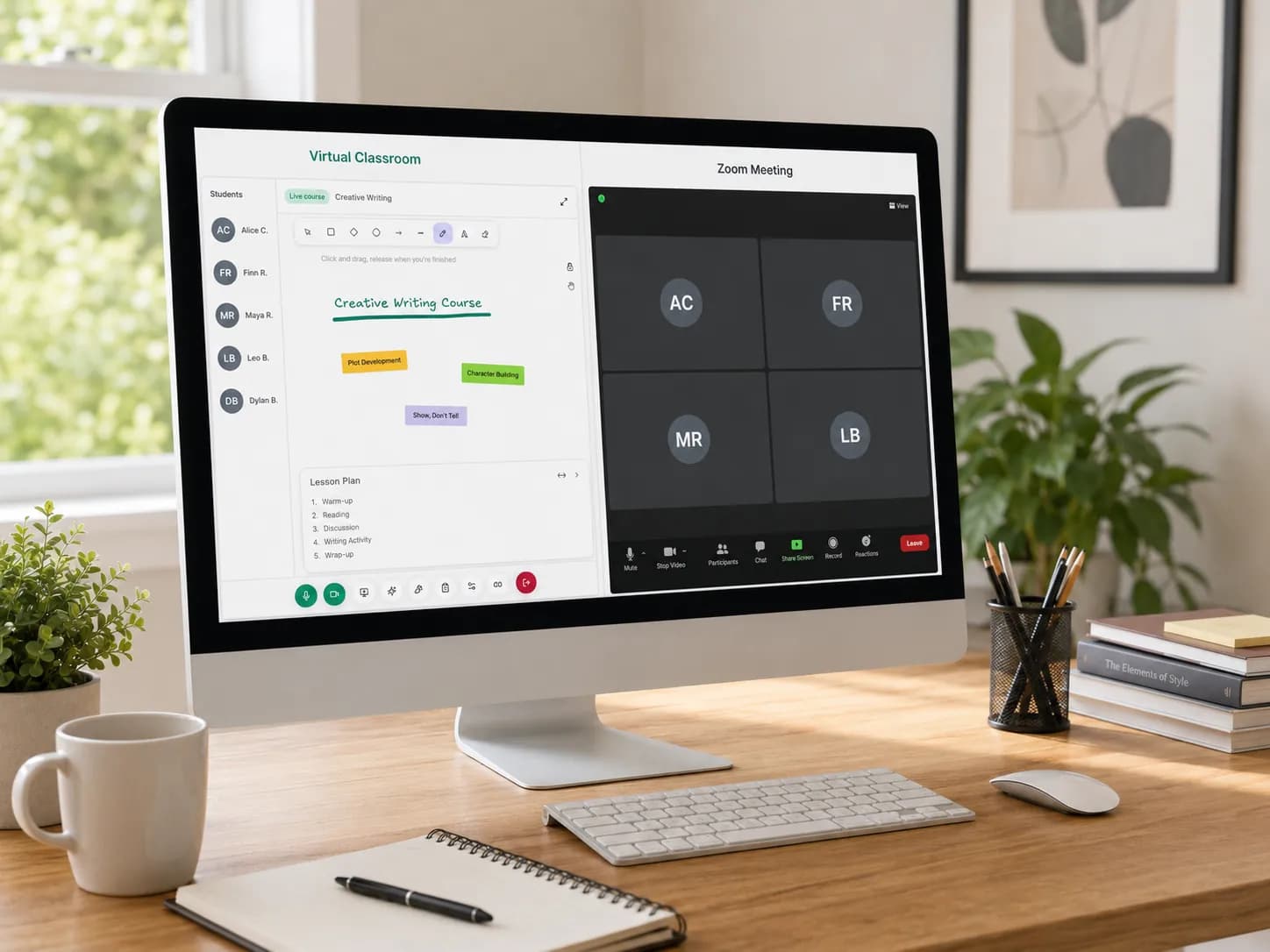
This is where a virtual classroom for tutors becomes more than just a video call. A good virtual classroom should help tutors teach online while keeping the entire tutoring workflow organised: lessons, scheduling, attendance, homework, recordings, time tracking, and student progress.
The problem is not online teaching, it is fragmentation
Online tutoring is not the problem. Many tutors enjoy teaching online because it gives them flexibility, saves travel time, and allows them to work with students from different cities or even different countries.
The problem is that online tutoring often becomes fragmented. A typical tutor may use:
- Zoom or Google Meet for live lessons
- WhatsApp or email for communication
- Google Calendar for scheduling
- Excel or Google Sheets for the tutoring timetable
- Google Drive for lesson resources
- A notebook or document for student progress
- A separate tool for invoices
- Another spreadsheet for attendance or time tracking
Each tool may work well on its own. But together, they create admin work. The tutor has to remember where everything is, update multiple systems, search through messages, resend links, reorganise files, and manually track what happened in each session.
This is why many tutors do not only need a video conferencing tool. They need an online tutoring platform that supports the way tutoring actually works.
What is a virtual classroom for tutors?
A virtual classroom for tutors is an online space where tutoring sessions happen and where the surrounding teaching workflow is managed. At a basic level, it should allow the tutor and student to meet online.
But for private tutors and tutoring centres, a virtual classroom should ideally support more than live video. It should help with:
- Scheduling lessons
- Managing a tutoring timetable
- Hosting live online classes
- Sharing files and learning materials
- Giving homework
- Recording sessions
- Tracking attendance
- Measuring time spent in lessons
- Following student progress
- Keeping lesson information organised
This matters because tutoring is not just the hour spent teaching. There is preparation before the lesson, follow-up after the lesson, and ongoing organisation between sessions. A virtual classroom should reduce that friction instead of adding more complexity.
Why video calls alone are not enough for online tutors
Video conferencing tools are useful. They make it easy to start a call, share a screen, and talk to a student. But tutoring requires structure.
A tutor often needs to know:
- Which student is joining?
- What course is this session part of?
- What was covered last time?
- Was homework completed?
- How long did the student attend?
- Should this session be recorded?
- What resources should be shared?
- What should happen after the lesson?
A normal meeting tool does not always answer these questions. This is why many tutors eventually start looking for a tutor scheduling tool, tutor timetable software, tutor time tracking software, or a more complete online tutor management system. They are not simply looking for another video call. They are looking for a better way to manage the whole tutoring experience. We wrote about this exact frustration in why virtual classrooms frustrate tutors, and weighed up whether Zoom is enough for online tutoring.
The hidden admin work behind every online lesson
A one-hour online lesson may look simple from the outside. But behind that lesson, a tutor may need to confirm the session time, send a meeting link, check if the student has paid, prepare learning materials, review previous notes, track attendance, teach the live lesson, save or share the recording, send homework, update progress notes, and reschedule the next session.
When this work is spread across different tools, it becomes easy to lose time. A student may miss a link. A parent may ask for homework that was sent in another chat. A tutor may forget to update the timetable. A session may run longer than expected without being tracked properly.
The result is not just inconvenience. It can affect the professionalism of the tutoring business. Students and parents expect online lessons to feel organised. When the tutor's workflow is scattered, the learning experience can feel scattered too.
What tutors should look for in a virtual classroom
Not every virtual classroom is designed for tutors. Some platforms are built for schools. Others are built for large universities, corporate training, or general online meetings. Private tutors and tutoring centres usually need something more practical. Here are the most important features to look for.
1. Reliable live online lessons
The virtual classroom should make it easy to run online sessions without unnecessary setup. Tutors should be able to open a class, invite students, and start teaching.
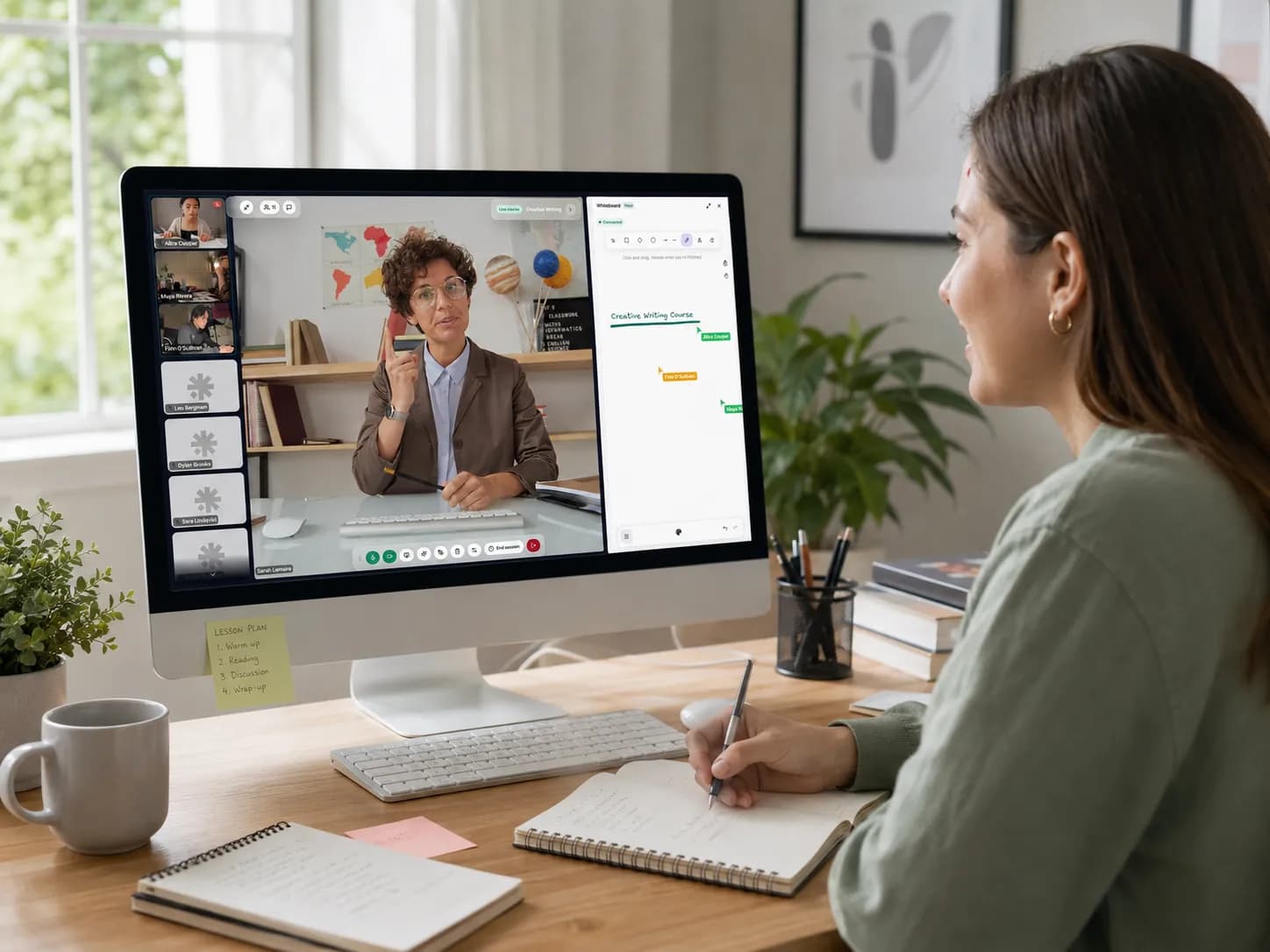
A good online tutoring classroom should support clear audio, stable video, screen sharing, and a learning environment that feels focused. The goal is simple: the technology should disappear into the background so the tutor can focus on teaching. This is the idea behind the Teamlilit live classroom, the kind of purpose-built virtual classroom software that beats running lessons on a generic Zoom call.
2. Tutor scheduling and timetable management
Scheduling is one of the biggest problems in tutoring. A tutor may teach different students on different days, manage recurring weekly lessons, handle cancellations, and avoid double-booking.
For tutoring centres, this becomes even harder because multiple tutors, students, classrooms, and courses may need to be coordinated. This is why tutoring scheduling and connect your timetable to attendance are important.
A strong virtual classroom should connect with the tutor's schedule instead of existing separately from it. The tutor should be able to see what lesson is coming next, who is attending, and which online classroom belongs to that session. If you are still building yours by hand, our guide on how to create a tutoring timetable walks through the whole process. Without proper scheduling, online tutoring becomes chaotic very quickly.
3. Attendance and time tracking
Many tutors need to know whether a student attended a session and how much time was spent in class. This matters for billing, parent communication, student accountability, package tracking, internal organisation, and tutoring centre reporting.
A tutor time tracking software feature can help tutors understand how much teaching time has actually been delivered. For tutors who charge by the hour, this can also support more accurate invoicing. For tutoring centres, attendance and time tracking can make operations much clearer.
Instead of relying on memory or manual spreadsheets, tutors can keep a better record of what happened.
4. Homework and resource sharing
Online tutoring does not end when the call ends. Students often need homework, exercises, documents, worksheets, recordings, or extra resources. If those resources are sent through different channels every time, students may lose track of them.
A better virtual classroom should make it easy to keep learning materials connected to the course or student. Lesson files should be easy to find. Homework should be linked to the right student or class. Resources should not disappear inside old chat messages. Tutors should be able to reuse materials when needed.
This is especially useful for tutors who teach several students in the same subject.
5. Lesson recordings
Recordings can be valuable for both tutors and students. Students can review difficult topics later. Parents can understand what was covered. Tutors can use recordings to improve their teaching process.
But recordings are only useful if they are organised. If each recording is stored in a random folder or named manually after every lesson, it quickly becomes another admin task. A virtual classroom for tutors should make recordings easy to access and connect them to the right lesson.
6. Student progress tracking
Tutoring is personal. Unlike large classes, private tutoring is often built around individual student progress. A tutor needs to understand what the student struggles with, what has improved, which topics need revision, what homework was assigned, and what goals are being worked toward.
This is why an online tutor management system should include some way to organise student progress. Even simple notes can make a big difference when they are connected to the right student and lesson. Without progress tracking, tutors may rely too much on memory, especially when managing many students.
7. Communication in one place
Many tutoring businesses rely heavily on messaging apps. That works at the beginning. But over time, important information gets buried. A parent asks about payment. A student sends homework. A tutor sends a link. Another message changes the lesson time. Soon, the tutor has to scroll through long conversations to find information.
A better system keeps communication connected to the learning workflow. Tutors should not need to search five different places to understand what is happening with one student.
Virtual classroom vs tutor scheduling tool: what is the difference?
A tutor scheduling tool helps organise lesson times. A virtual classroom helps deliver the lesson itself. But for online tutors, these two things are closely connected.
A scheduled lesson should naturally lead to the online classroom. The tutor should not need to manually create a separate meeting link, send it to the student, then update a different calendar. That is why the best online tutoring platforms combine scheduling and virtual classroom features.
The schedule tells the tutor what is happening. The virtual classroom is where the lesson happens. The student profile, homework, notes, attendance, and recordings complete the experience. When these parts work together, tutoring becomes much easier to manage.
Virtual classroom vs online tutoring platform
A virtual classroom is usually focused on the live teaching space. An online tutoring platform is broader. It may include student management, tutor scheduling, lesson delivery, attendance tracking, payment or invoicing workflows, homework, recordings, files, progress tracking, and course organisation.
For independent tutors, a simple virtual classroom may be enough at the beginning. But as the business grows, tutors often need more than a classroom. They need a tutoring business system that helps them stay organised.
For tutoring centres, this becomes even more important because the platform has to support multiple students, tutors, courses, and schedules.
Signs you have outgrown basic video calls
You may need a more structured virtual classroom if:
- You regularly lose time sending lesson links.
- Your tutoring timetable is difficult to manage.
- You track attendance manually.
- Students forget where homework was sent.
- Lesson recordings are difficult to organise.
- You use multiple spreadsheets to manage your tutoring business.
- Parents ask for updates and you need to search through old messages.
- You are teaching enough students that admin work is starting to affect your energy.
These are signs that your current system may not scale. It does not mean you are doing something wrong. It simply means your tutoring business has reached a stage where better organisation matters. If you are still comparing options, our roundup of the best tools for online tutors in 2026 breaks down the trade-offs.
How a better virtual classroom helps tutors look more professional
Students and parents notice organisation. They notice when lesson links are clear. They notice when homework is easy to find. They notice when the tutor remembers what happened last time. They notice when sessions start on time. They notice when the learning experience feels structured.
A virtual classroom is not only a technical tool. It is part of the student experience. When the tutor's workflow is organised, the student feels more supported. That can improve trust, retention, and the overall quality of the tutoring relationship.
How Teamlilit supports a more organised online tutoring experience
Teamlilit is designed for tutors who want more than a simple meeting link. Instead of forcing tutors to manage lessons, students, files, homework, recordings, and schedules across disconnected tools, Teamlilit brings key parts of the online tutoring workflow into one place.
Tutors can use Teamlilit to manage online classes, organise students, schedule sessions, share resources, record lessons, and support the learning process more clearly. For tutors who are tired of switching between video calls, spreadsheets, calendars, and messaging apps, this kind of structure can make online teaching feel much more manageable.
The goal is not to make tutoring complicated. The goal is to remove the unnecessary admin work around tutoring so teachers can focus on teaching.
Final thoughts
A virtual classroom for tutors should not be just another video call. It should support the full tutoring workflow. That means helping tutors manage scheduling, student information, lesson delivery, homework, attendance, recordings, time tracking, and progress in a more organised way.
Online tutoring becomes frustrating when every part of the process lives in a different tool. But when the right systems are connected, tutors can spend less time managing admin and more time helping students learn.
If you are teaching online and constantly switching between calendars, spreadsheets, messaging apps, file folders, and video links, it may be time to rethink your virtual classroom setup. You can see how Teamlilit brings it together with a 14-day free trial. Teaching online should feel flexible. It should not feel scattered.
Frequently asked questions
What is a virtual classroom for tutors?
A virtual classroom for tutors is an online teaching space where tutors can run live lessons with students. A good virtual classroom can also support scheduling, file sharing, homework, attendance, recordings, and student progress tracking.
Is Zoom enough for online tutoring?
Zoom can be useful for live video lessons, but many tutors need more than a meeting link. Tutors often also need scheduling, homework management, attendance tracking, recordings, student notes, and progress tracking.
What features should tutors look for in a virtual classroom?
Tutors should look for reliable live lessons, simple scheduling, file sharing, homework support, lesson recordings, attendance tracking, student progress notes, and an organised way to manage classes.
Why do tutors need tutor timetable software?
Tutor timetable software helps tutors manage lesson times, avoid double-booking, plan recurring sessions, and keep track of upcoming classes. It becomes especially useful when a tutor teaches multiple students each week.
How does tutor time tracking software help with online tutoring?
Tutor time tracking software helps tutors record how much time students spend in lessons. This can support billing, attendance records, package tracking, and clearer communication with parents or students.
What is the difference between a virtual classroom and an online tutoring platform?
A virtual classroom usually focuses on the live lesson space. An online tutoring platform is broader and may include scheduling, student management, homework, recordings, attendance, time tracking, and business organisation features.
Can tutoring centres use virtual classroom software?
Yes. Tutoring centres can use virtual classroom software to manage online lessons, tutor schedules, student attendance, course materials, and learning records across multiple tutors and students.