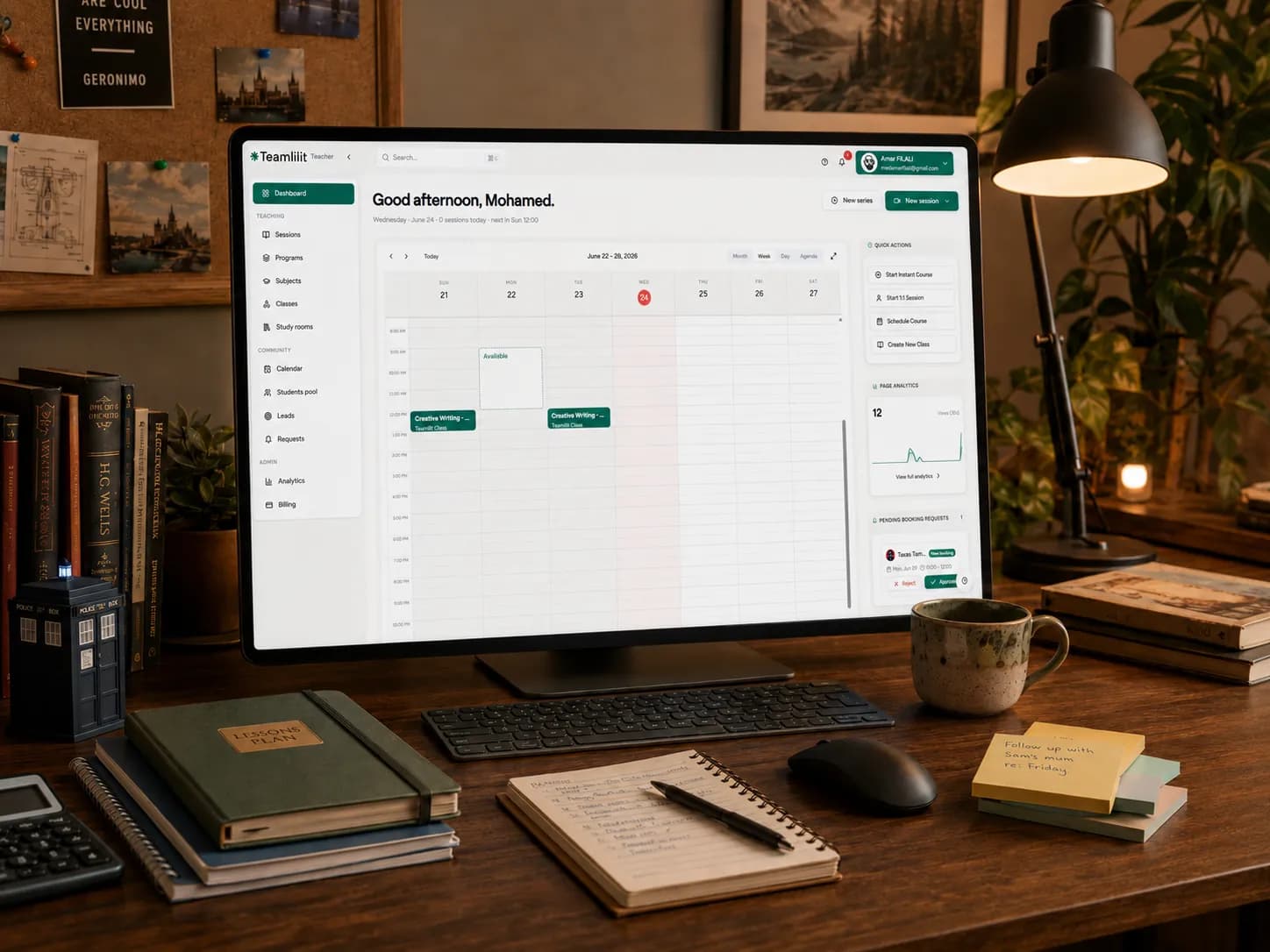
Creating the lesson is rarely the only work involved in tutoring.
Before a session, you may need to find suitable questions, rewrite explanations, adapt an exercise to the student's level and prepare something useful for revision. After the lesson, there may be notes to clean up, resources to send and another session to prepare for a completely different student.
This problem becomes particularly noticeable for independent tutors whose students attend different schools, follow different curricula or struggle with different parts of the same subject.
One tutor recently described spending around eight hours preparing materials for only one or two hours of tutoring across four students. Other tutors report repeatedly creating worksheets, quizzes and lesson plans from scratch because their existing materials do not quite match the next student.
Google's newly released Gemini models will not remove the need for lesson preparation. They can, however, make the first draft considerably faster.
The useful question is not whether Gemini 3.6 Flash is more advanced than the previous model.
The useful question is:
What can a tutor ask it to produce today that will save real preparation time without reducing the quality or personal nature of the lesson?
This guide covers three practical workflows:
- Creating differentiated practice sheets
- Turning lesson breakthroughs into short student recaps
- Building personalised exam study guides
It also explains where human review is still essential, how to avoid exposing student information and how to keep the finished materials organised instead of losing them across AI chats, downloads and messaging apps.
What Google actually announced
On 21 July 2026, Google announced three additions to its Gemini model range:
- Gemini 3.6 Flash, its new general-purpose Flash model
- Gemini 3.5 Flash-Lite, a faster, lower-cost model intended for high-volume tasks
- Gemini 3.5 Flash Cyber, a specialised cybersecurity model with restricted availability
Google says Gemini 3.6 Flash improves knowledge work, multimodal analysis and efficiency compared with Gemini 3.5 Flash. Gemini 3.5 Flash-Lite is designed for lower-latency, high-throughput tasks. Google also confirmed that Gemini 3.5 Pro is still being tested and has not yet received its wider release.
The cybersecurity model is not relevant to lesson preparation. For tutors, the useful releases are Gemini 3.6 Flash and, where available, Gemini 3.5 Flash-Lite.
Google's announcement was mainly written for developers building AI agents. It did not introduce a special tutor mode, automatic curriculum alignment or a magic worksheet button.
That distinction matters.
The opportunity for tutors comes from applying a faster general-purpose model to tasks they already perform every week. The model can produce an initial worksheet, explanation or revision structure quickly. The tutor still supplies the learning objective, understands the student and decides whether the result is educationally sound.
Which new Gemini model should tutors use?
For most tutors working in the Gemini app, Gemini 3.6 Flash is the sensible default.
It is intended to balance speed with stronger reasoning, document work and multimodal understanding. That makes it suitable for tasks such as:
- Reading a curriculum outline
- Analysing a non-identifiable sample question
- Producing several versions of an exercise
- Rewriting an explanation for a different age
- Structuring a revision guide
- Turning notes into a concise recap
Gemini 3.5 Flash-Lite is more relevant when you need many quick variations or are building an automated workflow through the Gemini API. An individual tutor does not need to choose the cheapest model for every prompt. The larger saving usually comes from creating a repeatable process and reusing successful prompts.
Do not postpone useful work while waiting for Gemini 3.5 Pro. Worksheets, recaps and study-guide outlines do not require the most expensive or sophisticated model available. They require a clear prompt and careful review.
Start with a reusable student context card
Weak prompts produce generic lesson material because the AI has no idea who the material is for.
Compare these two requests:
Create a worksheet about photosynthesis.
And:
Create a short worksheet about photosynthesis for a Year 8 student who understands the basic equation but regularly confuses reactants with products. Begin with two retrieval questions, include two questions using a diagram and finish with one challenge question about limiting factors.
The second prompt contains enough teaching context to produce something useful.
Before using any AI model, create a short, anonymous context card for the student:
- Subject and level
- Current topic
- Learning objective
- What the student already understands
- The misconception or skill gap
- Preferred question format
- Useful interests or analogies
- Required difficulty
- Expected lesson duration
For example:
Year 8 biology. The student understands that photosynthesis produces glucose but mixes up carbon dioxide, oxygen and water. They respond well to diagrams and examples involving plants in different environments. The resource should take approximately 12 minutes.
Do not include the student's name, school, contact details, medical information or anything else that could identify them.
This anonymous context can be reused across several prompts without turning the AI tool into your student-record system.
Workflow 1: create differentiated practice sheets
Differentiation is one of the most useful applications of fast AI models for tutors.
A downloaded worksheet may be broadly appropriate for the topic but completely wrong for the individual learner. It may move too quickly, repeat skills they have already mastered or fail to address the exact misconception you observed during the previous lesson.
Gemini can produce a starting version around that specific gap.
Step 1: define the learning job
Do not begin by asking for a complete worksheet.
First, decide what the worksheet is meant to reveal or reinforce.
For example:
- Can the student distinguish reactants from products?
- Can they simplify algebraic fractions when the factors are not already visible?
- Can they identify the writer's method before explaining its effect?
- Can they apply a formula without confusing two similar variables?
One worksheet should not attempt to repair an entire subject.
Step 2: use a structured prompt
Use this formula:
Create a [number]-question practice sheet on [topic] for a [level or age] student. The student currently [what they can do] but struggles with [specific difficulty]. Start with [type of support], gradually reduce the scaffolding and finish with [extension or transfer task]. Include clear instructions and a separate answer key. Do not include the student's name.
Example:
Create a six-question practice sheet on simplifying algebraic fractions for a GCSE student. The student can factorise simple quadratics but often cancels terms before factorising the numerator and denominator.
Begin with one worked example that explicitly shows why terms cannot be cancelled across addition. Include two scaffolded questions, two independent questions and one exam-style challenge question. Add a separate answer key that explains each cancellation step.
This is much more reliable than asking the model to "make an engaging worksheet".
Step 3: generate three levels, not one
The speed of newer Flash models is most useful when you iterate.
Ask for:
- A diagnostic version to find the point of failure
- A scaffolded version for guided practice
- A stretch version for independent application
You may not use all three. The purpose is to give yourself options without manually rewriting every question.
A useful follow-up prompt is:
Keep the same learning objective, but make a second version with less scaffolding and different numbers. Preserve the same progression of difficulty.
For a student who needs more support:
Rewrite questions 3 to 5 using shorter instructions, one step per line and a partially completed first example. Do not reduce the mathematical objective.
This helps you change the accessibility of the material without accidentally changing what the student is supposed to learn.
Step 4: insert one genuinely personal detail
AI-generated differentiation is still generic until you connect it to the real lesson.
Before assigning the sheet, add something based on your own observation:
- A mistake the student made last week
- A familiar diagram
- A question using their preferred method
- A reminder of a rule you developed together
- An example linked to one of their interests
The personal value does not come from inserting the student's name into an AI-generated worksheet.
It comes from designing the questions around how that particular student thinks.
Step 5: check every question
Tutors discussing AI-generated worksheets frequently raise the same concern: a resource that looks polished may contain ambiguous wording, unsuitable progression or an incorrect answer. One tutor warned that error-checking poor AI worksheets can take as long as finding a trusted resource.
Before using the worksheet, verify:
- Every question has a valid answer
- The answer key matches the question
- The difficulty rises as intended
- The language suits the student
- The content matches the relevant curriculum
- No question accidentally tests an unrelated skill
- The final challenge is difficult for the right reason
AI should reduce blank-page work. It should not bypass professional judgement.
Workflow 2: turn an "aha" moment into a student recap
Some of the most valuable moments in tutoring happen when an explanation finally works.
Perhaps a student understands algebraic fractions after seeing them represented as pieces of a pizza. Perhaps a timeline makes a historical sequence click. Perhaps a visual comparison finally clarifies the difference between mitosis and meiosis.
The problem is that the explanation often disappears when the call ends.
A quick AI-assisted recap lets you preserve the idea while it is still fresh.
Step 1: capture the breakthrough
After the lesson, write down:
- The concept
- The previous misunderstanding
- The explanation or analogy that worked
- One question the student can use to check their understanding
This does not need to be a full report.
Example:
Breakthrough: the student understood simplifying algebraic fractions when we compared factorisation to separating pizza toppings before removing matching ingredients. The important rule was that individual terms cannot be cancelled across addition.
Step 2: ask Gemini to convert it into a short script
Use a prompt such as:
Write a 60-second recap for a 14-year-old who has just learned why algebraic fractions must be factorised before cancelling. Use a simple pizza analogy, but make the mathematical rule explicit. Include one quick self-check question at the end. Use a supportive tone without sounding childish.
You can request different formats from the same source:
- A short written recap
- A voice-note script
- A three-slide explanation
- A parent-friendly summary
- A revision card
- A worked example followed by one question
This is where a faster model is genuinely helpful. You can try two or three explanations and keep the clearest one rather than accepting the first output.
Step 3: correct the explanation before sharing
Analogies are useful, but they can also create new misconceptions.
Check whether:
- The analogy maps accurately to the concept
- The mathematical or scientific rule remains explicit
- Important exceptions have not been removed
- The language matches what you taught
- The recap is short enough to be reviewed
The AI did not witness the lesson. It does not know which part made the student hesitate or which sentence finally helped.
Your lesson note supplies that missing context.
Step 4: store the recap with the lesson
Do not leave the final version inside an AI chat.
Attach the recap, audio note or video link to the relevant lesson notes. That gives the material a permanent context:
- Which student received it
- Which lesson produced it
- Which topic it supports
- What should be reviewed next
- Whether a follow-up exercise was assigned
The AI tool creates a draft. Your tutoring system keeps the educational record.
For tutors who prefer video, the same cleaned explanation can also be converted using the separate NotebookLM study-note video workflow. And if the bottleneck is the repetitive prep routine itself rather than one resource, Claude's new video feature can learn that routine from a single narrated screen recording.
Workflow 3: build a personalised exam study guide
Generic revision guides usually organise content by subject.
A useful tutor-created study guide organises it around the learner.
It should distinguish between:
- Topics the student has mastered
- Topics that need retrieval practice
- Topics where knowledge is secure but exam technique is weak
- Recurring mistakes
- High-priority gaps before the examination
Gemini can create the skeleton quickly, but your student history determines what belongs inside it.
Step 1: prepare an anonymous topic list
Start with the examination or curriculum topics and tag them using a simple status:
- Secure
- Developing
- Weak
- Not yet covered
Example:
GCSE Biology revision status: Cell biology: secure Organisation: developing Infection and response: secure Bioenergetics: weak Homeostasis: developing Ecology: weak
Common mistakes: confusing aerobic and anaerobic respiration, describing correlation as causation and forgetting units in calculation questions.
Do not paste a raw student report containing identifiable information.
Step 2: generate the guide structure
Prompt:
Create a four-week GCSE Biology study-guide outline using the topic status below. Prioritise weak and developing topics while including short retrieval practice for secure topics.
For each topic, include three essential ideas, one common exam mistake, one short retrieval task and one exam-style application task. Keep each study block between 20 and 30 minutes. Do not invent examination-board requirements that are not included in the information provided.
The result is a structure, not a finished educational product.
Step 3: ask for source-grounded revisions
Where possible, give the model the relevant specification, your own approved notes or another trusted source.
Then ask:
Review the study-guide outline against the attached specification. Identify any required subtopics that are missing. Do not add content that is outside the specification.
This reduces the risk of receiving a confident but curriculum-inaccurate study plan.
Gemini 3.6 Flash is designed for document and multimodal knowledge work, which makes this type of comparison a more relevant use of the new model than simply asking it to generate a long revision guide from memory.
Step 4: add the student's actual evidence
Replace generic "common mistakes" with evidence from your sessions:
- Errors found in marked questions
- Topics repeatedly revisited
- Vocabulary the student avoids
- Timing problems
- Weak command-word interpretation
- Questions answered correctly with help but not independently
This is the part an external AI model cannot reliably infer.
Step 5: divide the guide into assignable resources
A 30-page guide may look impressive but remain unused.
Break it into:
- One topic sheet
- One retrieval quiz
- One misconception check
- One exam-style question
- One short reflection task
Assign the resources gradually and record them through your student management software. This makes it easier to see what has been given, what was completed and what should influence the next lesson.
A five-minute quality-control routine
Before sending any AI-generated lesson content, complete these checks.
1. Accuracy
Solve the questions yourself.
Check every date, definition, formula, quotation and answer. AI can produce language that sounds certain even when the underlying content is wrong.
2. Educational purpose
Ask what each item is doing.
Is it testing recall, application, reasoning or exam technique? Remove questions that exist only to make the worksheet longer.
3. Student fit
Check reading level, scaffolding, length and cognitive load.
A resource can be factually correct and still be wrong for the learner.
4. Source and copyright
Use materials you created, openly licensed resources or content you have permission to reuse.
Do not copy an entire commercial textbook into a public AI tool and ask it to reproduce a modified version.
5. Privacy
Remove personal information before using an external model.
For tutors working with UK students, Department for Education guidance recommends using generative AI as a starting point for resources, avoiding personal data in public tools, checking whether the tool is approved and fact-checking the result before use. Its own example suggests generating generic wording first, then adding the pupil-specific details afterwards in the organisation's controlled environment.
A safe sequence is:
- Describe the learning need anonymously
- Generate the generic draft externally
- Review and correct the output
- Add personal details only inside your own secure workflow
- Store the final material with the appropriate student record
Where Teamlilit fits into the workflow
Teamlilit does not integrate directly with Gemini, and it does not claim to replace Gemini, NotebookLM or other specialist AI tools.
Those tools generate drafts and transform content.
Teamlilit gives the finished work a home inside the tutoring process.
A practical workflow looks like this:
- Complete the tutoring session
- Use Teamlilit's lesson notes and AI lesson summary to identify the concept, misconception or breakthrough
- Remove identifiable information
- Use Gemini externally to draft a worksheet, recap or study-guide section
- Review and personalise the result
- Store or assign the finished resource through Teamlilit
- Keep it connected to the student, lesson and future teaching plan
You can use Teamlilit to organise final worksheets, recap files and study guides around the relevant lesson or student profile. Its lesson summaries can also help identify the concepts that should inform an anonymous external AI prompt. Teamlilit does not send the student record directly to Gemini, and the tutor remains responsible for deciding what information leaves the platform.
This separation is useful.
The newest AI model will change again. Your student history, completed lessons, assigned resources and next actions still need a reliable system around them.
That is the difference between experimenting with AI and building an AI-assisted tutoring workflow.
A 20-minute test you can run today
Do not rebuild your entire preparation process around a model announcement.
Test one narrow workflow.
Minutes 1 to 3: choose one real need
Pick a student who needs:
- More practice on one misconception
- A recap of one recent breakthrough
- A structure for an upcoming examination topic
Minutes 4 to 7: write the anonymous context
Include the level, objective, difficulty and desired output.
Remove all identifying information.
Minutes 8 to 11: generate the first draft
Use one of the prompt templates in this guide.
Minutes 12 to 16: review it like a tutor
Correct the content, remove weak questions and adjust the language.
Minutes 17 to 18: personalise it
Add one example, error or explanation from your own teaching.
Minutes 19 to 20: file it properly
Attach it to the appropriate lesson or student record instead of leaving it in the AI conversation.
At the next lesson, observe whether the material improved understanding or saved preparation time.
That result matters more than the name of the model.
Frequently asked questions
Which new Gemini model should I use for tutoring content?
Gemini 3.6 Flash is the best general starting point for most tutors because it is designed to balance speed with stronger knowledge work and multimodal understanding.
Gemini 3.5 Flash-Lite is more relevant for quick, high-volume generation or API-based automation. The restricted Gemini 3.5 Flash Cyber model is not intended for normal tutoring content.
The best model is ultimately the one that reliably follows your subject-specific instructions and fits your review process. Test the same prompt with the tools available to you and compare accuracy, not just writing style.
Is it safe to put a student's notes into Gemini?
Do not paste raw identifiable student notes into a public AI tool.
Create a generic prompt that describes the learning need without names, schools, contact information or other personal details. Generate the initial material, review it and add the student-specific information later within your controlled tutoring records.
Tutors working for a school, agency or centre should also follow the organisation's AI and data-protection policies.
Will AI-generated content make tutoring less personal?
It will if you assign the first generic output without reviewing it.
Used properly, AI handles the first draft of repetitive work. The tutor remains responsible for choosing the learning objective, diagnosing misconceptions, correcting the resource and connecting it to the student's progress.
The purpose is to spend less time formatting six variations of a worksheet and more time deciding which variation the student actually needs.
Can Gemini generate a complete lesson for me?
It can draft a lesson structure, questions, explanations and activities.
It cannot reliably know what happened in the previous session, how independently the student completed a task, which explanation worked or whether a polished-looking exercise is suitable for that learner.
Use it to accelerate preparation, not to outsource the teaching decision.
Does Teamlilit generate content with Gemini?
No. Teamlilit does not currently integrate directly with Google Gemini.
Tutors can use Gemini externally, review the output and then organise the finished resources through Teamlilit. Teamlilit also provides its own features for lesson summaries and generated exercises, but it does not claim that those features are powered by the newly announced Gemini models.
New AI releases create plenty of headlines, but model names are not a tutoring strategy.
The practical opportunity is smaller and more useful:
- Generate the first worksheet draft in minutes
- Produce several levels without rewriting from zero
- Preserve an explanation that worked
- Turn exam gaps into a structured revision plan
- Keep the final material connected to the student and lesson
Gemini can help create the draft.
The tutor supplies accuracy, judgement and personal understanding.
Teamlilit keeps the result attached to the teaching workflow instead of letting it disappear into another chat history or downloads folder.
Start with one student and one resource. Review the outcome, improve the prompt and keep only the parts that genuinely save time.
Start your free Teamlilit trial and keep lesson notes, personalised resources and student progress in one connected tutoring workspace.