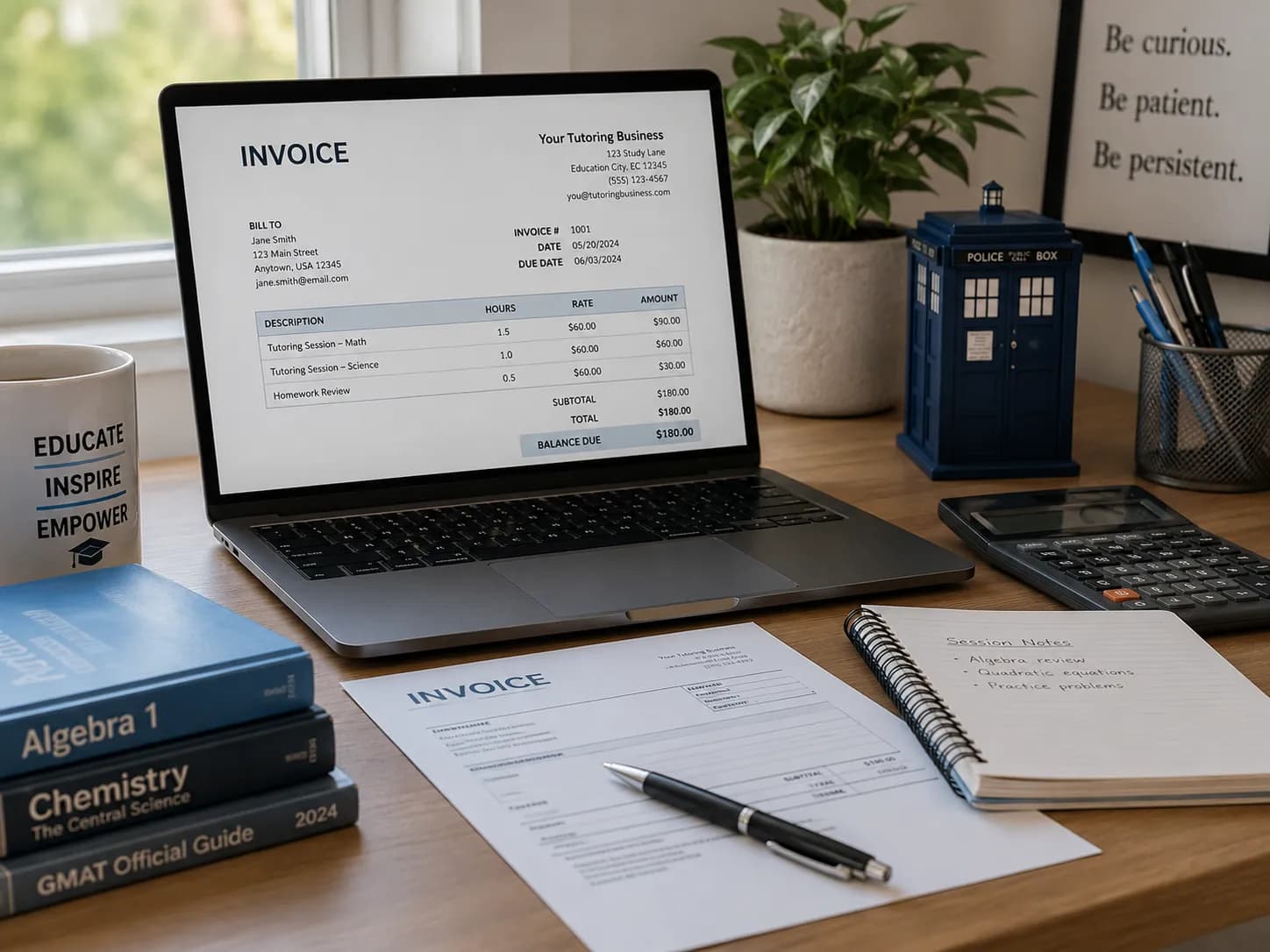
There are three simple ways to invoice parents for weekly classes: build the invoice by hand from a checklist, fill a free online invoice maker, or let attendance records generate the draft for you. Each one works; they differ in how much of your evening they take and how much can silently go wrong.
This guide assumes you have already settled on billing weekly; if you are still deciding, compare the options first in weekly vs monthly tutoring invoices. Otherwise it walks through all three workflows, so you can bill tonight with what you have and know exactly when it is worth upgrading the workflow. If the weekly slot has not started yet, our guide on turning back-to-school anxiety into a booked first session covers how to win that family before term begins.
Why invoicing parents for weekly classes feels harder than it should
Weekly lessons produce a strange kind of admin. Each class is small and obvious in the moment, but by the end of the month you are reconstructing 12, 16, or 20 of them per family from a calendar, a chat thread, and memory. Parents, meanwhile, expect the same thing any other service gives them: a clear bill that matches what actually happened.
The gap between those two realities is where the pain lives:
- Scattered records. Lesson dates in the calendar, reschedules in WhatsApp, the rate in your head. Every invoice is a research project.
- Silent losses. A forgotten make-up lesson or an unbilled extra session is money you worked for and never see.
- Awkward follow-ups. Chasing a parent about an invoice you are not fully sure is correct is doubly uncomfortable.
The fix is less about invoicing skill and more about where the lesson data lives. Keep that in mind as the three workflows get progressively more connected.
Workflow 1: the manual invoice, done in ten minutes
The fastest simple way to invoice parents for weekly classes by hand is to stop composing and start assembling. Before you open any document, gather four things:
- The lesson dates for the billing period, checked against what actually ran, not what was planned.
- Your rate, hourly or per session, per child if siblings differ.
- The totals: hours times rate, per student.
- Your payment details, exactly as the parent should use them, with a payment reference.
Then build the invoice with one line per lesson or one line per week, so parents can see what they are paying for at a glance. Vague lines ("tutoring, March") invite questions; dated lines answer them in advance. Add the invoice number, issue and due dates, any tax line, and the total.
Two habits make the manual route dramatically better. Save the final version as a PDF, so the totals cannot shift when someone opens it on a phone. And put your payment instructions on the invoice itself, not in the covering message, so paying never requires scrolling back through a chat. For the full field-by-field breakdown, see our detailed guide to how to invoice tutoring students.
What a weekly class invoice template needs
You do not need to design anything from scratch. A good weekly class invoice template has a fixed skeleton you reuse every period, and our tutoring invoice template page has ready-made copy-paste versions for weekly, hourly, group, and package billing:
| Section | What goes in it |
|---|---|
| Header | Your name or business name, contact details, invoice number, dates |
| Bill to | The parent or guardian who actually pays, not the student |
| Line items | One row per lesson or week: date, description, hours, rate, amount |
| Totals | Subtotal, tax line if registered, total due |
| Footer | Due date, payment instructions, payment reference |
Rather than maintaining a Word file per family, use our free tutor invoice maker: it fills that exact skeleton in the browser, handles the maths, supports a VAT line for registered tutors, and exports a professional PDF with no signup. If you prefer a spreadsheet, keep one master tab as the template and duplicate it per family per period, so the formulas recalculate while the layout stays put.
Workflow 2: a free online invoice generator
An online invoice generator sits between the manual document and full automation. The upsides are real: the maths is done for you, the layout looks professional without effort, and the PDF is consistent every time.
The honest limits: a generator does not know what happened in your week. You still supply the lesson dates and hours from your own records, one family at a time. That is perfectly fine for a small student list or ad-hoc lessons, and it is exactly what the free invoice maker is for. For recurring lessons specifically, our weekly class invoice generator goes one step further: set the day, rate and number of weeks and it fills in every lesson date for you, lets you skip a cancelled week, and puts siblings on one bill. It stops being fine somewhere around eight to ten weekly students, when "type in what happened" becomes the bottleneck and the risk.
Workflow 3: attendance-based invoicing, where nothing slips through
The third way inverts the whole job. Instead of reconstructing lessons at billing time, the lessons record themselves as they happen, and billing reads from that record.
In Teamlilit, every scheduled class tracks attendance and per-student time automatically when the session runs. At billing time, those tracked sessions become draft invoice lines, so you review and send in seconds instead of typing:
- One click from the student. Open a student's record and create the invoice; the lesson dates, hours, and rate are pre-filled from what actually ran.
- Bulk by class or tag. Bill every family in a group class, or everyone tagged "Saturday programme", for any period you choose, in one pass.
- Siblings on one bill. A consolidated invoice groups several children under the paying parent, each child's lessons listed separately, one total, one payment.
- Tax handled once. Set your VAT or sales tax rate and whether prices include tax; every invoice applies it correctly from then on.
- Late fees without hand-editing. Enable a late-fee rule once and the fee line appears when an invoice slips past its due date, at the rate and grace period you chose.
Because the line items come from attendance, the classic weekly-billing losses disappear: the make-up lesson on a different day is in the record, the no-show is visible with your policy applied, and nothing depends on month-end memory. Our attendance-based invoicing guide covers this workflow step by step.
Send, track, and follow up without chasing
Getting the invoice out is half the job; knowing what happened to it is the other half.
Send the PDF straight from Teamlilit to the parent's inbox, or download it and attach it to your own email if you prefer the personal touch. Either way the invoice carries your payment instructions, so the parent never has to ask how to pay.
From there, the invoice list shows each bill as paid, partially paid, or overdue, based on the payments you record against it. Overdue invoices trigger an automatic reminder email, once per day at most, so the gentle nudge happens without you drafting it. When something needs correcting, a credit note keeps the paper trail clean, and a per-family account statement shows every invoice, payment, and credit in one running balance, which is exactly the document to share when a parent asks "where are we up to?".
The tone of all this matters with parents: a predictable rhythm and a clear record read as professionalism, not pressure. Our guide on how to communicate with parents as a private tutor covers setting payment expectations before the first invoice ever goes out.
Five weekly invoicing mistakes to avoid
- Billing the plan, not the reality. Cancelled and rescheduled lessons are the number one source of wrong invoices. Bill from attendance records, never from the original timetable.
- Mixing siblings into one vague total. Parents want to see each child's lessons. Consolidate the bill, but keep the lines per child.
- Forgetting the tax line. If you are registered, the tax line belongs on every invoice, not reverse-engineered at year end. Set the rate once in your tool's tax settings.
- Letting small balances pile up. A missed £25 invoice is easy to write off; five of them are a week's income. Track paid against due per invoice, and use account credit for overpayments so nothing floats untracked.
- Hand-editing late fees. If a fee only exists when you remember to add it, it is not a policy. Automate it once and let the rule do the enforcing.
Your weekly invoicing checklist
Frequently asked questions
What is the simplest way to invoice parents for weekly classes?
The simplest way is to record each lesson as it happens and let software turn those sessions into a draft invoice you review and send in a couple of clicks. If you only teach a handful of students, a reusable template plus a free invoice maker works too; the step you should never skip is checking the lesson list against your attendance records.
Do tutors need to charge VAT or sales tax on invoices?
It depends on where you teach and whether you are registered. In the UK, most private tutors do not charge VAT until they pass the registration threshold, and private tuition in school subjects can be exempt. If you are registered, set your rate once in your invoicing tool so every invoice applies the correct tax line automatically.
How often should I bill parents: weekly, fortnightly, or monthly?
Most tutors bill monthly to keep admin low, but weekly or fortnightly invoices keep balances small and help cash flow. Pick the rhythm your parents find predictable and keep it consistent per family. With bulk invoicing you choose the billing period, and recurring schedules can generate a draft for each student every month automatically.
Can I combine invoices for siblings into one bill?
Yes. A consolidated invoice groups several students under one paying parent or guardian, with each child's lessons listed as separate lines, so the family pays once. In Teamlilit you pick the consolidated option when generating a bulk invoice; with a manual template, add a clearly labelled section per child and one total.
What details must a tutoring invoice include?
Your name and contact details, the parent or guardian's name, an invoice number, the invoice and due dates, lesson dates and descriptions, hours and rate or the package price, any tax line, the total due, and your payment instructions. If you bill a sibling group, list each child's lessons separately so the total is easy to check.
Ready to take invoicing off your plate?
Start wherever you are: the checklist and the free invoice maker will carry you tonight. When the typing becomes the bottleneck, the upgrade path is already laid: scheduling, attendance, student records, and billing live together in Teamlilit's tutoring management software, and the invoicing feature turns the lessons you already taught into the bills parents actually pay. For the whole money cycle, rates, packages, payment tracking, and late fees, see our tutor billing software page.
Ready to bill from attendance instead of memory? Start a free 14-day trial. No credit card required.