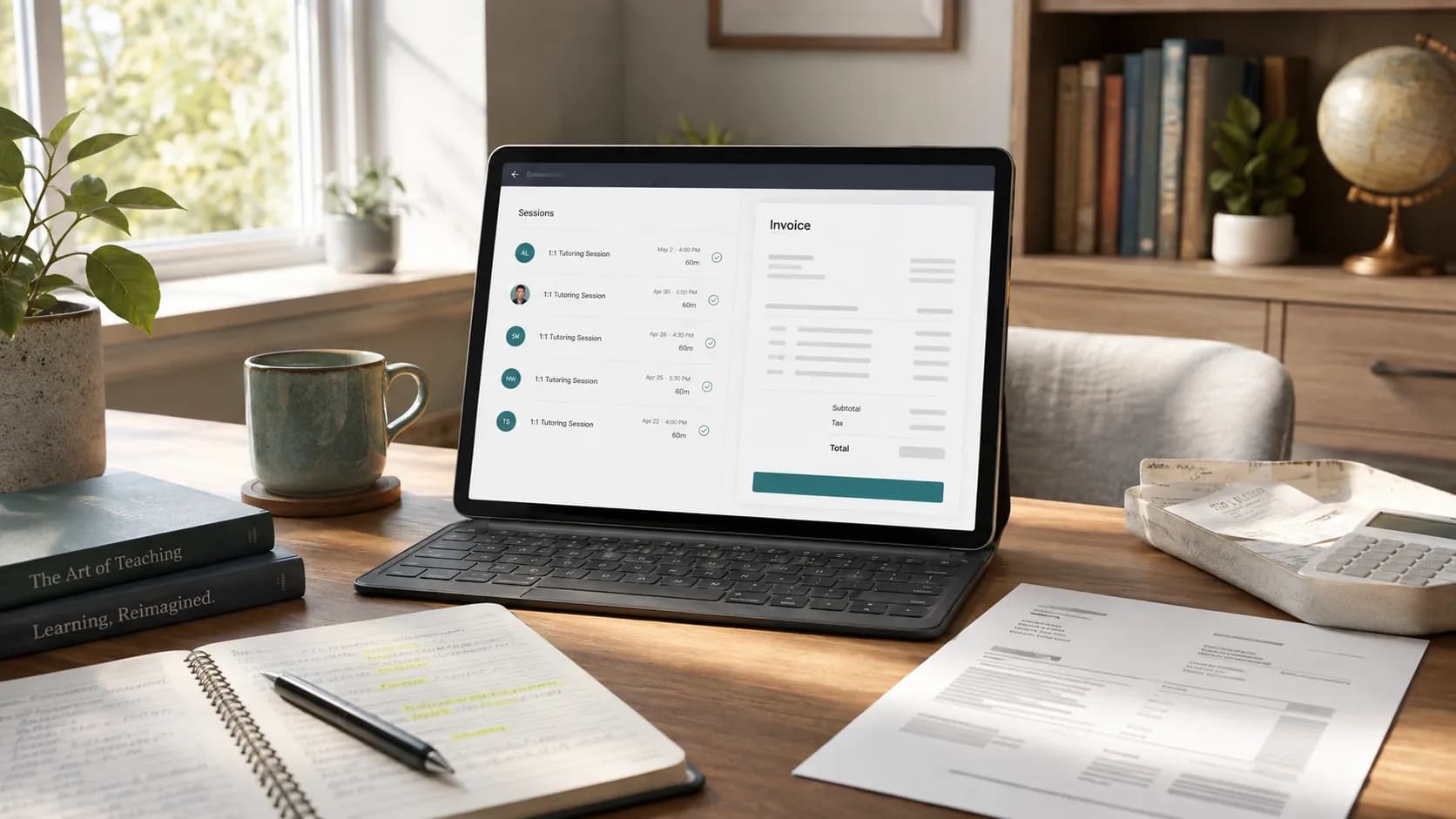
Most advice about tutoring admin tells you to be more disciplined. This one does not. If your billing takes an evening every month, the problem is almost never discipline: it is that the lesson happened in one place, the attendance note lives in another, and the invoice is assembled in a third. Every gap between those three is a place where you retype data by hand and where an error can enter.
This guide is about closing those gaps. It covers what genuinely connects to what, the automations worth setting up, the rounding and policy decisions you should make once, the failure modes that cause most billing disputes, and the handful of numbers that tell you whether your billing is actually healthy.
Two companion guides sit either side of this one. If you are still deciding what to record on each lesson, start with how tutors can track billable hours, attendance and lesson time. If your setup is already connected and you just want the month-end routine, go to turn tracked tutoring hours into invoices. This article is the wiring in between.
The shape of a connected billing workflow
Every invoice you send is the end of a chain that started when you booked a lesson. When the chain is unbroken, billing day is a review. When it is broken in three places, billing day is a reconstruction.
The important property is not that it is automatic. It is that each step reads the step before it rather than asking you to restate it. A tutor with this chain in place is not faster because they type quicker. They are faster because there are four fewer places to type.
What actually connects, and what does not
This is where most integration advice goes wrong, so it is worth being blunt. Below is what genuinely joins up in Teamlilit today. Anything not on this list, do not assume.
Your calendar. Google Calendar sync is real and two-way, so a booked lesson appears in the calendar you already live in, and your existing commitments block out availability. This is the integration that prevents double-booking, which is a billing problem as much as a scheduling one: a lesson that collides with something else usually ends up rescheduled, and rescheduled lessons are the ones that go unbilled.
Your live sessions. The classroom is part of the platform rather than a separate video tool, which is what makes attendance and duration automatic. When a student joins, their clock starts; when they leave, it stops. There is no meeting link to reconcile afterwards and no timer to remember. If you teach on Zoom or Teams instead, this is the join you will be making by hand, whatever else you automate.
Your student list. Students can be imported from a CSV, matched by email, so moving your existing roster in does not mean retyping it. Note the scope precisely: this imports students, not a history of lessons or invoices.
Your invoices, outward. Invoices leave as PDFs, by email, with your own payment details on them. Tax settings, per-student rates, family consolidation, late fees and credit notes are all held in the same place as the lesson records they bill.
Automation recipes worth setting up once
These are the settings that pay for themselves. Each one removes a decision you would otherwise make repeatedly, which is the real cost of manual billing.
Rounding: choose one rule, apply it to everyone
Partial sessions are the most common source of quiet inconsistency. Four options, each defensible:
- Bill the booked slot. The hour was held and could not be resold, so the hour is billed. This is what most tutors do, and it is the simplest to explain.
- Round to the nearest quarter hour. One hour seven minutes becomes one hour fifteen. Fair-feeling, and easy to check.
- Round up to a minimum unit. Any session bills at least thirty or forty-five minutes, which protects short-notice sessions.
- Bill measured time exactly. Precise, and the most work to explain when a lesson runs to fifty-eight minutes.
The rule matters less than its consistency. Teamlilit records the student's actual time in the room separately from the booked slot, so you keep both numbers and decide which one the invoice uses. Write your choice into your terms and stop deciding per lesson.
Rates and payers: set them on the person, not the invoice
Every rate you type at billing time is a rate you can type wrong. Store the hourly or per-session rate on each student, and store which adult pays. Two things then stop being decisions: a mixed group class prices itself per student, and siblings consolidate onto one invoice for one parent without you assembling it.
If you offer a sibling or family discount, define it once as a rule rather than applying it by memory each month.
Recurring drafts: prepare, but do not send
A recurring schedule can prepare a monthly draft invoice for a student from the sessions already recorded. It stops there, on purpose. The draft waits for you to release it.
That last review is not friction to be optimised away. It is where you catch the late cancellation you meant to waive, the package that ran out mid-month, and the family going through something who should get a quiet week. A system that sends without you is a system that bills a bereaved family on schedule.
Reminders and late fees: put the awkwardness in the settings
Chasing money is unpleasant precisely because it feels personal each time. It stops feeling personal when it is a rule you set in advance: a reminder on a fixed day, then a late fee that applies automatically once an invoice passes its due date, at a rate you published in your terms before anyone was late.
Subject: Tutoring invoice for [Month] · [Student name]
Hello [Parent name],
Attached is the invoice for [Student]'s lessons in [Month]. It lists each session with its date and duration, so you can see exactly what it covers.
Total: [amount] · Due: [date]
Payment details are on the invoice. Please use [invoice number] as the reference so I can match it up.
Any questions about a particular session, just ask and I will talk you through it.
Best, [Your name]
Subject: Reminder · invoice [number] due [date]
Hello [Parent name],
A gentle nudge that invoice [number] for [amount] was due on [date]. It may well have crossed with your payment, in which case please ignore this.
If it is easier to pay in two parts this month, tell me and we will arrange it.
Best, [Your name]
What a connected month actually costs you in time
The numbers below are a worked example, not survey data: one tutor with roughly twenty students, timing their own month-end before and after connecting the pieces. Your figures will differ. The shape is what transfers.
Four ways tutors do this, honestly compared
| Approach | Typical tools | Pros | Cons |
|---|---|---|---|
| Spreadsheets and a document template | Sheets or Excel, a Word invoice, Gmail | No cost. Total control of layout. Nothing to learn. | Every lesson is logged by hand. Highest error rate. No reminders, no consolidation, no audit trail. Scales badly past about ten students. |
| A standalone time tracker | Toggl, Harvest, Clockify | Accurate durations. Exportable timesheets. Cheap. | Built for freelancer hours, not lessons: no concept of a no-show, a package, or a paying parent. Invoice data still gets copied across by hand. |
| Attendance tool plus an invoice generator | An attendance sheet plus a free invoice maker | Attendance stops being reconstructed. Invoices look professional immediately. No subscription. | Two systems that do not talk. You still assemble each invoice, and nothing tracks what has been paid or what is overdue. |
| One connected system | Teamlilit | Sessions, attendance, per-student time, rates, tax, consolidation and payment status in one record. Billing becomes review-and-issue. Every invoice line traces to a lesson. | A subscription. A short setup: rates, payers and policies have to be entered once before anything pays off. |
The honest read of that table: the middle two options are real improvements, and if you are billing five students they may be all you ever need. The case for one system is not that it is magic, it is that the copying between tools is the part that does not shrink as you grow.
If you are ready to stop transferring lesson totals between tools, see how Teamlilit can automate tutoring invoices using tracked lessons and the rates on each student's record. It brings attendance, invoice drafts and payment tracking into one workflow, with your review before an invoice is sent.
The leaks: what unbilled work actually costs
Most tutors underbill, and almost none of them know by how much, because every leak is individually too small to notice. Set a realistic monthly billing figure below and pull the sliders to whatever you suspect is true of your own month.
Every one of those is a recording problem rather than a pricing problem, which is why they disappear when the lesson writes its own record. The rate one is the exception and deserves a calendar reminder: review your rates on a date, not on a feeling.
Pitfalls and how to catch them early
Sessions that happened but were never recorded. The single biggest cause of underbilling. A lesson moved by text message and never entered anywhere is invisible on billing day. The fix is structural: book the reschedule where the lesson lives, not in the text thread.
Cancellations recorded but never priced. The mirror image. You noted that a student cancelled, but never decided whether it was inside your notice period. Record the status, not just the absence: cancelled in time, late cancellation, or no-show. Each maps to a different amount, and deciding at the time is far easier than deciding a month later.
The wrong person on the invoice. Invoice the adult who pays, with each child itemised. Two invoices to one household produce one confused parent and two payments to reconcile.
Tax applied by accident, or forgotten. Most private tutors in the UK are not VAT registered, and the correct move is a clear note that no VAT has been charged. If you are registered, set the rate and treatment once so it snapshots onto every invoice rather than being remembered per bill.
Payments landing without a home. A transfer with no reference against three open invoices is fifteen minutes of detective work. Ask for the invoice number as the reference and record the payment against the invoice when it arrives, so what is outstanding is always a fact rather than a guess.
Records that would not survive a question. Whatever system you choose, keep your invoices and payment records. The advantage of billing from lesson records is that the evidence is assembled as a byproduct rather than as a separate chore.
The five numbers worth watching
You do not need a finance dashboard. You need to know whether the money you earned is the money you invoiced, and whether it arrives.
Billing accuracy. The share of invoices that go out without needing a correction afterwards. Corrections are the symptom worth chasing: each one usually points at a specific broken link in the chain above.
Time to invoice. Days between your cut-off and the invoice being sent. Aim for one or two. The longer this stretches, the more of the month you are reconstructing rather than reading.
Days sales outstanding. The average gap between issuing an invoice and being paid. Divide your outstanding balance by your monthly billing, then multiply by thirty for a rough figure in days. Watch the direction it moves rather than the absolute number.
On-time payment rate. The share of invoices paid by their due date. If this sits low, the problem is usually terms and reminders rather than the families themselves.
Write-offs and goodwill. What you chose not to bill. This should be a number you decided on, not one you discover. If it is growing without you noticing, your policy is not being applied.
Where this leaves you
Automating tutoring invoices is not about removing yourself from billing. It is about removing the retyping, so what is left is the part that needs a person: the exceptions, the goodwill calls, and the occasional conversation about what a lesson was worth.
The order matters more than the tooling. Connect where lessons are booked to where attendance is captured first, because that single link removes the largest block of month-end work. Rates and payers next, because they remove the lookups and most of the errors. Drafts assembled from sessions last, because they only pay off once the record beneath them is trustworthy.
If you want to see the end state before committing to it, our free tutoring hours tracker totals a month of sessions without an account, and the free invoice maker turns a list of lessons into a PDF. They are the manual version of the chain described here, which makes them a fair way to judge whether the connected version is worth it.
Frequently asked questions
Can tutoring invoices be fully automatic?
The assembly can be, the sending should not be. In Teamlilit a recurring schedule prepares a draft invoice for each period from the sessions already recorded, and it stays a draft until you release it. That last review is where late cancellations, package adjustments and goodwill decisions get made, and it is the step worth keeping.
How should tutors round partial lesson time?
Pick one rule and apply it to every student. Most tutors bill the booked slot rather than the measured minutes, because the slot was held and could not be resold, and keep the recorded time for the parent conversation instead. If you do bill measured time, round to the nearest quarter hour and say so on the invoice.
Does tutoring software connect to QuickBooks or Xero?
Teamlilit does not sync to accounting packages, and no tutoring tool should be chosen on that promise alone. For a sole trader the practical bridge is the invoice PDF and your payment record, which is what an accountant asks for anyway. Check what a platform actually exports before assuming a two-way sync exists.
What causes most tutoring invoice errors?
Sessions that were taught but never recorded, and cancellations that were recorded but never priced. Both come from the gap between where a lesson happens and where it is billed. Closing that gap removes most disputes without any extra checking.
How quickly should a tutor invoice after the period ends?
Within a day or two of your cut-off. The longer the gap, the more of the month you are reconstructing from memory, and the later every payment lands. A fixed issue date each month matters more than the exact date you pick.
The short version
The evening you spend billing is not a discipline problem, it is a wiring problem. Connect the calendar to the room, let the room record attendance and time, put rates and payers on the student, and let the period assemble a draft. What survives is a twenty-minute review of the handful of lessons that genuinely needed your judgement.
Everything above the review is copying, and copying is the part a system should have done for you. If you want the month-end routine itself in detail, turn tracked tutoring hours into invoices walks through the five steps, and tutor time tracking software covers the record the whole chain is built on.
Sources
- Register for VAT - GOV.UK. When UK sole traders must register for VAT, supporting the no-VAT invoice note.
- Business records if you're self-employed: what records to keep - GOV.UK. Record-keeping duties for the self-employed, supporting keeping invoices and payment records.