Most tutors do not have a scheduling problem. They have an availability problem.
The difference matters. A scheduling problem is "when is this lesson?" An availability problem is "which hours of my week am I actually selling, and to whom?" Answer the second question badly and you spend every Sunday evening reconstructing a timetable from message threads, discovering that you have agreed to teach eleven hours on Wednesday and none on Thursday, and quietly working at 9pm because a family asked nicely.
This guide is about how tutors manage lesson availability for multiple students without that. It is written for a solo tutor or a small teaching business with a real roster: enough students that the week no longer fits in your head.
The problem is your roster, not your calendar
With three students, ad-hoc works. You remember everything, and a message thread is a fine booking system.
Somewhere around ten it breaks, and it breaks in a specific way. Every new request is negotiated from scratch against a calendar only you can see, so the same conversation happens over and over. Because each lesson is agreed individually, nothing protects the shape of your week: the roster expands into whatever gaps exist, including the ones you wanted to keep. And because availability lives in your head, you are the bottleneck for every reschedule, every holiday gap, and every "could we move to Friday?"
The fix is not a better calendar. It is deciding your teaching hours first, publishing them, and letting students choose inside them. You define the container; the roster fills it.
Step 1: Define your availability blocks
An availability block is a window of time you are willing to teach in. It is not a lesson, and it is not your personal calendar. It is the sellable surface of your week.
Start by writing down the windows you actually want to work, not the ones you could theoretically fill:
- Weekday late afternoons, 4pm to 8pm Monday to Wednesday, for school-age one-to-one lessons
- One weekend morning, Saturday 10am to 12pm, for group sessions or exam intensives
- One weekday daytime block, Thursday 11am to 2pm, for adult learners and university students
That is a defined 15-hour teaching surface. Everything outside it is unavailable by default, which is the entire point: you are not declining requests one by one, you have simply never offered those hours.
Three rules make blocks hold up under a real roster:
Build in buffers. Put 10 or 15 minutes between lessons. It absorbs overrun, gives you time to write the session note while it is fresh, and is the difference between a full day being sustainable and being brutal. Back-to-back lessons with no gap look efficient on a calendar and are the fastest route to burnout.
Cap the day, not just the week. Four lessons on a Tuesday is a full day of teaching. Decide the maximum and let the block enforce it, rather than discovering it at 8pm.
Protect something. Keep at least one evening and one weekend day genuinely closed. If every hour is theoretically bookable, a growing roster will find them.
In tutoring management software, these blocks are settings rather than a drawing on a calendar: you define the recurring windows once, and they become the availability everything else reads from.
What that looks like as a week
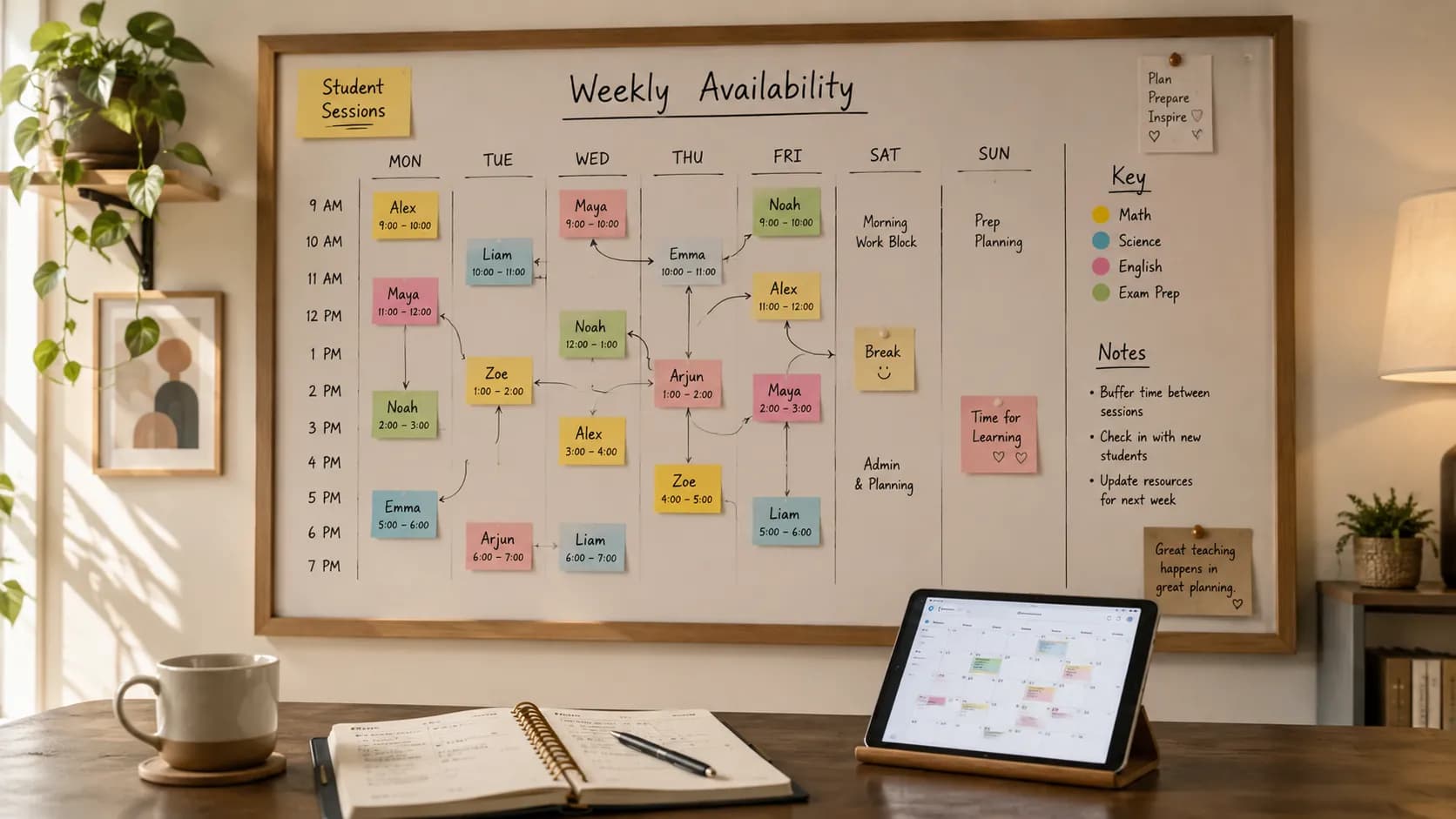
Written out, a 15-hour teaching surface for a roster of roughly 20 students might look like this:
| Day | Block | Capacity | Mostly used for |
|---|---|---|---|
| Monday | 16:00 to 20:00 | 4 lessons | Recurring one-to-one, school age |
| Tuesday | 16:00 to 20:00 | 4 lessons | Recurring one-to-one, school age |
| Wednesday | 16:00 to 20:00 | 4 lessons | Recurring, plus one flexible slot |
| Thursday | 11:00 to 14:00 | 3 lessons | Adult and university learners |
| Friday | Closed | 0 | Protected |
| Saturday | 10:00 to 12:00 | 1 group | Group session or exam intensive |
| Sunday | Closed | 0 | Protected |
Two things are worth noticing. The capacity column is deliberately modest: with 45-minute lessons and 15-minute buffers, four lessons genuinely fills a 4pm to 8pm block, and pretending otherwise is how tutors end up teaching through their own dinner. And two days are closed outright rather than left "available if someone asks", because an open day with nothing booked is an invitation, not a rest.
The same 15 hours can carry far more than 15 students once most slots recur fortnightly rather than weekly, which is a common pattern for exam-prep students who alternate with school revision.
Adjusting for exam season
Availability is not fixed for the year. Demand for tutoring is sharply seasonal, and the sensible response is to change the container rather than to squeeze more into it. Before a major exam period, you might open an extra weekend block or convert flexible weekday slots into intensives, then close them again afterwards. Deciding that in advance, and publishing it, is much easier than absorbing the surge one desperate request at a time.
Step 2: Publish the blocks so students can choose
Once the container exists, stop describing it in messages. Publish it.
A booking page shows your real availability, in the student's own time zone, and lets them take a free slot. The slot they take disappears, so nobody double-books it. This is the step that removes most of the admin, because the negotiation that used to cost you eleven messages costs the student thirty seconds and costs you nothing. This is the job scheduling software built for tutoring does that a shared calendar cannot: the availability rules you just defined become a page students can act on.
What to put on it: the lesson types you offer (one-to-one, group, exam intensive), the durations, and the notice you require. Keep the list short. A booking page offering nine options makes the decision harder, not easier.
We cover the mechanics of this in detail, including confirmations, reminders and intake questions, in our guide on how to let students book tutoring lessons online. The short version: one link replaces the thread.
Step 3: Keep one calendar as the source of truth
Published availability is only safe if it knows about the rest of your life.
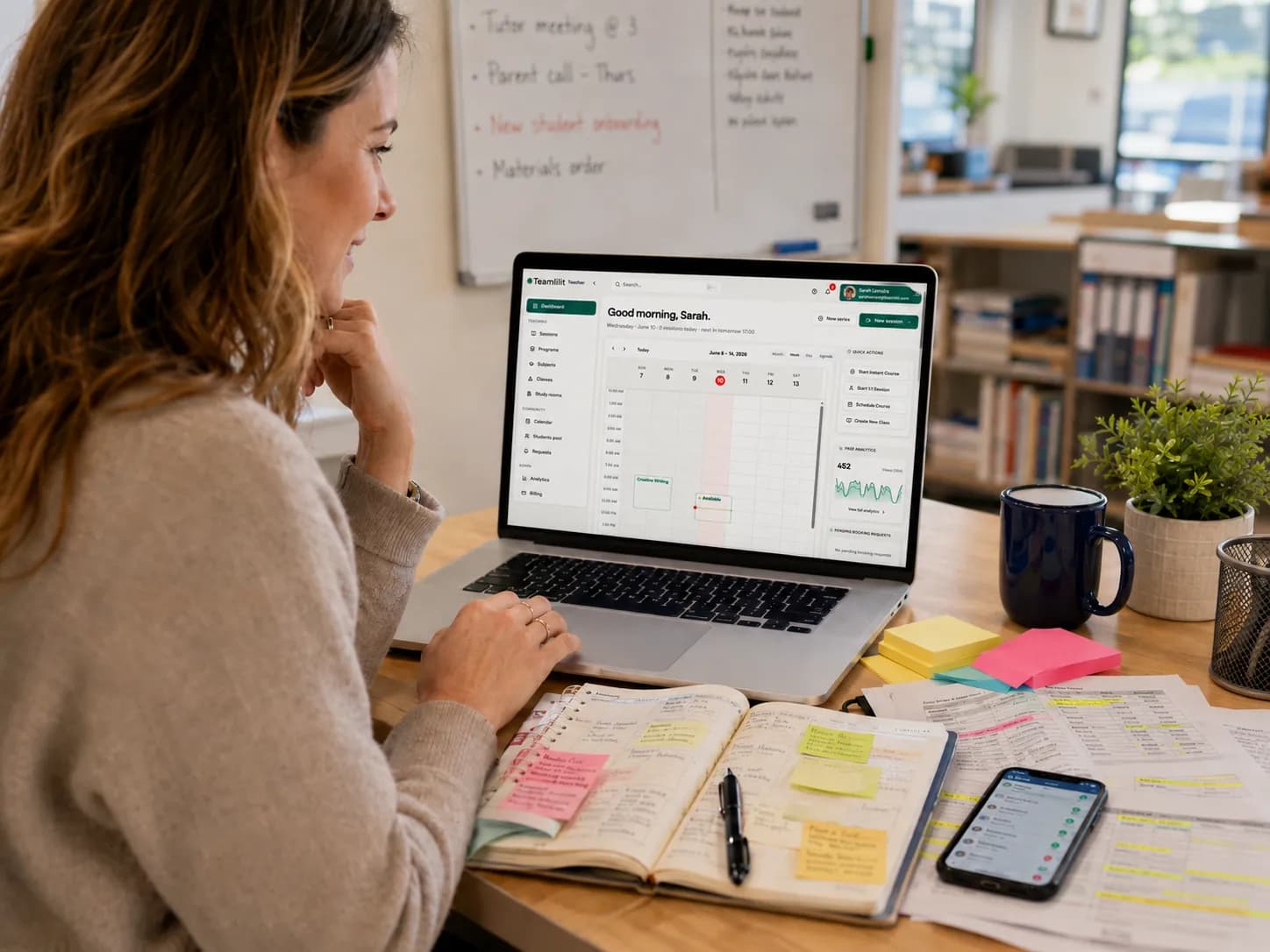
Sync your schedule with your main calendar so the two cannot disagree. A dentist appointment you add on your phone should close that slot on your booking page automatically, and a lesson a student books should appear in your calendar without you copying it. Teamlilit syncs with Google Calendar for exactly this, so your tutoring hours sit alongside everything else instead of in a parallel universe.
The failure mode here is subtle and common: tutors who keep tutoring in one system and personal life in another do not get double-booked by students, they get double-booked by themselves. One source of truth, or the protection is theoretical.
For last-minute personal commitments, block the time directly rather than trying to remember not to accept a booking. Blocked time is a decision; remembering is a risk.
Step 4: Make changes routine instead of exceptional
Schedules change. A system that only works when nothing moves is not a system.
Write one policy and apply it consistently. The common tutor rule is 24 hours' notice for a free reschedule, with the lesson charged inside that window. State it on your booking page and in your confirmations so it is never a surprise, and if you have not written yours yet, our free cancellation policy generator produces a fair, parent-friendly version.
Then let the policy run without you. Students can reschedule their own lessons inside the notice window you set, which turns most changes into a moved lesson rather than a message you answer between classes. Automated reminders go out before the lesson, so fewer changes happen at the last minute at all. You stay involved in the exceptions, not the routine.
For a large roster, lean on recurring slots. A student who has the same Tuesday 5pm every week is not a scheduling decision you make each week. Put your regulars on recurring bookings and keep a smaller pool of flexible slots for one-offs, resits and exam season. This is the single biggest structural difference between a roster of ten and a roster of forty: at forty, anything you negotiate weekly will eat you alive.
Step 5: Connect the booked slot to the rest of the work
This is where availability management stops being calendar admin and starts saving real time.
A booked slot is not just a time. It is a student, a lesson that will happen, an attendance record, a note, and eventually a line on an invoice. When those are separate systems, you re-enter the same lesson four times. When they are one record, you enter it zero times.
In practice that means the booking already carries the student, so when the lesson runs, attendance is recorded against it with join and leave times. Afterwards you write the session note on that same record, with AI-assisted editing if you want the tidy-up done for you, and it sits in the student's history for you to read before the next lesson. At the end of the month, the invoice is built from the attendance that was already captured, with tax or VAT applied and automatic late fees if a bill goes overdue. You review and send rather than reconstruct.
That last step is worth being precise about, because it is where most tutors lose the most time. Billing from what actually happened, rather than from memory, is covered in our guide on how to invoice based on attendance. And if the lesson itself is online, it runs in a live classroom with a whiteboard and screen share attached to the same session, so nothing has to be stitched together afterwards.
Choosing tools without over-buying
You do not need all of this on day one. Roughly, the options go:
- A calendar app alone works while you can hold the roster in your head. It has no concept of a student booking themselves, so you remain the bottleneck.
- A generic scheduling tool solves self-booking well, and stops there. It does not know what a lesson is, so attendance, notes and invoicing stay manual.
- Tutor-specific software connects availability to the teaching record and the billing, which is the whole argument of Step 5.
Our round-up of tutor scheduling tools ranks the common setups by how well they actually prevent double-booking, and the wider best tools for online tutors guide covers the full stack including the free options. Pick the cheapest thing that removes your current bottleneck, and upgrade when the bottleneck moves.
The short version
Managing availability for multiple students is a design problem you solve once, not a negotiation you repeat weekly. Decide the hours you will teach, publish them so students choose inside them, keep one calendar that knows about your whole life, write a policy that runs without you, and put your regulars on recurring slots so the roster does not have to be rebuilt every week.
Do that, and the schedule stops being the job. It goes back to being the container the job happens in.
FAQ
How do tutors typically balance multiple students' needs and schedules?
By deciding their own teaching hours first and letting students choose inside them, rather than answering each request individually. In practice that means defining fixed availability blocks for the week, publishing them so students can pick a free slot themselves, and setting one written policy for cancellations and reschedules. The tutor decides the shape of the week once; the roster fills it in.
What is the best way to set availability for tutoring?
Set it in blocks rather than individual slots. Pick the windows you genuinely want to teach in, for example weekday late afternoons and one weekend morning, and treat everything outside them as unavailable by default. Add a short buffer between lessons for notes and overrun, cap how many lessons you will teach in a day, and keep at least one evening clear so the roster cannot quietly expand into all of your time.
How do you handle scheduling when you teach 30 or more students?
At that size the schedule has to be structural rather than negotiated. Put your regulars on recurring weekly slots so they occupy the same time every week without rebooking, keep a small number of flexible slots for one-off and exam-season sessions, and let students reschedule themselves inside your notice window. Recurring bookings are what stop a large roster from becoming a weekly negotiation.
How can you manage online tutoring sessions with multiple students?
Keep one calendar as the source of truth and connect it to your teaching records. When a booked slot carries the student, the attendance for that session, and the lesson notes afterwards, you stop maintaining a schedule in one place and a record of what happened in another. That single record is also what your invoices should be built from at the end of the month.