

Tutor booking software: let students book you
If your booking flow is "message me and I'll check my calendar", you're the bottleneck of your own tutoring business. Teamlilit lets students book sessions from your real availability, and every booking lands straight on your tutor timetable. Booking is how a student takes a place in your week; scheduling is how that week then changes.
Your current stack

Who this is for
- Solo tutors tired of the "are you free at 5pm?" back-and-forth
- Tutoring centres taking bookings across multiple tutors
- Language schools and test prep centres (IELTS, TOEFL, etc.)
How booking works
- Set your weekly availability, with the slot length you want
- Students pick an open slot from your booking calendar
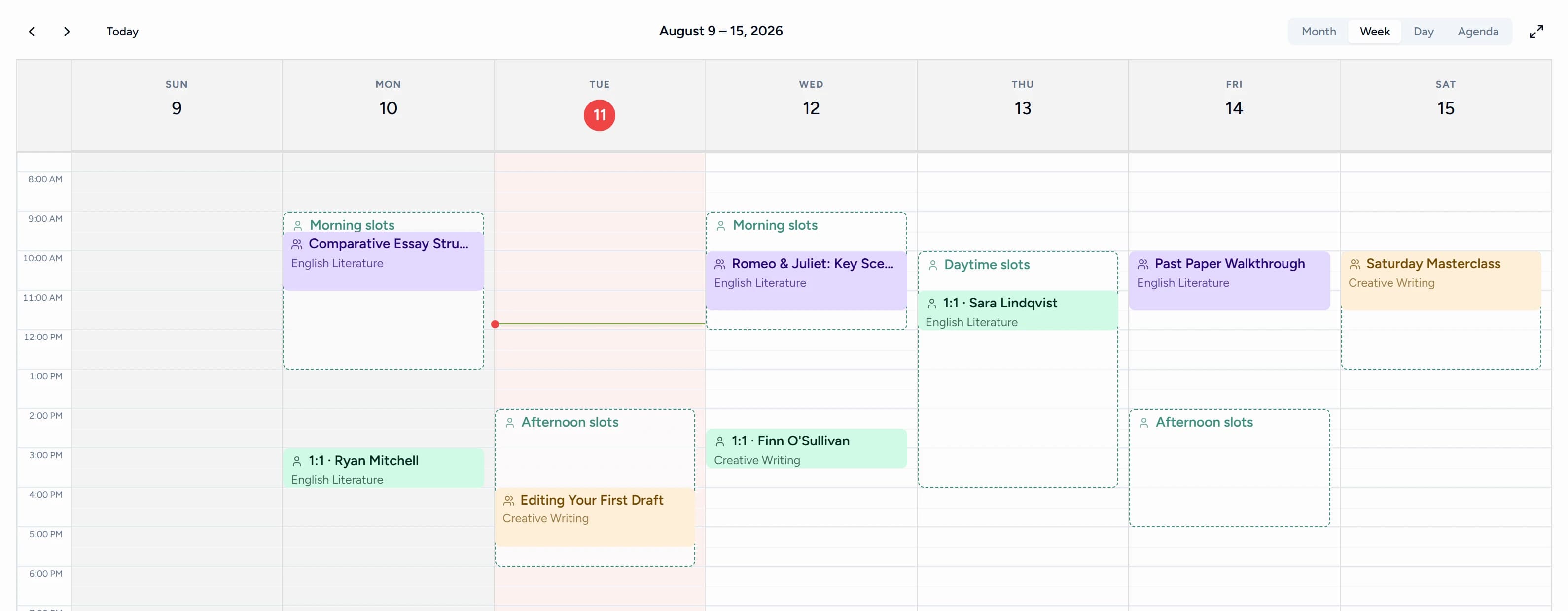
- The session appears on your tutor timetable and on the student's dashboard
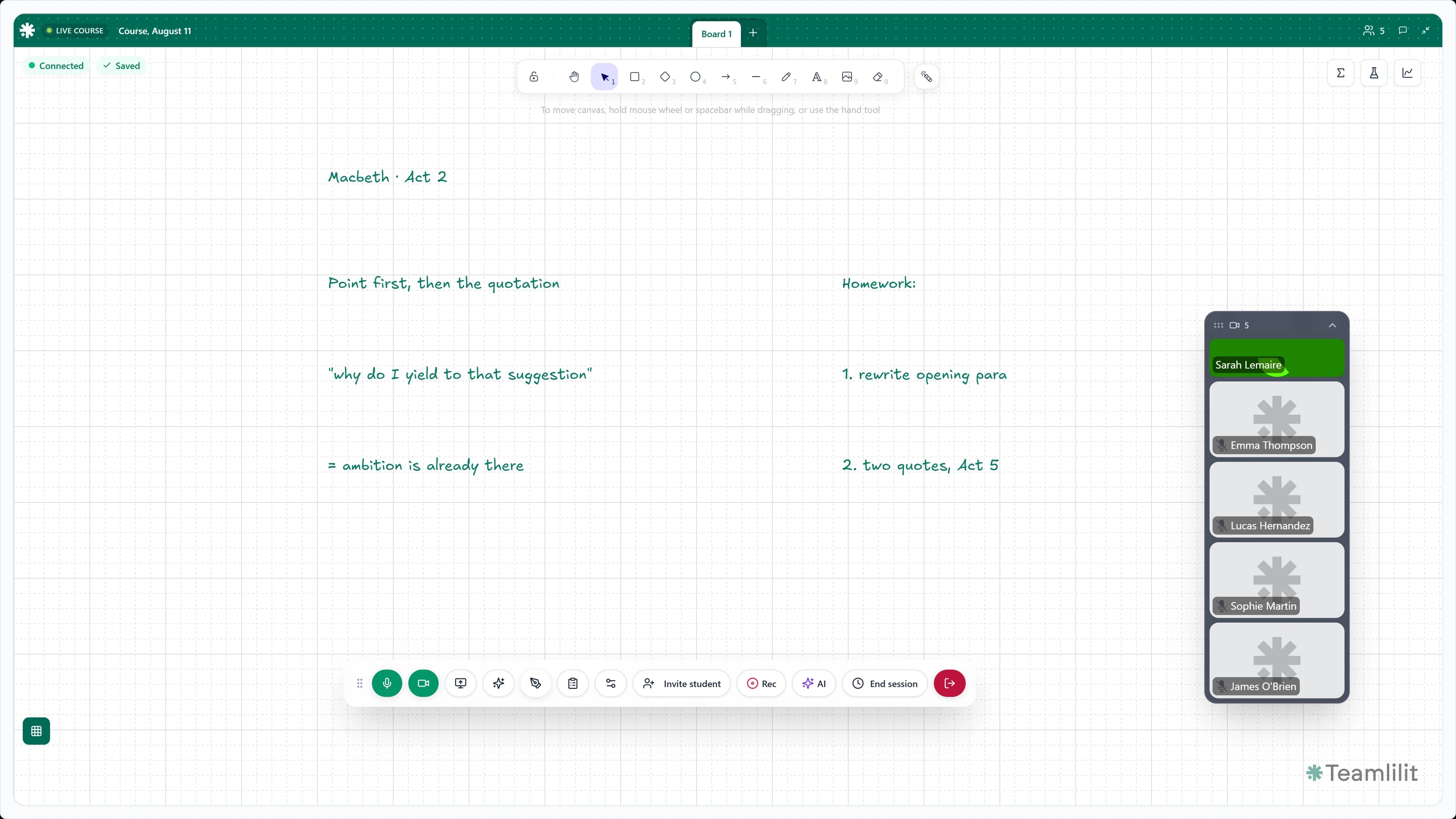
- At lesson time, the student joins the built-in classroom with one click
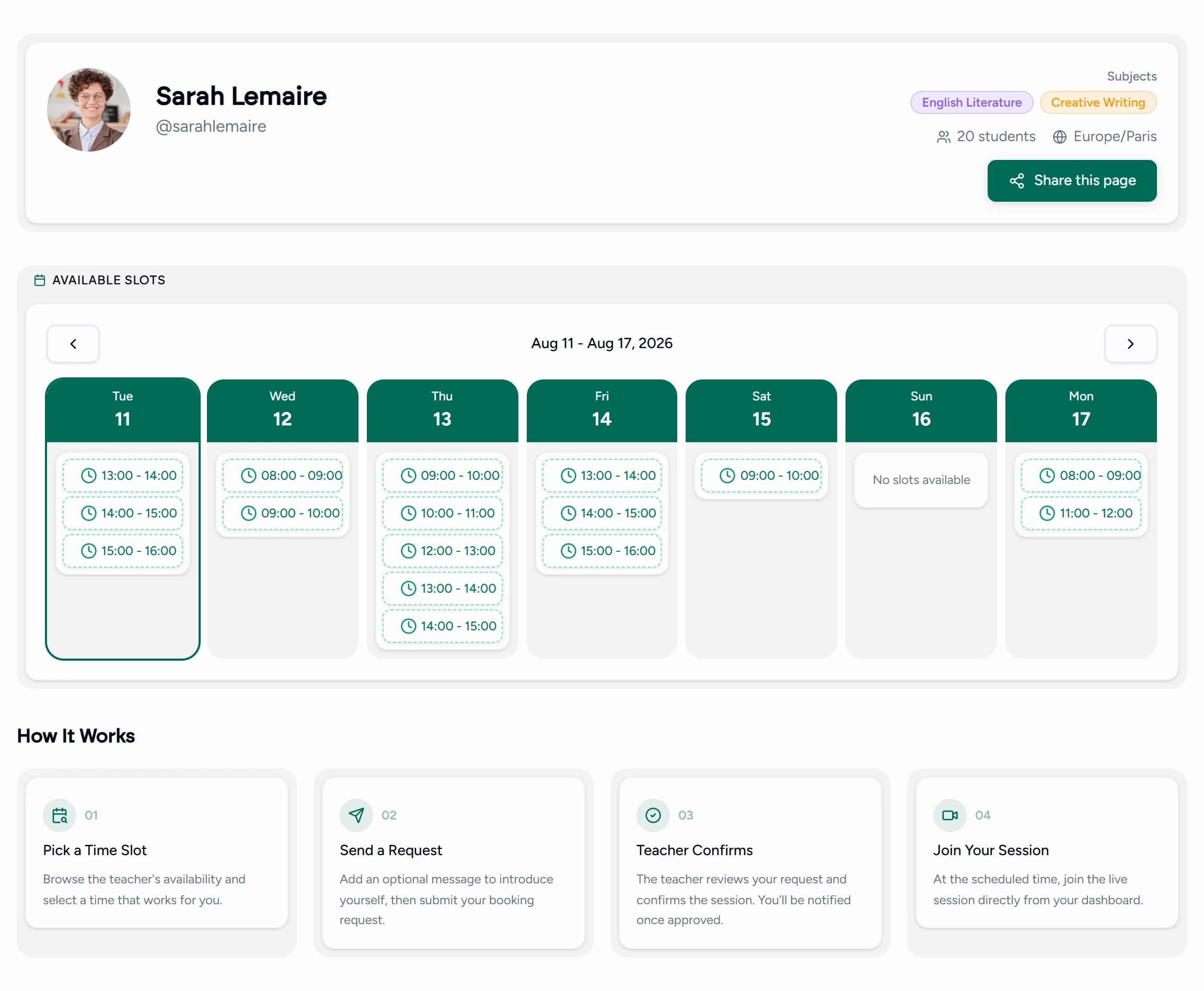
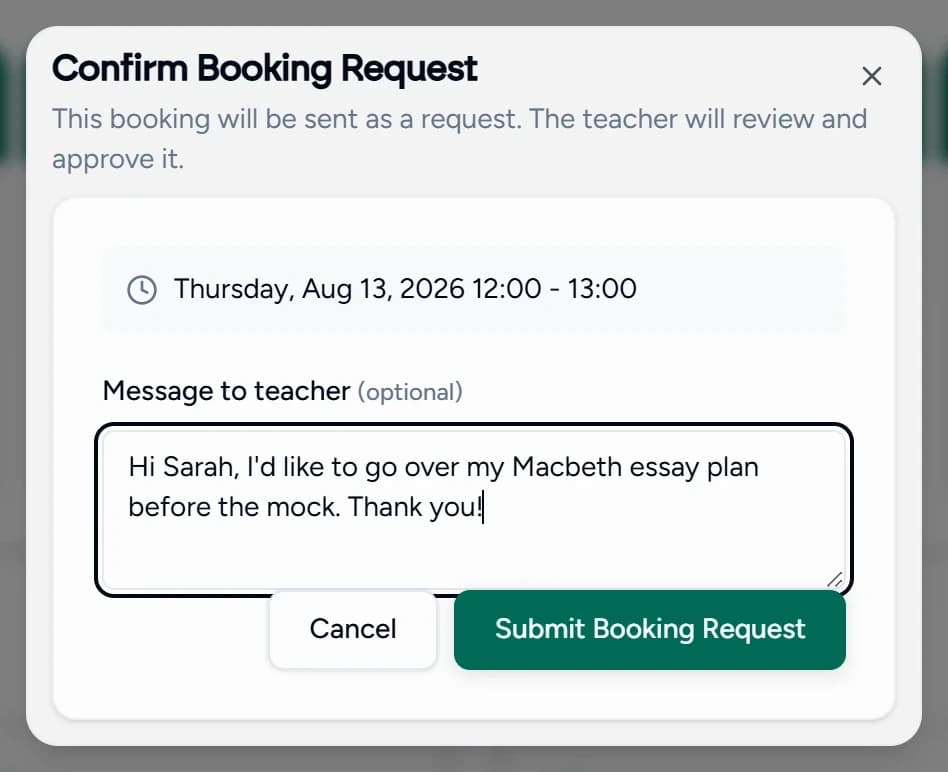
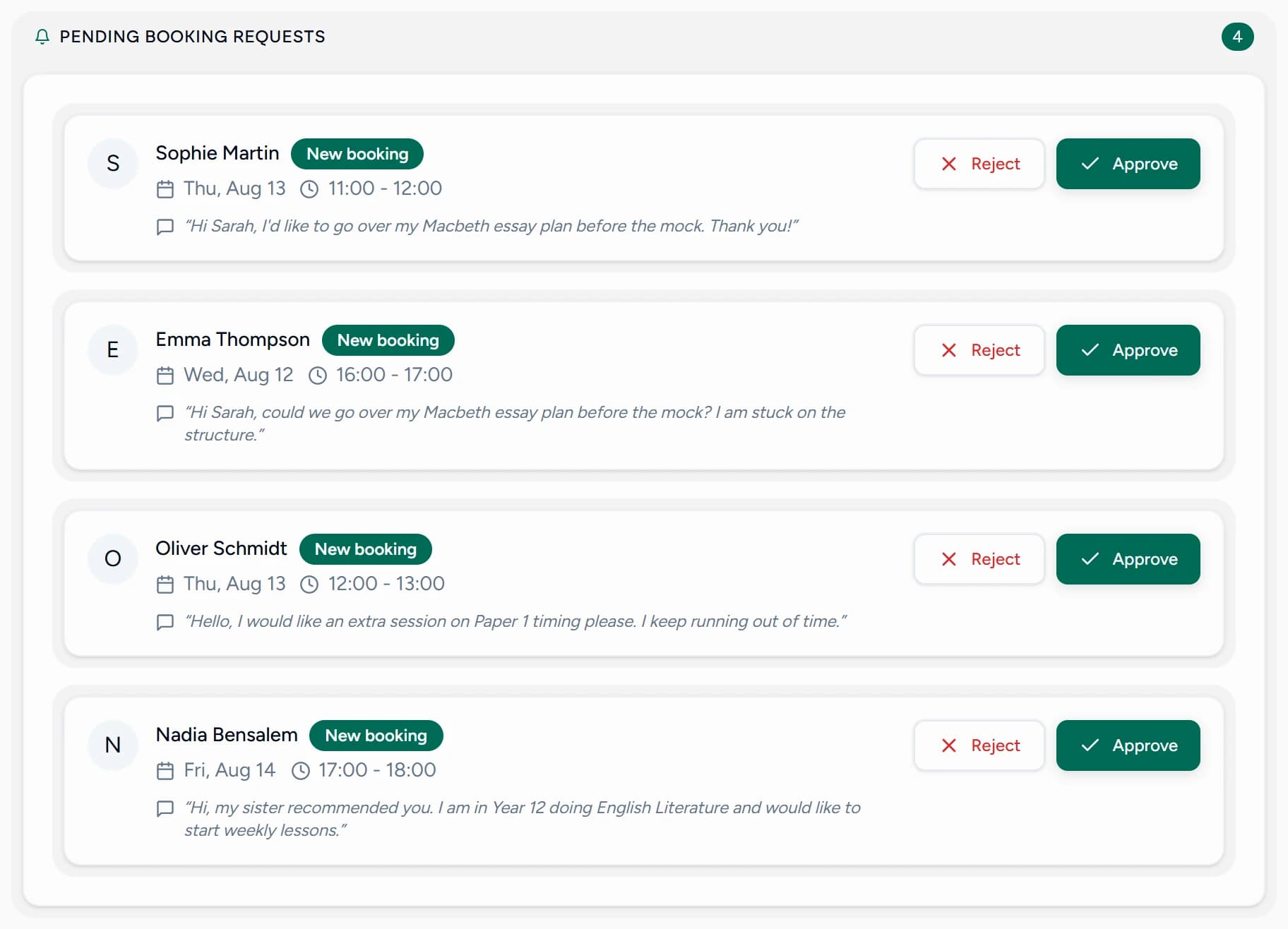
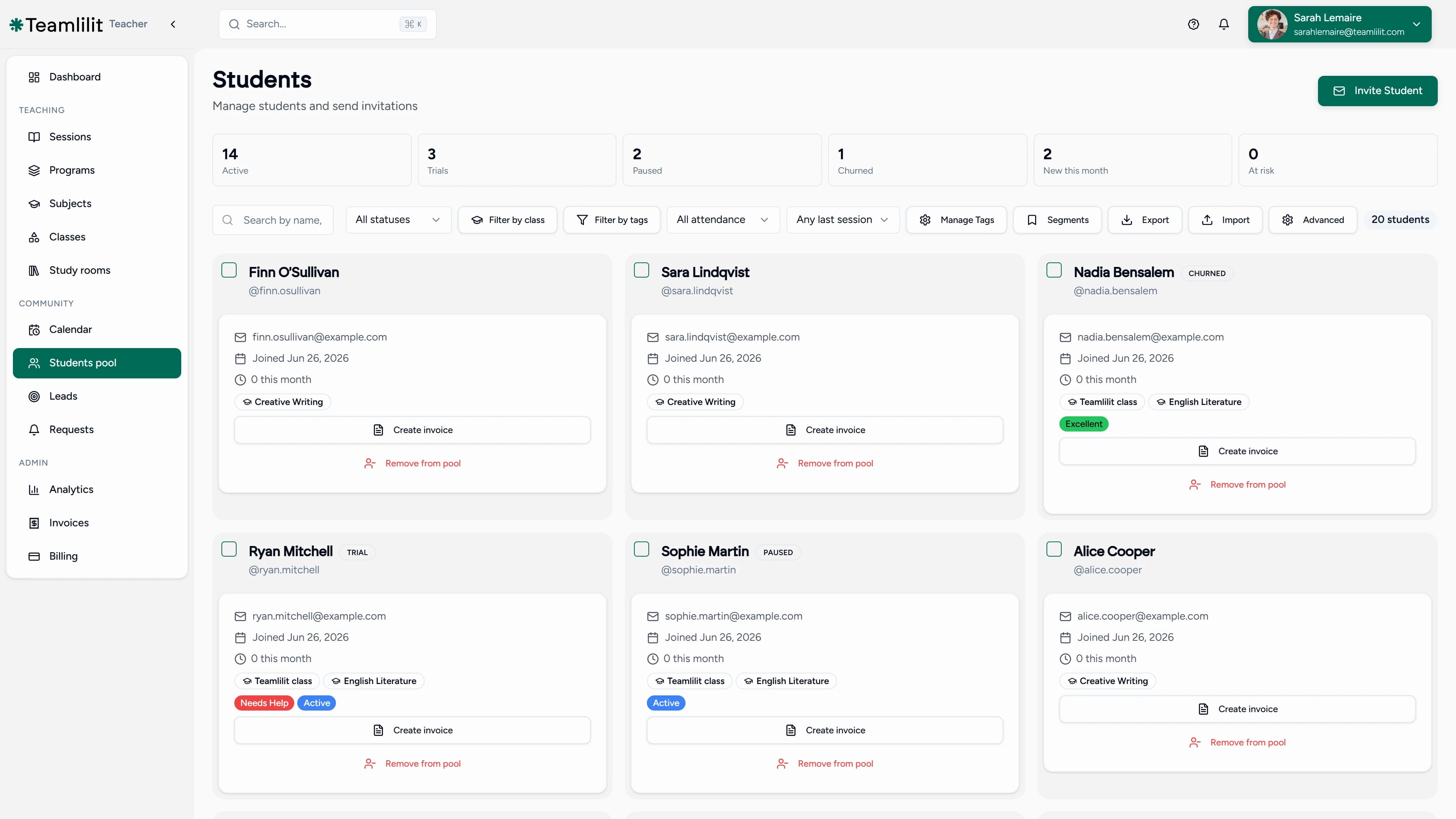
New students can come in through your public booking page too: they request a slot, you approve it, and they're added to your student list automatically.
Why it beats a generic booking link
Tools like Acuity, Calendly, or SimplyBook give you a booking link, and that's where they stop. The lesson itself still happens somewhere else, and none of the pieces talk to each other.
In Teamlilit, the booking is the lesson:
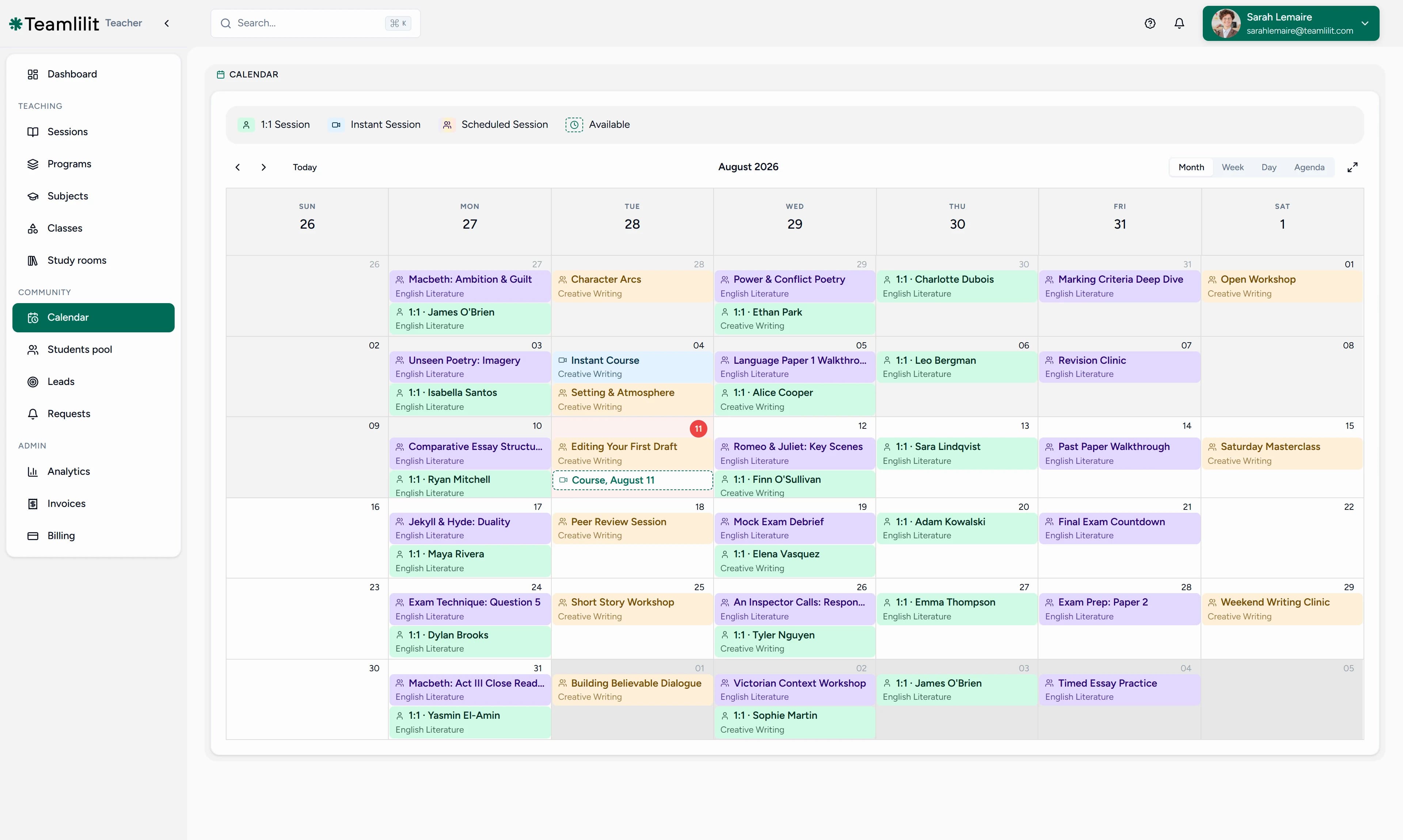
- The booked session lands on your timetable, conflict-checked against everything else you teach
- The virtual classroom is attached to the session, so there's no separate meeting link to send
- Attendance and per-student time tracking are recorded when the lesson happens
- Everything stays on the student's record: sessions, attendance, time, and history
Key features
- Weekly availability management with custom slot lengths
- Student self-booking from your open slots
- Public booking page for new students, with approval control
- Automatic timetable placement, conflict-checked
- Reschedule and cancellation handling
- Multi-tutor booking in tuition centre software (Academy plan)
- Built-in virtual classroom attached to every booking
- Attendance and per-student time tracking on every session
Booking and scheduling, same calendar
Booking and scheduling aren't two systems in Teamlilit. Students fill your open slots through booking; you stay in control of the timetable through scheduling. Both write to the same calendar, with group sessions, recurring lessons, and 1:1s side by side.
New to self-booking? It works best once the rest of your week is laid out deliberately. Our guide on how to create a tutoring timetable walks through anchoring recurring lessons and group classes first, then opening only the slots you want students to book into. For the bigger picture of moving off message-based booking entirely, read how to let students book tutoring lessons online. A shareable booking page is also one of the most reliable ways to get more tutoring students, because it turns every recommendation into a booked lesson.
Frequently asked questions
How do students book a session?
You set your availability as weekly slots. Your students pick an open slot from your booking calendar and the session is booked, with no messages needed. New students can also find you through your public booking page: they request a slot, you approve it, and they're added to your student list automatically.
Can I control when I'm bookable?
Yes, fully. You define weekly availability windows with the slot length you want, and students can only book inside them. Anything outside your windows arrives as a request you can accept or decline, and you can switch your public booking page off at any time.
What happens after a student books?
The session lands on your timetable and on the student's dashboard right away. At lesson time you both join the built-in virtual classroom from the session itself, and attendance and per-student time tracking are recorded with it.
Can a tutoring centre take bookings for multiple tutors?
Yes. On the Academy plan for multi-tutor centres, each tutor sets their own availability and takes their own bookings, while admins keep oversight of every tutor's schedule from one dashboard. Booked sessions land on the right tutor's timetable automatically.
Is this a tutoring center scheduling system?
Yes. A tutoring center scheduling system coordinates every tutor's availability, bookings, and timetable in one place, which is exactly how Teamlilit works on the Academy plan for tuition centre scheduling: students book against each tutor's real availability, every booked session lands on a shared multi-tutor timetable, and admins keep oversight of the whole center from one dashboard. For the scheduling side beyond bookings, see our tutoring scheduling software page.
Is this also tutor timetable management software?
For the day to day, yes: booking and the timetable are the same calendar, so booked sessions land on your timetable, recurring lessons hold their slots, and attendance and taught hours follow each lesson. If the timetable itself is what you are comparing, our run recurring tutoring sessions page covers it properly: day, week and month views, a recurring week you build once, and multi-tutor timetables on the Academy plan.
Can I still schedule sessions manually?
Of course. Self-booking adds to your scheduling, it doesn't replace it. You can create one-time, recurring, and instant sessions yourself at any time, and assign students or groups to them.
How much should I charge for the sessions students book?
That's up to you, and it's worth deciding before you open your slots: your rate and slot length shape how students book. Our guide on how to price tutoring sessions benchmarks 2026 rates by region and level so you can set a number with confidence.
Next step
Stop being your own booking assistant. Set your availability once and let students book you. See pricing for plan details.
