Zoom's free plan stops meetings at 40 minutes, and that includes a one-to-one call. On 21 November 2026, Zoom's help page says the limit applies to every meeting hosted by a Basic (free) user with at least one other person in it. Paid plans run up to 30 hours.
What is the Zoom time limit?
On 21 November 2026, Zoom's help and pricing pages say:
- Meetings hosted by a Basic (free) user are limited to 40 minutes. That covers one-to-one meetings as well as groups: one host with one or more participants.
- A host alone in the meeting is not limited.
- A Basic user on a company's paid account still has the 40-minute limit. The limit follows the host's own licence, not the company's.
- Pro, Business and Enterprise meetings can last up to 30 hours (Zoom pricing).
- The free plan allows up to 100 participants per meeting.
| Zoom plan of the host | Meeting length | Good to know |
|---|---|---|
| Basic (free) | Up to 40 minutes, one-to-one or group | Up to 100 participants |
| Basic user on a company's paid account | Up to 40 minutes | The host needs their own licence |
| Basic Plus | Four extended meetings of up to 80 minutes each | Availability may depend on your country |
| Pro, Business, Enterprise | Up to 30 hours | Paid licence for the host |
We could not confirm on Zoom's pages whether, or how, it warns before the 40 minutes run out, so set your own timer.
Does the Zoom 40-minute limit apply to one-to-one meetings?
Yes. If you read elsewhere that two-person calls on free Zoom are unlimited, check the current page: on 21 November 2026, Zoom's help page says the 40-minute limit applies to one-to-one meetings too.
Two cases catch tutors out:
- An agency login. If a tutoring company adds you to its paid Zoom account as a Basic user, your meetings still stop at 40 minutes. Ask whether your login has a licence.
- Who starts the meeting. The limit is described for meetings hosted by a Basic user. If a student or a school hosts with a licensed account, the meeting follows their plan. You cannot plan a paid business around that.
How to get around the Zoom 40-minute limit
These are the honest options, from the most to the least practical for a tutor who teaches full hours.
1. Buy a licence for the host
A Pro, Business or Enterprise licence takes the meeting length to 30 hours. Compare the plans on Zoom's pricing page; prices vary by plan and country, so we do not repeat them here. Remember that the licence must belong to whoever hosts the lesson.
2. Basic Plus, where Zoom offers it
Zoom also lists a Basic Plus plan with four extended meetings of up to 80 minutes each. Its availability may depend on your country. Four meetings will not cover a full timetable, but they can cover an occasional long session such as a mock exam.
3. Keep lessons under 40 minutes
A 30 or 35-minute lesson fits on free Zoom, and it suits young children who tire quickly in front of a screen. Price it as a shorter lesson, not as a cut hour: our guide on how to price online tutoring sessions covers that.
4. End the meeting and start a new one
Plainly, this is what many people do: they end the meeting before 40 minutes and start another, or send a second link. We do not recommend it for paid lessons. The lesson breaks in two at the same moment every week, often in the middle of an explanation. A young student may not manage to rejoin alone. A parent paying for an hour sees the call stop. And if you teach paid lessons on a free plan, read Zoom's terms of service first.
5. Teach somewhere without the 40-minute limit
On 21 November 2026, Google's Meet help page says a one-to-one call with a free personal Google account can last up to 24 hours on a computer, and a meeting of 3 or more people up to 60 minutes (our guide to the Google Meet time limit explains when that applies). Microsoft lists meetings of up to 60 minutes on Teams (free) for personal use. The last option is a classroom built into your tutoring software, which is the turn this article takes.
Why 40 minutes is exactly where a paid lesson breaks
Paid tutoring lessons are usually booked as 45 minutes or an hour. That is exactly where the free meeting tool stops. On a free plan, 40 minutes is the line, and a tutor with a weekly timetable crosses it in the first lesson.
A paid licence moves the line to 30 hours. It does not change what the tool is. A meeting app knows that a meeting happened. It does not know that the meeting was Leo's Thursday lesson, that he arrived five minutes late, or that it belongs on his invoice for the month. You still carry that across by hand.
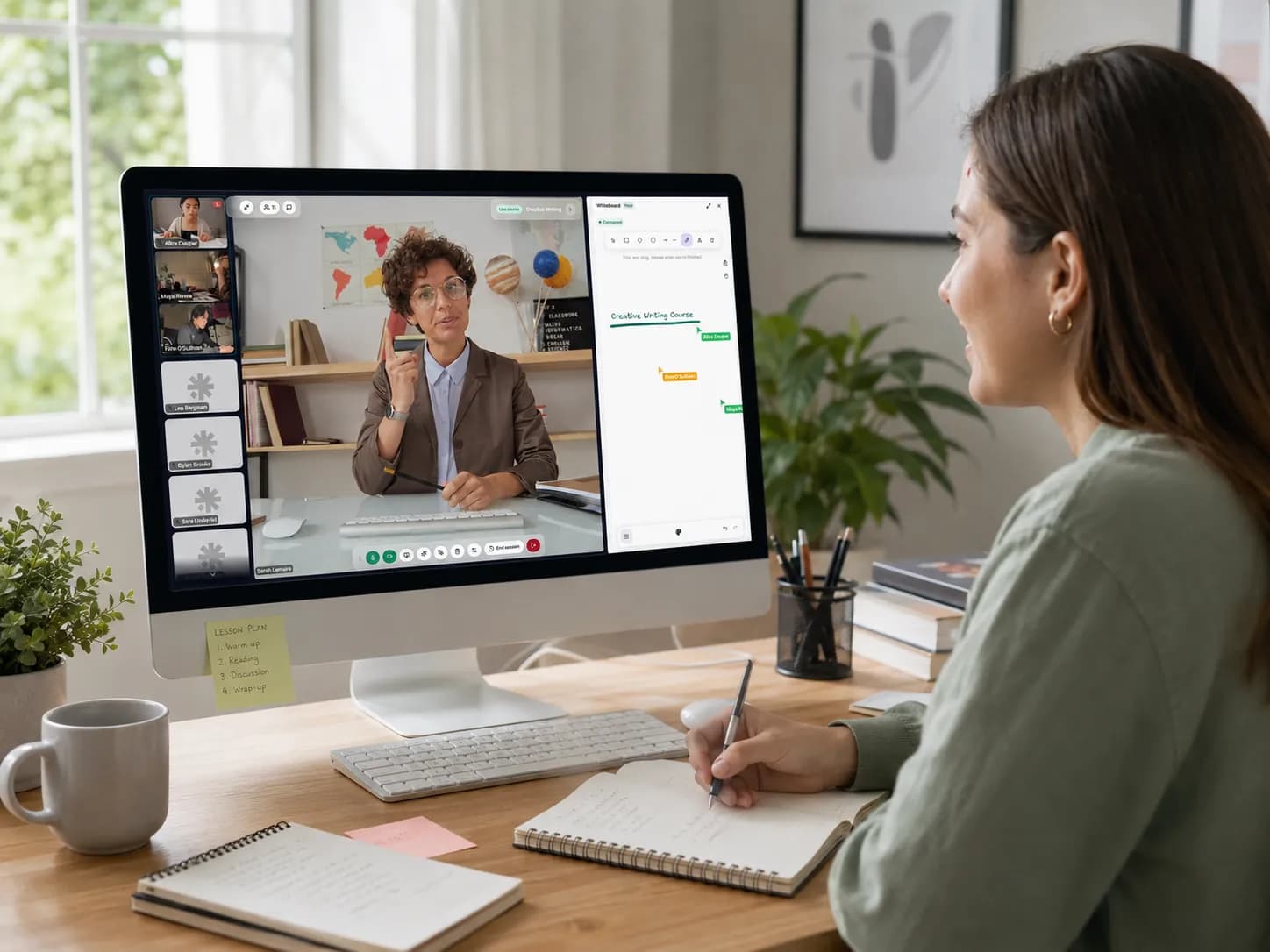
Teamlilit is our product, and in Teamlilit the classroom is part of the subscription, not a second one. Your classroom is included: teach with video, whiteboard and screen sharing inside Teamlilit, in the browser, with no separate video subscription. Lessons run up to 2 hours on Solo (one-to-one), up to 3 hours on Pro (groups of up to 25, counting you) and up to 4 hours on Academy (up to 100).
Because you teach inside Teamlilit, Teamlilit knows what happened. Attendance records itself while you teach: each student is stamped when they join and when they leave, and you can still correct it afterwards. At the end of the month you pick a student and a period, and the invoice lines come from the lessons that student attended.
Teamlilit is not a general video-conferencing tool: the classroom is built for lessons and connected to your schedule, your students and their attendance. For a staff meeting, keep your meeting app. For a broader comparison, see virtual classrooms and Zoom for online tutoring and our Zoom alternative for tutoring page.
Frequently asked questions
Does the Zoom 40-minute limit apply to one-to-one meetings?
Yes. On 21 November 2026, Zoom's help page says meetings hosted by a Basic (free) user are limited to 40 minutes, whether the host has one participant or many. Only a host alone in the meeting is not limited.
How long can a Zoom meeting last on a paid plan?
Up to 30 hours on the Pro, Business and Enterprise plans, according to Zoom's pricing page. The licence that counts is the host's: a Basic user on a company's paid account still has the 40-minute limit, so the person who starts the lesson needs the paid licence.
How do you get around the Zoom 40 minute limit?
The honest ways are to buy a paid licence for the host, to use Basic Plus where Zoom offers it (four extended meetings of up to 80 minutes each), to keep lessons under 40 minutes, or to teach in a tool without the limit. Some people end the meeting and start a new one; for a paid lesson that breaks the lesson in two, and we do not recommend it.
Does the Zoom time limit depend on the host or on the participants?
On the host. Zoom's help page describes the limit for meetings hosted by a Basic user. If the person who hosts has a Pro, Business or Enterprise licence, Zoom's pricing page gives meetings of up to 30 hours.
Is the free Zoom plan enough for online tutoring?
For lessons of 40 minutes or less, it can be: the free plan allows up to 100 participants per meeting. Paid tutoring lessons are usually 45 minutes or an hour, which is longer than a free meeting can run, so tutors who teach full hours on Zoom need a paid licence or another classroom.
Sources
- 1Zoom Support: meeting time limit for Basic users · ZoomMeetings hosted by a Basic (free) user are limited to 40 minutes, one-to-one and group; a host alone is not limited; a Basic user on a paid account keeps the limit. Read on 21 November 2026.
- 2Zoom pricing · ZoomPro, Business and Enterprise meetings up to 30 hours; the free plan allows up to 100 participants per meeting.
- 3Zoom Support: Basic Plus · ZoomBasic Plus with four extended meetings of up to 80 minutes each; availability may depend on country.
- 4Google Meet Help: meeting length and participant limits · GoogleFree personal account, on a computer: one-to-one up to 24 hours; 3 or more participants up to 60 minutes.
- 5Microsoft Teams (free) and Microsoft 365 meeting limits · MicrosoftTeams (free) for personal use: meetings up to 60 minutes and up to 100 participants.
- 6Facts about Teamlilit · TeamlilitThe included classroom, lesson length and room size per plan, attendance, invoices, plans and the trial.
About Teamlilit
Teamlilit is software for independent tutors and small teaching businesses: scheduling, a lesson room with video, whiteboard and screen sharing, student records and invoices in one place. It does not find students and does not take payments. Plans start at 19 euros a month, and every new account starts with a 14-day trial, no card needed.