On a free personal Google account, the Google Meet time limit depends on how many people are in the call. A one-to-one call can last up to 24 hours; a meeting with three or more people stops at 60 minutes. For a tutor, that means one-to-one lessons are fine, and the limit arrives the day a second student or a parent joins.
What is the Google Meet time limit?
On 21 November 2026, Google's Meet help page gives these limits for a free personal Google account, on a computer:
- Two people (one-to-one): up to 24 hours.
- Three or more people: up to 60 minutes. Everyone in the call is notified at 50 minutes, and the meeting ends at 60.
- Participants: up to 100.
The count includes you, the organiser. Google's page states these limits for meetings on a computer, so if you or your student join from a phone or a tablet, check the same page for that device before you rely on them.
| Google account | One-to-one call | 3 or more people | Attendance report |
|---|---|---|---|
| Free personal account (computer) | Up to 24 hours | Up to 60 minutes | No |
| Paid Google Workspace plans | Up to 24 hours | Up to 24 hours | Some editions only |
Does the 60-minute limit affect a one-to-one tutoring lesson?
No. A tutor and one student are two people, so the call can run for up to 24 hours. A 60 or 90-minute one-to-one lesson on free Meet is not cut.
The limit arrives when a third person is in the call:
- A second student, in a pair lesson, a sibling lesson or a small group.
- A parent who joins to watch a first lesson or to talk about progress.
- A colleague, such as a second tutor or a trainee who observes.
So a one-hour pair lesson on free Meet ends exactly at the hour, with no time for the last question, and a 90-minute group session ends with 30 minutes to go. If a parent wants a word at the end of a one-to-one lesson, a separate short call keeps the lesson itself one-to-one. For group lessons, the notice at 50 minutes is your cue to set the homework.
How to get longer Google Meet calls
There are three honest ways to deal with the 60-minute limit.
1. A paid Google Workspace plan
Paid Google Workspace plans allow meetings of up to 24 hours. They include the Business editions (Starter, Standard and Plus), the Enterprise and Education editions, Essentials, and Workspace Individual for one person. Google compares them on its Meet features page; prices depend on the plan and the country, so we do not repeat them here. One thing to check before you choose: attendance tracking is not included in every paid edition (more on that below).
2. Keep group lessons under 60 minutes
A 50-minute group lesson fits on free Meet. Plan it to end at the notice, not at the cut, so the summary and the homework are not lost.
3. Teach group lessons somewhere else
The other free meeting apps do not solve it. On 21 November 2026, Zoom's help page says meetings hosted by a free Basic user are limited to 40 minutes, one-to-one included (see our guide to the Zoom 40-minute limit). Microsoft lists meetings of up to 60 minutes on Teams (free) for personal use.
| Free plan | Time limit | Participants |
|---|---|---|
| Google Meet, free personal account (computer) | 24 hours one-to-one; 60 minutes for 3 or more people | Up to 100 |
| Zoom Basic | 40 minutes, one-to-one included | Up to 100 |
| Microsoft Teams (free), personal use | Meetings up to 60 minutes | Up to 100 |
The remaining option is a classroom with longer lessons built into the software you use to run your tutoring, which is where this article ends.
What else does a tutor miss on free Google Meet?
The time limit is the visible problem. Two others show up at the end of the month.
Attendance tracking
Google's attendance tracking sends the organiser a Google Sheets report after the meeting, with each person's name, email, time joined, time exited and duration. On 21 November 2026 it is available on Business Plus, the Enterprise editions, Essentials, Education Plus and the Teaching and Learning Upgrade. It is not on Business Starter, Business Standard, Education Fundamentals or Education Standard, and not on a free personal account. On free Meet you write down who came and for how long yourself. Our guide to attendance reports in Zoom, Google Meet and Teams walks through each tool.
A whiteboard
Google's own whiteboard, Jamboard, has ended: since 1 October 2024, Jams can no longer be created or edited, and the Jamboard device reached its end of life that day. Google pointed users to FigJam, Lucidspark and Miro, third-party whiteboards that can be launched inside a Meet call. Each is a separate product from another company, with its own plans.
For maths and science: Teamlilit is our product, and it has a free online whiteboard with equations with LaTeX and a maths keyboard, function plotting, chemistry, grid paper and PNG or SVG download, with no account. It is not a live, shared board, though: the student sees it live only in the Teamlilit lesson room. Our guide to the Zoom whiteboard for teaching compares the options for maths.
The 60-minute limit is the moment you outgrow a meeting app
A one-to-one lesson on free Meet works, and if that is all you teach, it may be all you need. The limit shows up when the business grows: a pair of siblings, a small exam group, a parent at the first lesson. A paid plan buys a longer meeting. It is still a meeting: it does not know who your students are, whether they came, or what to invoice.
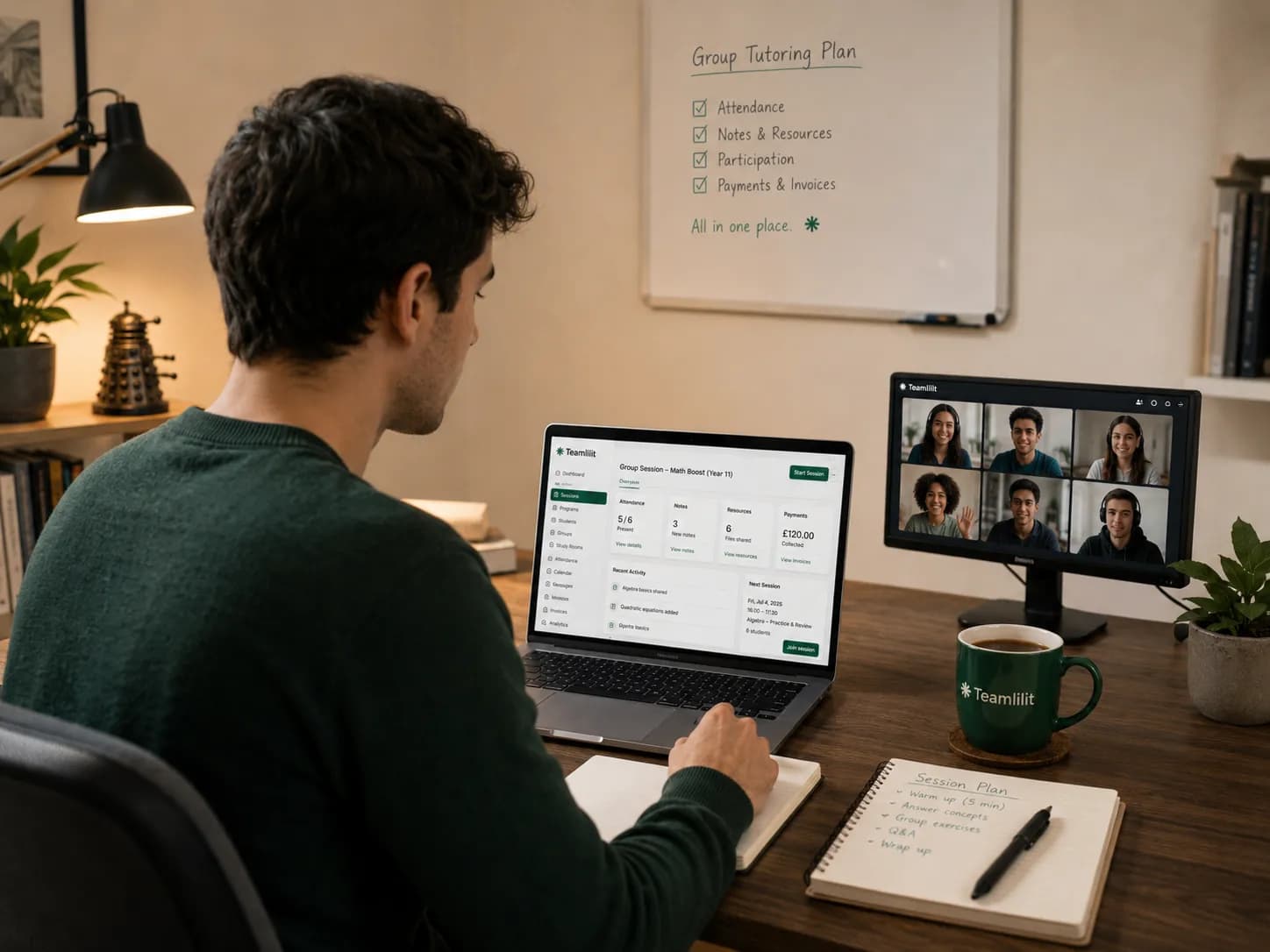
Teamlilit is our product, and it takes the other route. Your classroom is included: teach with video, whiteboard and screen sharing inside Teamlilit, in the browser, with no separate video subscription. Lessons run up to 2 hours on Solo (one-to-one, a room of two counting you), up to 3 hours on Pro (groups of up to 25) and up to 4 hours on Academy (up to 100). The board has equation, graph and chemistry tools, and attendance is part of the lesson.
Because you teach inside Teamlilit, Teamlilit knows what happened. Each student is stamped when they join and when they leave, and the history stays on their profile.
Teamlilit is not a general video-conferencing tool, and it does not take payments: families pay you directly and you record it. If you only teach one-to-one and are happy keeping attendance by hand, free Meet will do. When a second student joins, compare the two in our guide to virtual classrooms and Zoom for tutoring, or see the Teamlilit classroom.
Frequently asked questions
What is the Google Meet time limit on a free account?
With a free personal Google account, on a computer, a one-to-one call can last up to 24 hours and a meeting with 3 or more participants can last up to 60 minutes. Everyone in the call is notified at 50 minutes, and the meeting ends at 60. Up to 100 people can join.
Does Google Meet cut a one-to-one lesson at 60 minutes?
No. On a free personal account, a call between two people can last up to 24 hours on a computer, so a one-to-one lesson of an hour or more is not cut. The 60-minute limit applies as soon as there are three people in the call, for example a second student or a parent.
How do I get longer Google Meet calls?
Paid Google Workspace plans, including Workspace Individual for one person, allow meetings of up to 24 hours. Check the plans and prices on Google's own pages for your country. The other way is to teach group lessons in a classroom that has no 60-minute limit, such as one included in your tutoring software.
Can I take attendance in Google Meet for free?
Not with Google's own feature. Meet attendance tracking is available on some paid editions only (Business Plus, Enterprise editions, Essentials, Education Plus and the Teaching and Learning Upgrade), and not on a free personal account. On a free account you note who came, and for how long, yourself.
Does Google Meet have a whiteboard?
Not one of its own any more. Since 1 October 2024, Jams can no longer be created or edited in Jamboard. Google pointed users to FigJam, Lucidspark and Miro, third-party whiteboards that can be launched inside a Meet call.
Sources
- 1Google Meet Help: meeting length and participant limits · GoogleFree personal account, on a computer: one-to-one up to 24 hours; 3 or more participants up to 60 minutes, with a notice at 50 minutes; up to 100 participants. Read on 21 November 2026.
- 2Compare Meet features across Google Workspace editions · Google WorkspacePaid Google Workspace editions and Workspace Individual allow meetings up to 24 hours.
- 3Google Meet Help: attendance tracking · GoogleEditions that include attendance tracking, the Google Sheets report sent to the organizer, and the 2-attendee minimum.
- 4Jamboard Help: end of Jamboard · GoogleSince 1 October 2024 Jams can no longer be created or edited, and the Jamboard device reached end of life.
- 5The next phase of digital whiteboarding · Google Workspace blogFigJam, Lucidspark and Miro as whiteboards that can be launched in a Meet call.
- 6Zoom Support: meeting time limit for Basic users · ZoomMeetings hosted by a Basic (free) user are limited to 40 minutes, one-to-one included.
- 7Zoom pricing · ZoomThe free plan allows up to 100 participants per meeting.
- 8Microsoft Teams (free) and Microsoft 365 meeting limits · MicrosoftTeams (free) for personal use: meetings up to 60 minutes and up to 100 participants.
- 9Facts about Teamlilit · TeamlilitThe included classroom, lesson length and room size per plan, attendance, invoices, plans and the trial.
About Teamlilit
Teamlilit is software for independent tutors and small teaching businesses: scheduling, a lesson room with video, whiteboard and screen sharing, student records and invoices in one place. It does not find students and does not take payments. Plans start at 19 euros a month, and every new account starts with a 14-day trial, no card needed.