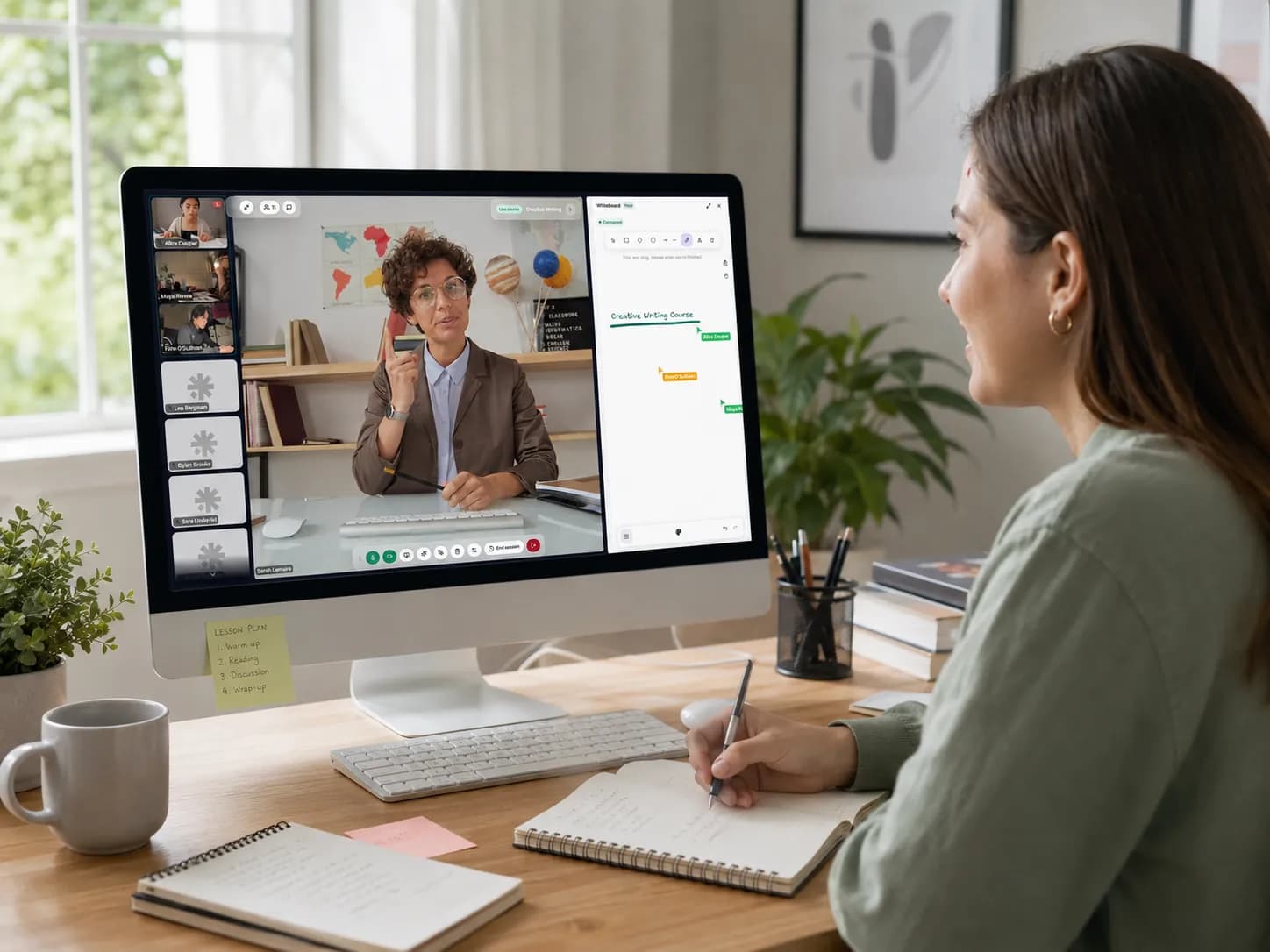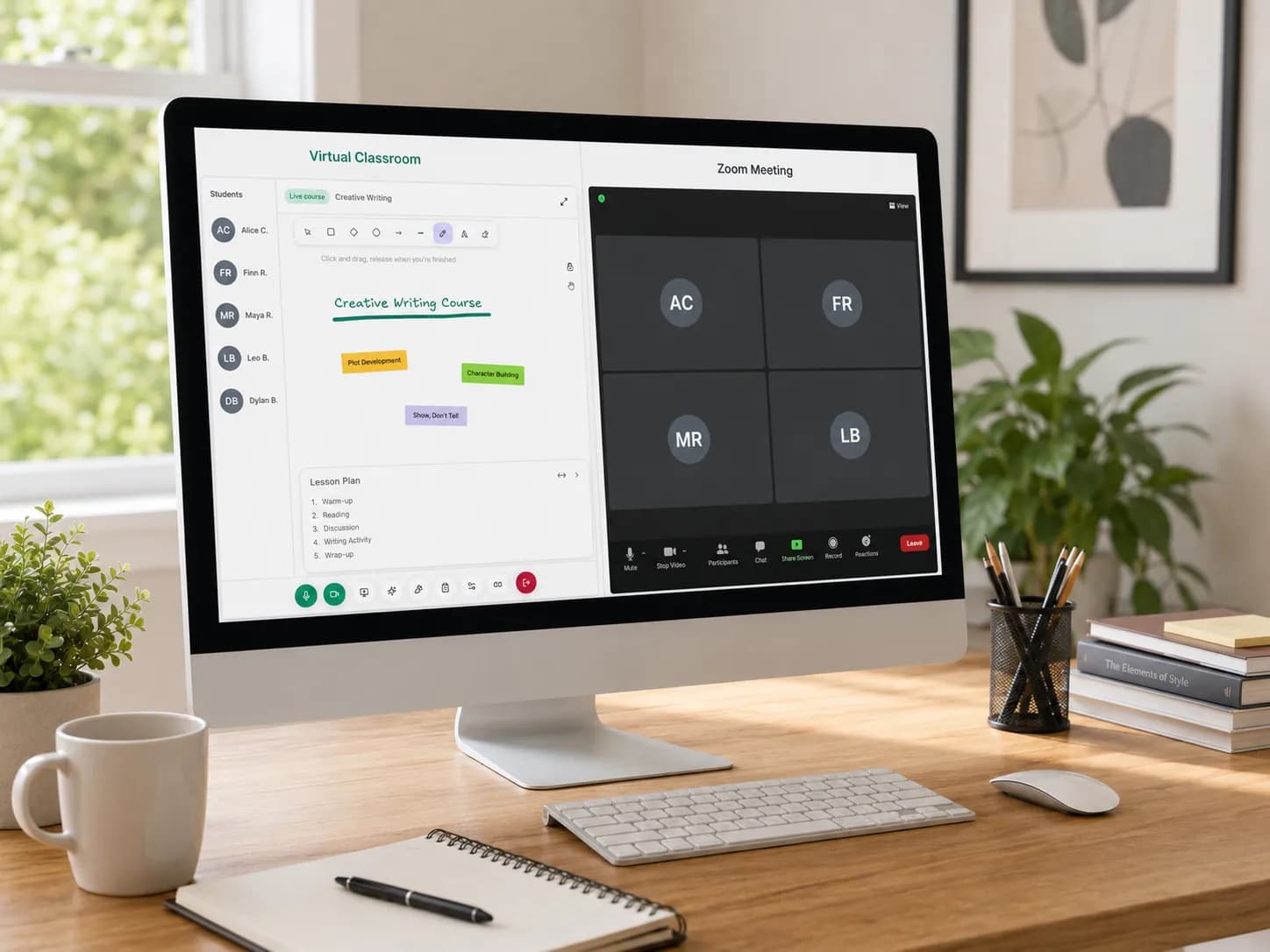
Zoom Whiteboard is Zoom's own digital board, and it is included on the free Basic plan with 3 editable whiteboards. You can open it during a meeting, give a student edit access so they can draw, and come back to the board later. For a maths tutor, the gap is notation: we found no equation editor and no graphing tool described in Zoom's help pages.
How to get the whiteboard on Zoom
On 21 November 2026, Zoom's pricing page lists Zoom Whiteboard on the free Basic plan, with 3 editable whiteboards; paid plans have more. Nothing extra to buy for a first try.
There are two versions, which is why tutorials do not always match what you see:
- The new Zoom Whiteboard, which opens by default.
- The classic whiteboard, the older one, which still exists in your settings.
This guide describes the new Zoom Whiteboard. Zoom's help pages, listed in the sources below, show the exact buttons for your version of the app.
How to use Zoom Whiteboard in a lesson
A short Zoom whiteboard tutorial for a one-to-one or small-group lesson:
- Start the lesson as host and open Whiteboard during the meeting.
- Give your student edit access. Participants can be given edit access and then draw and write on the board during the meeting. Do it in the first minute, before you need it.
- Let the student do the working. Ask them to write the next line; you annotate with a second colour.
- Use the Shape tool for diagrams. It includes basic shapes, callouts, flowchart symbols, UML symbols and equation-style shapes.
- Keep the board. It is one of your editable whiteboards, so you can open it again next lesson. On Basic you have 3.
A few habits help, whichever board you use. Write the date and the topic at the top. Use a pen tablet or a touch screen if you can: handwriting with a mouse is slow for both of you. And prepare your examples before the lesson, so you are not drawing axes while the student waits.
What are the limits of Zoom Whiteboard for maths tutoring?
Zoom Whiteboard is a general collaboration board: its shapes include flowchart and UML symbols as well as equation-style shapes. For a maths or science tutor, four things matter.
| What a tutor needs | Zoom Whiteboard, from Zoom's help pages (21 November 2026) |
|---|---|
| Draw and write together | Yes: participants can be given edit access during a meeting |
| Shapes and diagrams | Yes: basic shapes, callouts, flowchart and UML symbols, equation-style shapes |
| Typed equations (LaTeX) | We found no equation editor described |
| Plotting a function | We found no graphing tool described |
| Boards on the free plan | 3 editable whiteboards on Basic; more on paid plans |
| Where the board lives | In Zoom, apart from your records of the student |
Three boards on Basic
If you keep one board per student, three students use up the free allowance. After that you reuse boards, or upgrade.
Notation by hand
Fractions, powers, roots and integrals have to be written by hand or built from shapes. That is fine for a quick sketch and slow for a page of algebra. A clean, typed equation is also easier for a student to read back a week later.
No graphing
Plotting y = 2x + 1, a parabola or a sine curve means drawing it by eye. For a lesson on functions, gradients or transformations, an accurate graph is the lesson.
The board lives in Zoom
The board is kept in Zoom, not with the student's lesson history. Next term, what you covered with one student in October is in Zoom, while their attendance, notes and invoices are somewhere else. On the free plan, the meeting itself also stops at 40 minutes: see our guide to the Zoom 40-minute limit.
A free online whiteboard with equations and graphs
Teamlilit is our product, and it has a free online whiteboard built for maths and science. It needs no account. It has:
- Equations, typed with LaTeX or with a maths keyboard.
- Function plotting, so the graph is drawn accurately, not by eye.
- Chemistry tools for science lessons.
- Grid paper for working and geometry.
- Download as PNG or SVG, to send after the lesson or to print.
Be clear about what it is not: it is not a live, shared board. What you draw stays on your screen. If your meeting tool lets you share your screen, the student can watch you write, but they cannot write on it themselves. A student sees the same board live only in the Teamlilit lesson room. It is best for preparing worked examples, or for making a clean diagram to send after a lesson. Our guide on how to teach maths online covers the rest of the setup.
In Teamlilit, the board belongs to the lesson
A whiteboard in a meeting tool belongs to the meeting. When the meeting ends, the board sits in your Zoom account, apart from everything else you know about the student.
In the Teamlilit classroom the same board, with its equation, graph and chemistry tools, is shared live with your student, and it is saved with the lesson. Your classroom is included: teach with video, whiteboard and screen sharing inside Teamlilit, in the browser, with no separate video subscription. Students who join from a one-time link follow the whiteboard straight away; to draw, they create an account from inside the lesson and you invite them on stage.
Because you teach inside Teamlilit, Teamlilit knows what happened. Each student is stamped when they join and when they leave, so the lesson, its board and its attendance sit together. Lessons run up to 2 hours on Solo (one-to-one), 3 on Pro and 4 on Academy.
Teamlilit is not a general video-conferencing tool; the classroom is built for teaching and connected to your schedule and your students. For the full picture, see the Teamlilit classroom, or compare virtual classrooms and Zoom for tutoring.
Frequently asked questions
Is Zoom Whiteboard free?
Yes, with a limit. On 21 November 2026, Zoom's pricing page lists Zoom Whiteboard on the free Basic plan with 3 editable whiteboards. Paid plans include more.
Can students draw on the Zoom whiteboard?
Yes. During a meeting, the host can give participants edit access to the whiteboard, and they can then draw and write on it. Give your student access at the start of the lesson, so they do the working and you annotate it.
Can you write equations on Zoom Whiteboard?
You can write them by hand, and the Shape tool includes equation-style shapes alongside basic shapes, callouts, flowchart and UML symbols. We found no equation editor (LaTeX) and no graphing tool described in Zoom's help pages on 21 November 2026.
Why does my Zoom whiteboard look different from a tutorial?
Zoom has two versions. The new Zoom Whiteboard opens by default, and the older classic whiteboard still exists in the settings. Tutorials made with one version will not match the other.
Is there a free online whiteboard with equations and graphs?
Yes. The Teamlilit online whiteboard is free and needs no account. It has equations with LaTeX and a maths keyboard, function plotting, chemistry, grid paper, and PNG or SVG download. It is not a shared board: a student sees it live only in a Teamlilit lesson room. Teamlilit is our product.
Sources
- 1Zoom pricing · ZoomZoom Whiteboard on the free Basic plan with 3 editable whiteboards; more on paid plans. Read on 21 November 2026.
- 2Zoom Support: Zoom Whiteboard (KB0059671) · ZoomOne of the Zoom Whiteboard help pages read for edit access in meetings, the Shape tool, and the new and classic whiteboards.
- 3Zoom Support: Zoom Whiteboard (KB0058148) · ZoomOne of the Zoom Whiteboard help pages read for edit access in meetings, the Shape tool, and the new and classic whiteboards.
- 4Zoom Support: Zoom Whiteboard (KB0061925) · ZoomOne of the Zoom Whiteboard help pages read for edit access in meetings, the Shape tool, and the new and classic whiteboards.
- 5Zoom Support: Zoom Whiteboard (KB0068305) · ZoomOne of the Zoom Whiteboard help pages read for edit access in meetings, the Shape tool, and the new and classic whiteboards. We found no equation editor or graphing tool described in these pages.
- 6Zoom Support: meeting time limit for Basic users · ZoomMeetings hosted by a Basic (free) user are limited to 40 minutes.
- 7Facts about Teamlilit · TeamlilitThe included classroom and whiteboard tools, lesson length per plan, attendance, plans and the trial.
About Teamlilit
Teamlilit is software for independent tutors and small teaching businesses: scheduling, a lesson room with video, whiteboard and screen sharing, student records and invoices in one place. It does not find students and does not take payments. Plans start at 19 euros a month, and every new account starts with a 14-day trial, no card needed.